Installing Side Air Covers
Figure 47: Removing the Existing Fastening Screws
Save the removed screws for later use.
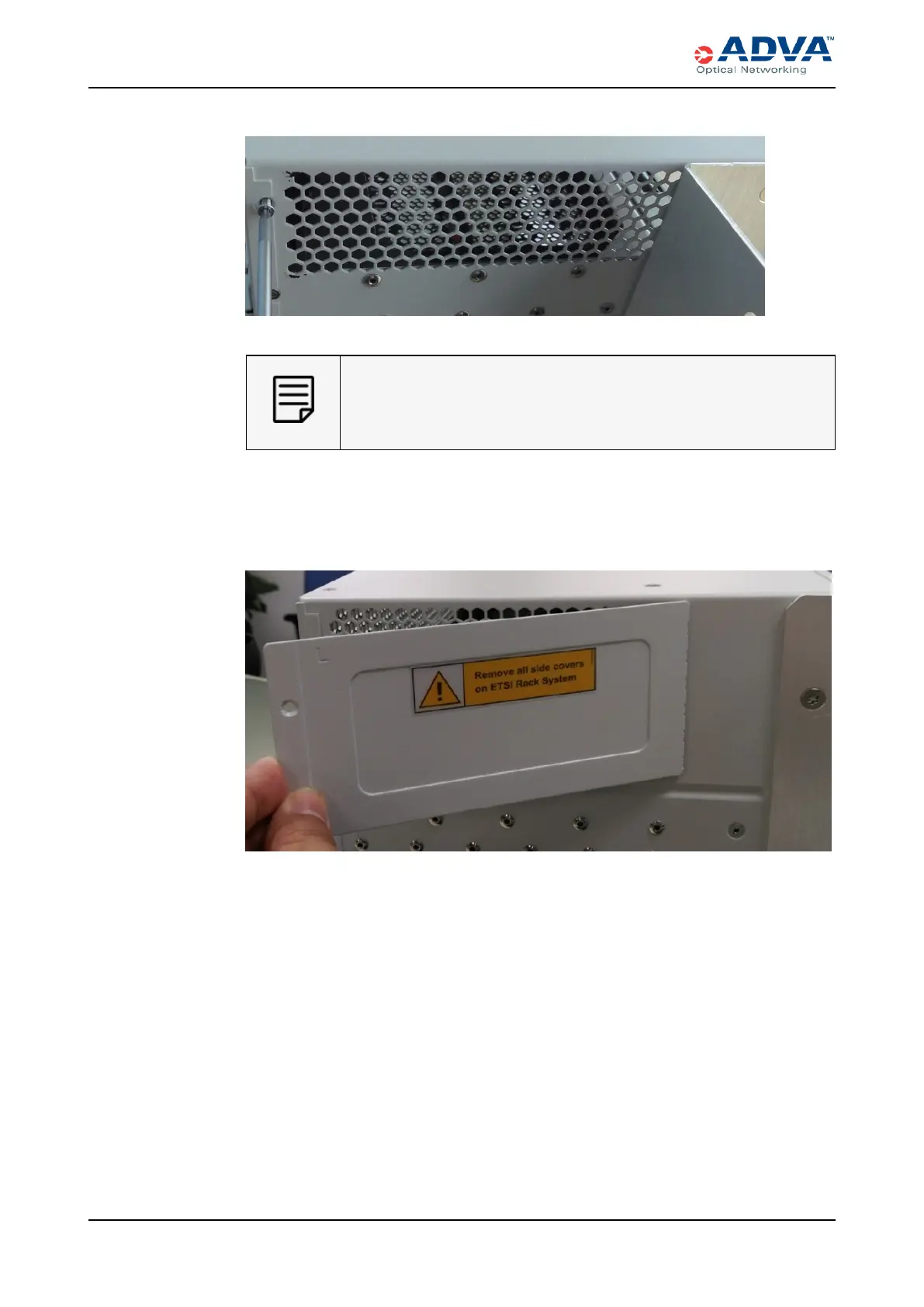
3. Take the appropriate side air cover (left or right) and insert the fastening claws into
the corresponding air outlets (holes).
Figure 48: Inserting the Fastening Claws of the Cover into the Air Outlets
4. Move the other end of the cover towards the shelf’s side panel so that the threaded
hole and the hole in the cover line up.
5. Use the Torx T10 screwdriver and the supplied mounting screws to attach the side
air cover to the shelf side panel.
192 FSP3000 C Hardware Guide - R1.1 - Issue:A (12/09/2016)



 To Next Page