Installing the SH4RFront Cover
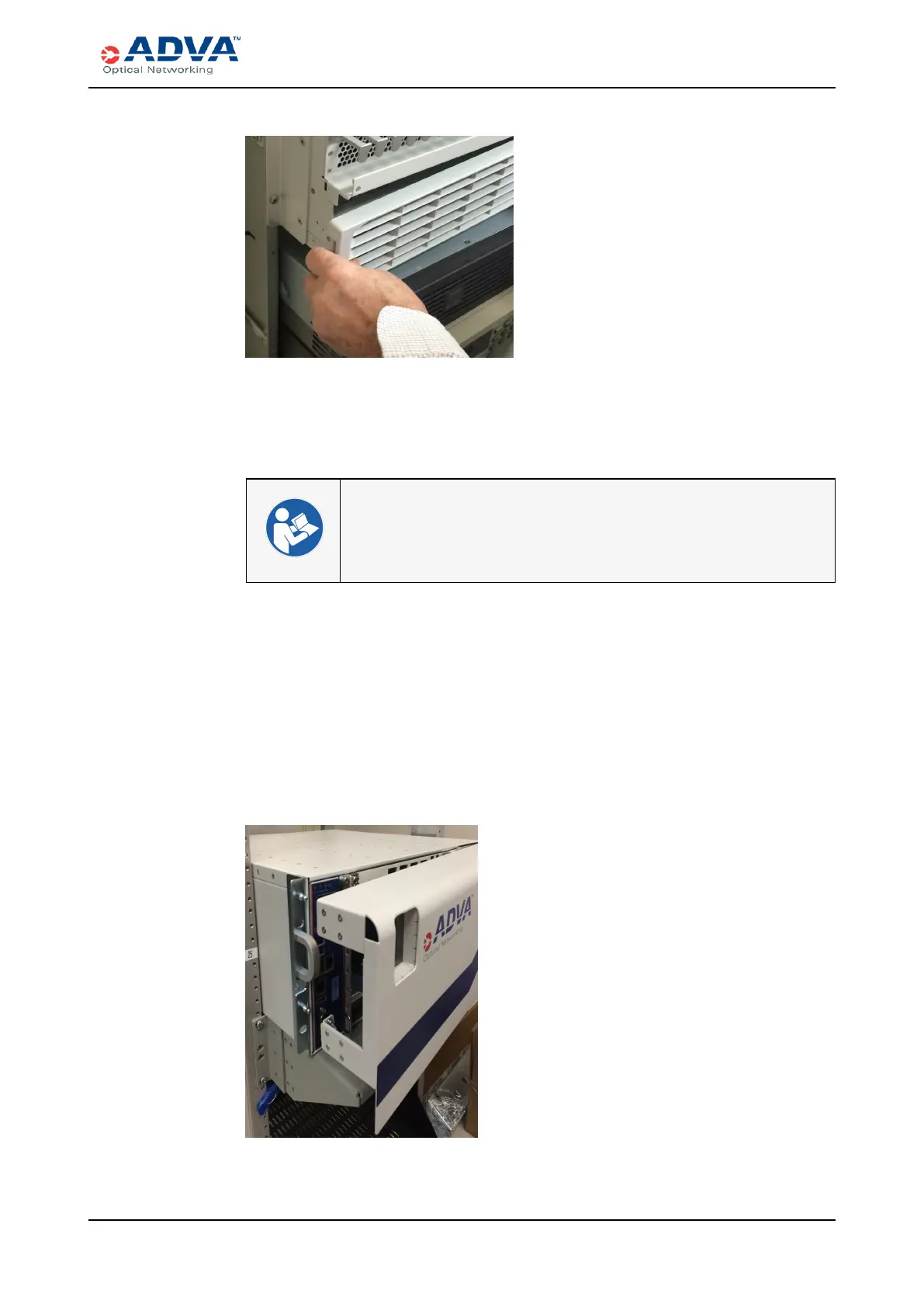
Figure 88: Positioning the Lower Front Cover
3. Swing the left side of the lower front cover into place.
4. Press the cover inward until the latch snaps into place. Be careful not to pinch any
power cables.
l Electrostatic Discharge Damage Prevention and Warning
l Cooling and Airflow
l Shelf Front Covers
Installing the SH4RFront Cover
1. Verify that you are properly grounded with an anti-static wrist strap or heel strap
connected to the grounded ESD jack.
2. Align the four posts on the shelf with the four holes in the front cover tabs and press.
All four posts should click into place. Be careful not to pinch any fibers.
Figure 89: Positioning the Front Cover
FSP3000 C Hardware Guide - R1.1 - Issue:A (12/09/2016) 303



 To Next Page