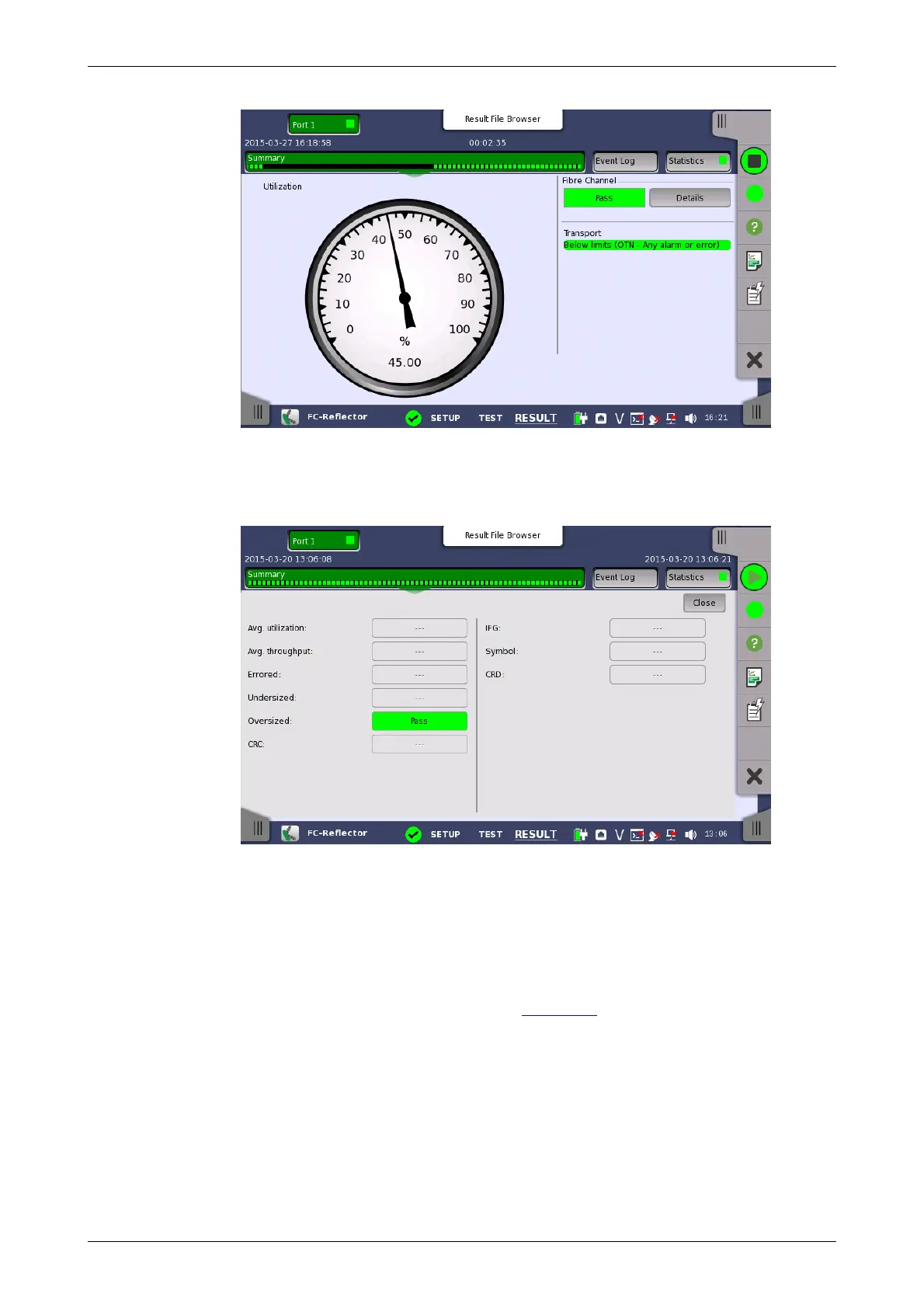
When Fibre Channel is selected on 'Threshold' of the Test Setup screen,
the Fibre Channel information appears in the upper right-hand corner,
shows pass/fail status summary. Touching the Details button allows you to
inspect the individual pass/fail status.
Transport
Displays the results of Transport test. This result appears if 'Transport' check
box is selected in the Test Setup screen.
9.3.3.2 Event Log
Touching the Event Log button in the navigation area displays the screen
providing the event log data. Refer to Event Log of SDH/SONET/PDH/DSn
BERT application.
9.3.3.3 Statistics
Touching the Statistics button in the navigation area displays the screen
shown below.














 To Next Page