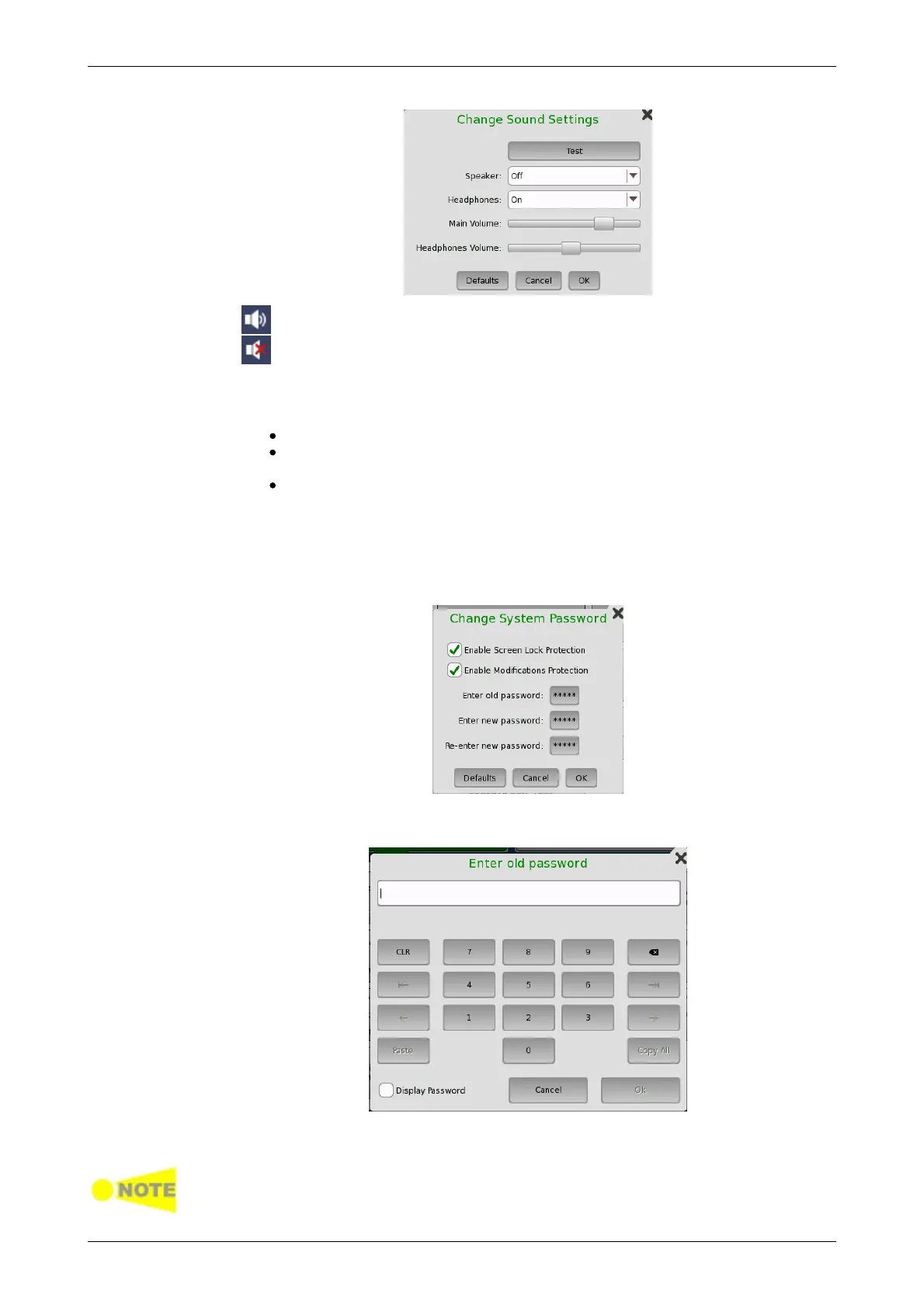
This icon indicates that the speaker is On.
This icon indicates that the speaker is Off.
Auto Save
Allows you to specify saving method of the measurement results.
Prompt: Confirms saving results or not after a test.
On: Saves results to the file automatically without notification every time
a test ends.
None: Does not save results. The results data are discarded if you do
not save the data manually.
System Password
Allows you to enable/disable password protection and to specify a new
password. When the password protection is enabled, starting applications
and editing applications are protected.
To change/set the password, select the one or more check boxes and then
touch the password buttons. A numeric keypad is displayed.
To see the numbers as you type them on the keypad, select the Display
Password check box.
The password is set to 0614 as factory default.














 To Next Page