The Report Generator will remember previous used setup parameters. The first
page is common for all applications while setup parameters on subsequent
pages are remembered on a per application basis.
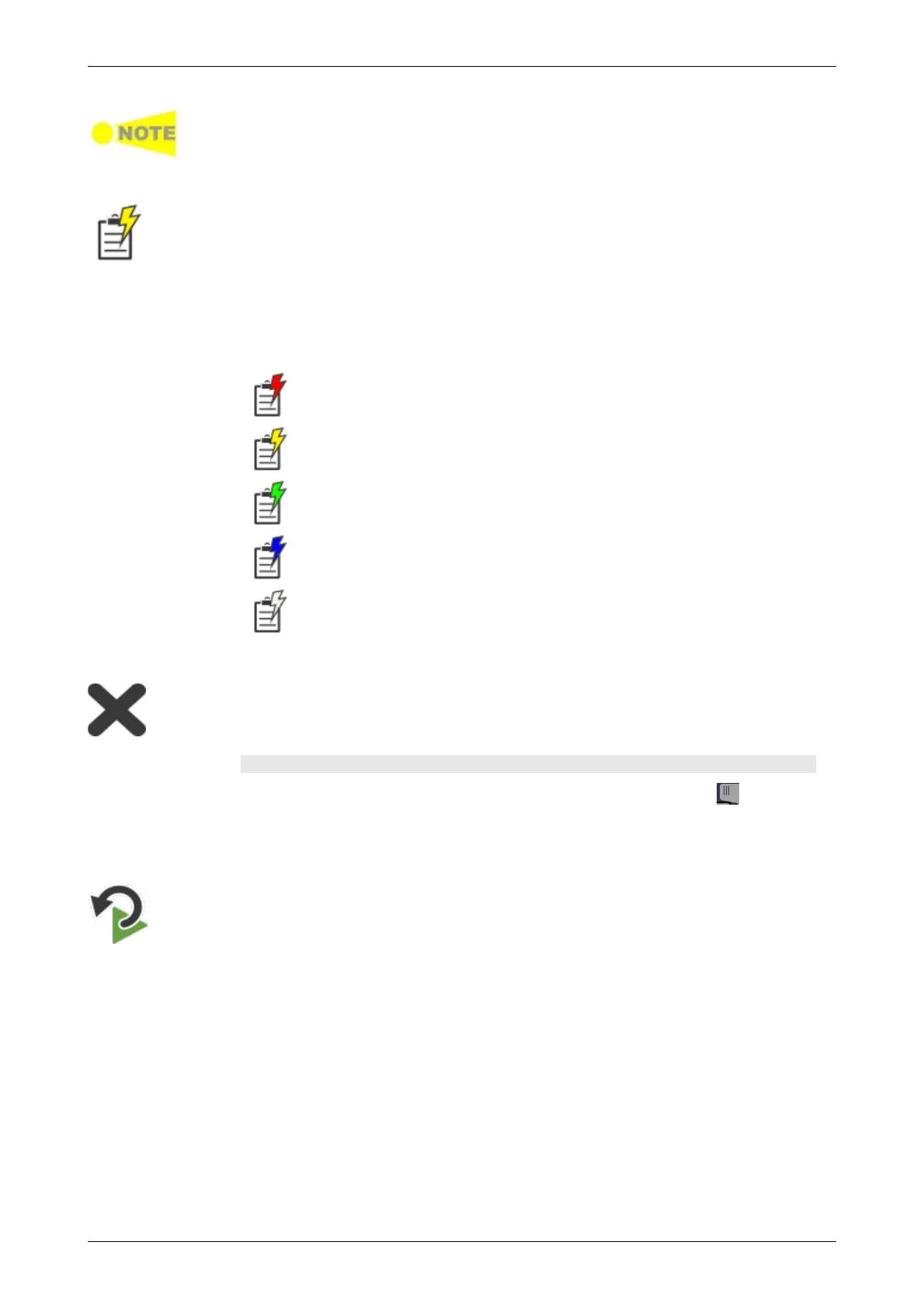
Alarm/Error Insert
Touch this icon to activate the stimulus specified in the stimuli setup available in
the expanded Application toolbar. Only relevant if the stimulus has been set to
manual insertion. The stimuli function is used to generate special or abnormal
conditions during a test.
The color of the icon is coded according to the current level of stimuli
inserted. The different levels are prioritized so that higher levels of stimuli
overrule lower levels. The overall highest stimuli level (see the list below) for
all ports included in the application is reflected.
Red: Alarms are currently being generated.
(highest level)
Yellow: Errors are currently being generated.
Green: No alarms/error are automatically inserted.
Active stimuli require manual insertion by touching the Alarm/Error
Insert icon.
Blue: Frequency, Pointer, or Payload offset stimulus is currently applied.
(lowest level)
White: All stimulus is disabled.
Close
Touch this icon to close the application.
Expanded Application toolbar
The Application toolbar is expanded/collapsed by touching the tab
placed above the left-most column. The column displayed in the expanded
toolbar contains the following functions:
Restart Testing
Touch this icon to restart the current test.














 To Next Page