Configuring the ECN330-switch
1951553-KDU 137 365 Uen D 2006-06-16
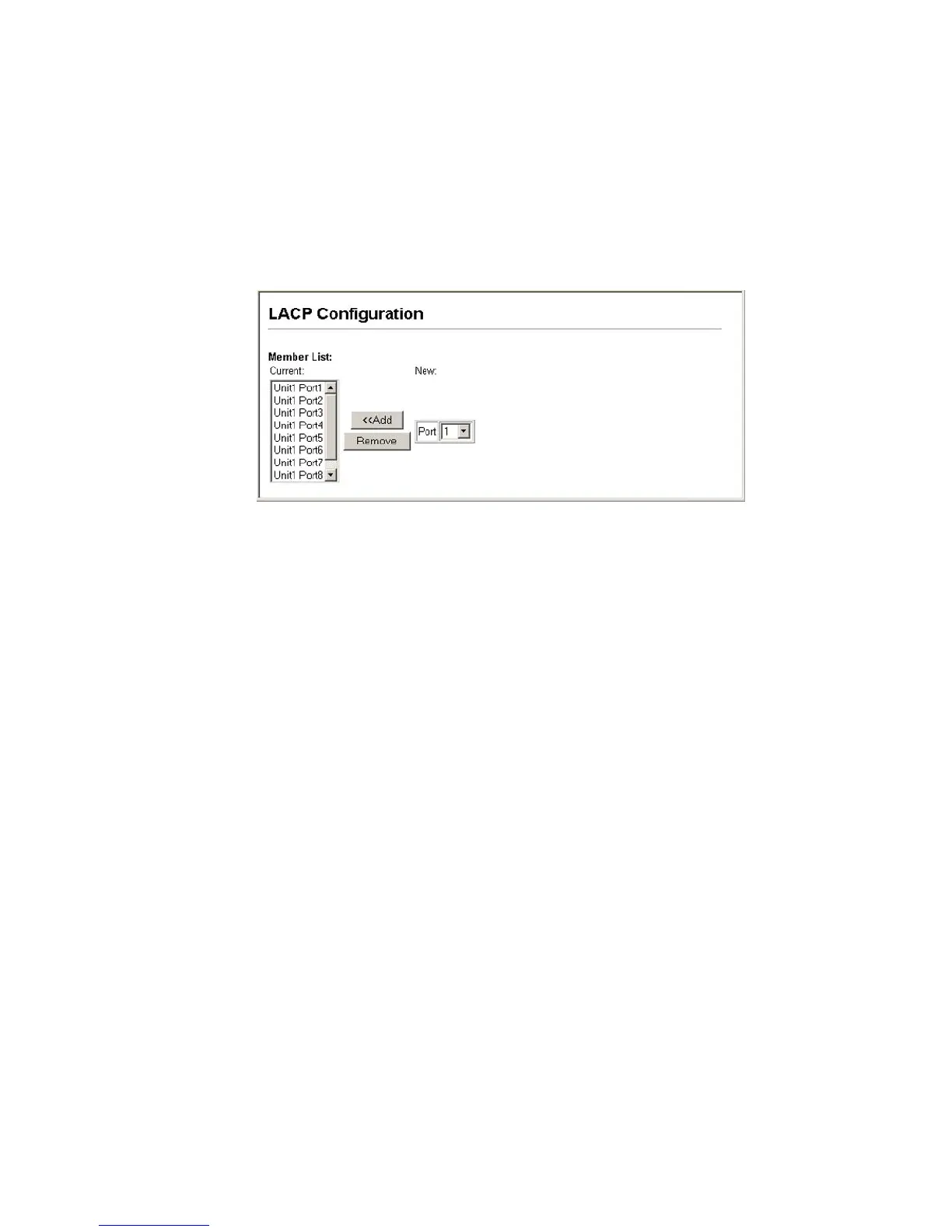
Web – Click Port, LACP, Configuration. Select any of the ECN330-switch ports
from the scroll-down port list and click Add. After completing adding ports to the
member list, click Apply.
Figure 73 LACP Trunk Configuration



 To Next Page