1038 Matrix ETERNITY NE System Manual
• Click Reminders.
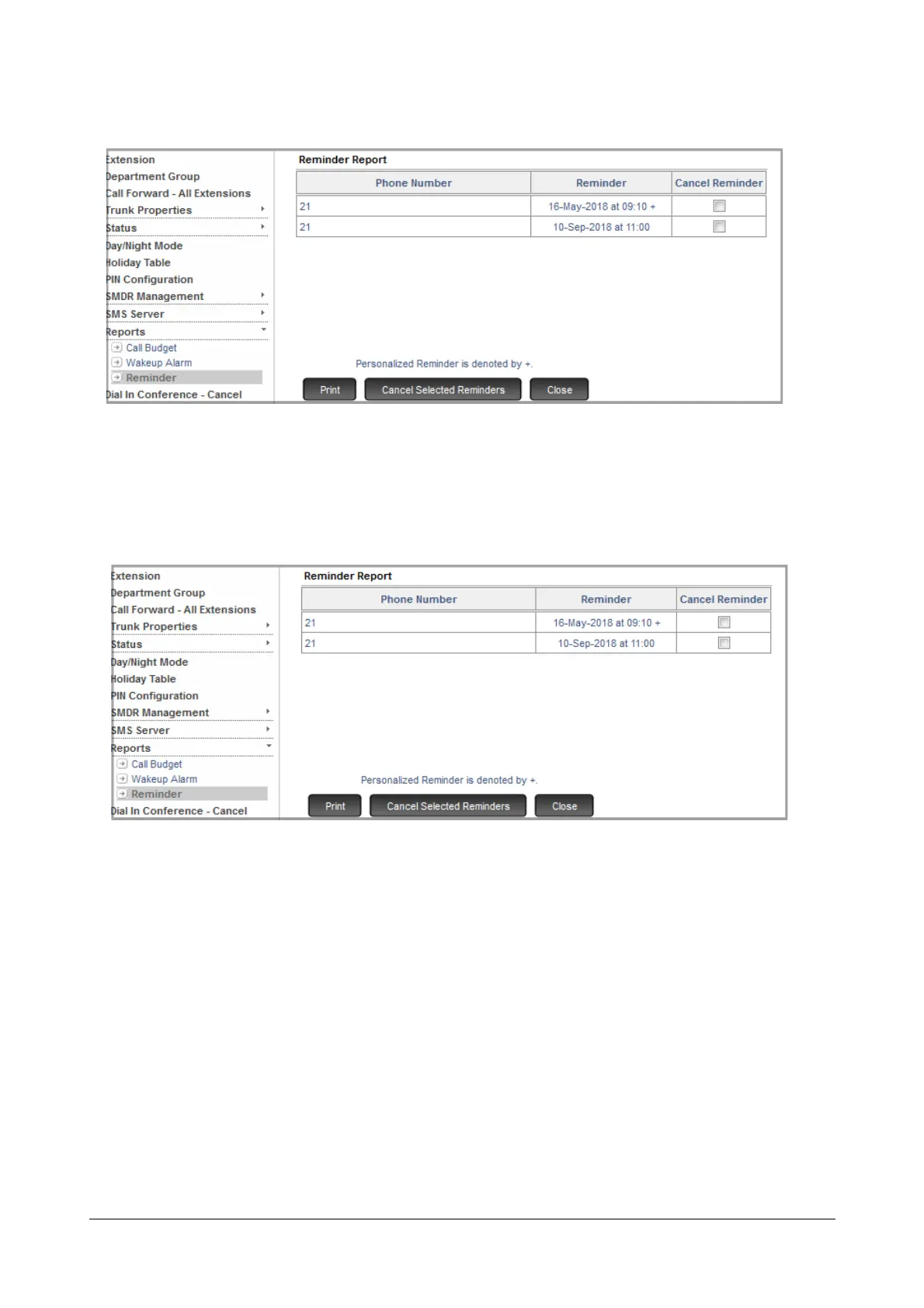
The unserved Reminders appear on the page.
• To cancel any of the unserved Reminders,
• Select the Cancel Reminder check box of the extension number for which you want to cancel the
reminder.
• click Cancel Selected Reminders at the bottom of the page.
• To print this page, click Print.
• Click Close to exit the page.
• Click Logout to exit SA mode.
To print Reminder reports from an extension of SARVAM UCS,
• Pick up the handset.
•Dial 1072-917.
• Replace Handset.



 To Next Page