104 Matrix ETERNITY NE System Manual
Region
The System can be operated anywhere in the world. It provides “Default Settings” to match country/region-specific
requirements of users around the world.
The Default Settings are factory-set values for system and feature configuration.The system is designed to work
efficiently in any country with these default settings.
Default Settings also speed up the process of system configuration, as these are sufficient for getting the system
into operation.
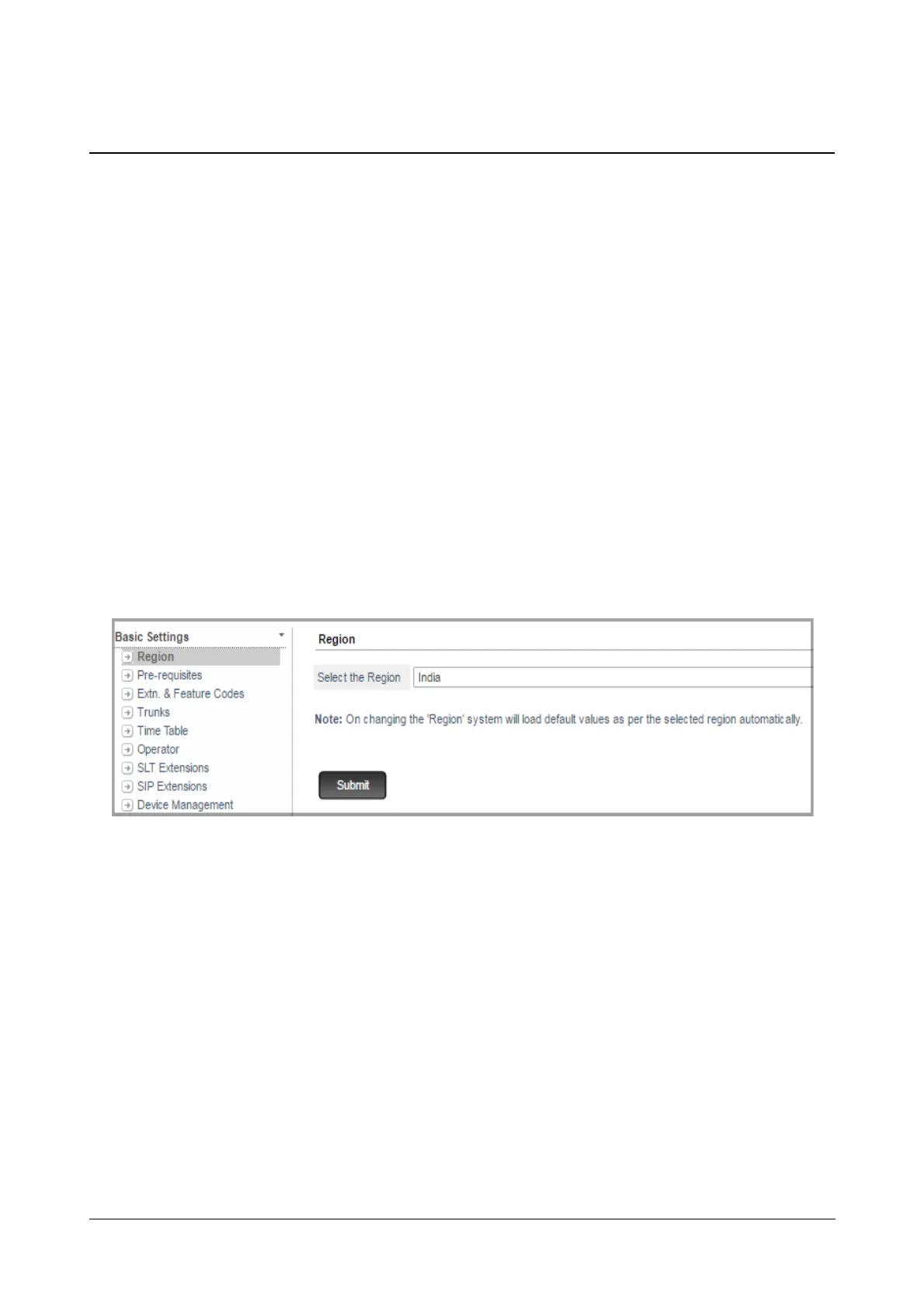
To load the country-specific Default Settings, you must select Region (the country/region) in which the system is
installed. Certain countries like United States of America, Canada, Australia are divided into various regions due to
different Date and Time and DST convention followed by that region. When you change the region within same
country, only the DST and the Date and Time Settings will be changed as per the selected region. Other country-
specific parameters will remain unchanged.
India is selected as the default Region. So, if you are installing the System in a country other than India, change the
Region.
To configure,
• Click Region.
• Select the Region (the country) where the system is installed from the list.
• Click Submit.



 To Next Page