Matrix ETERNITY NE System Manual 1237
CHAPTER 11
Maintenance
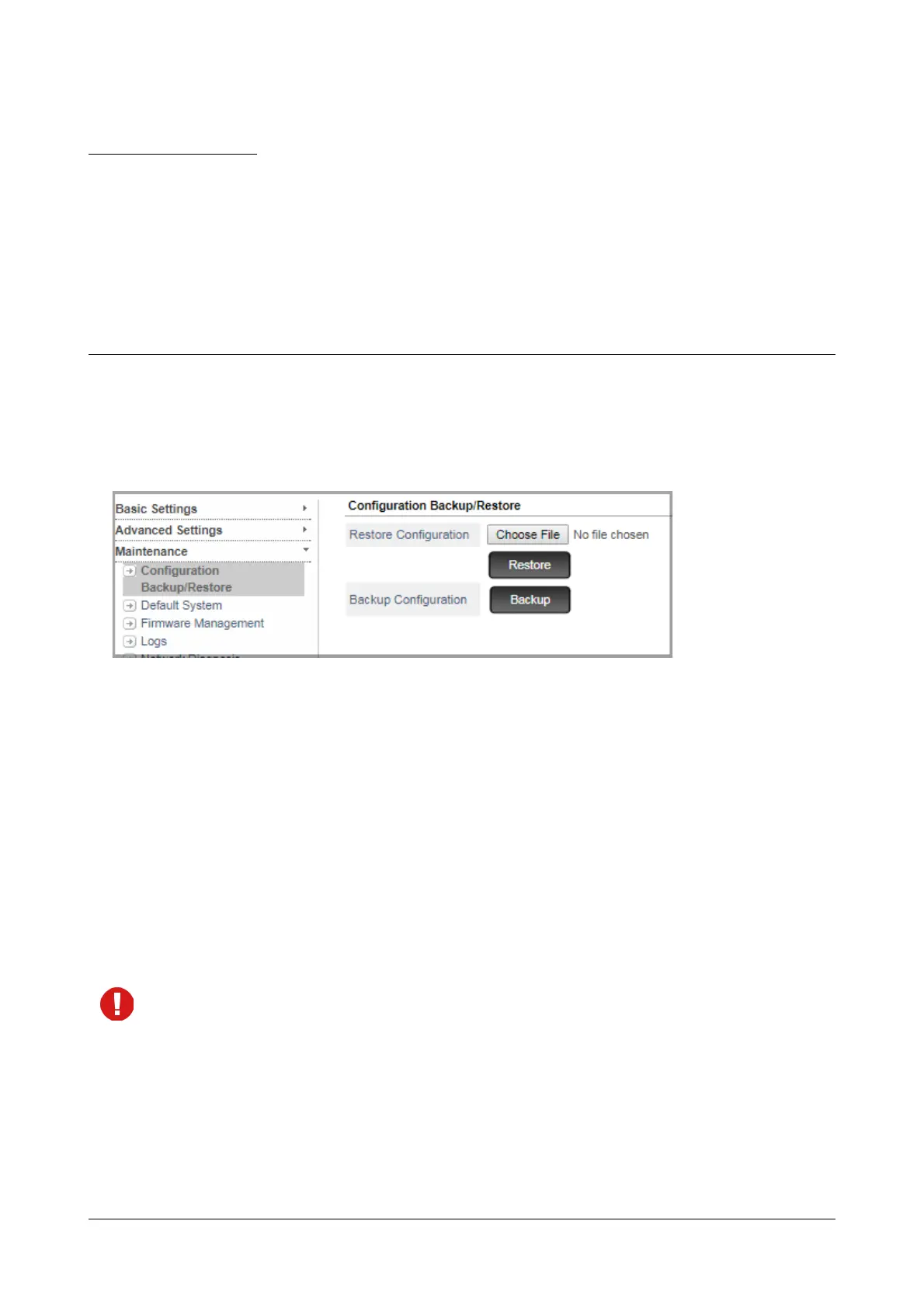
Configuration Backup/Restore
SARVAM UCS provides you the facility to Backup the configuration files from the system to the hard drive and
Restore the configuration files from the hard drive to the system at the click of a button.
Restore Configuration
• To restore configuration files from any hard drive to the system, Restore Configuration option is
provided.
• Click on the Browse button to reach the location on the local disk where the configuration files are stored
in PC. Make sure that the file is a zip file.
• After selecting the required configuration zip file from PC, click on the Restore button.
The system initiates the restoring of configuration zip file in flash storage. After successfully restoring and
validating the file, the system restarts with the new configuration.
If you select a file other than zip file, an error message is displayed when you click on the Restore button.



 To Next Page