Matrix ETERNITY NE System Manual 1273
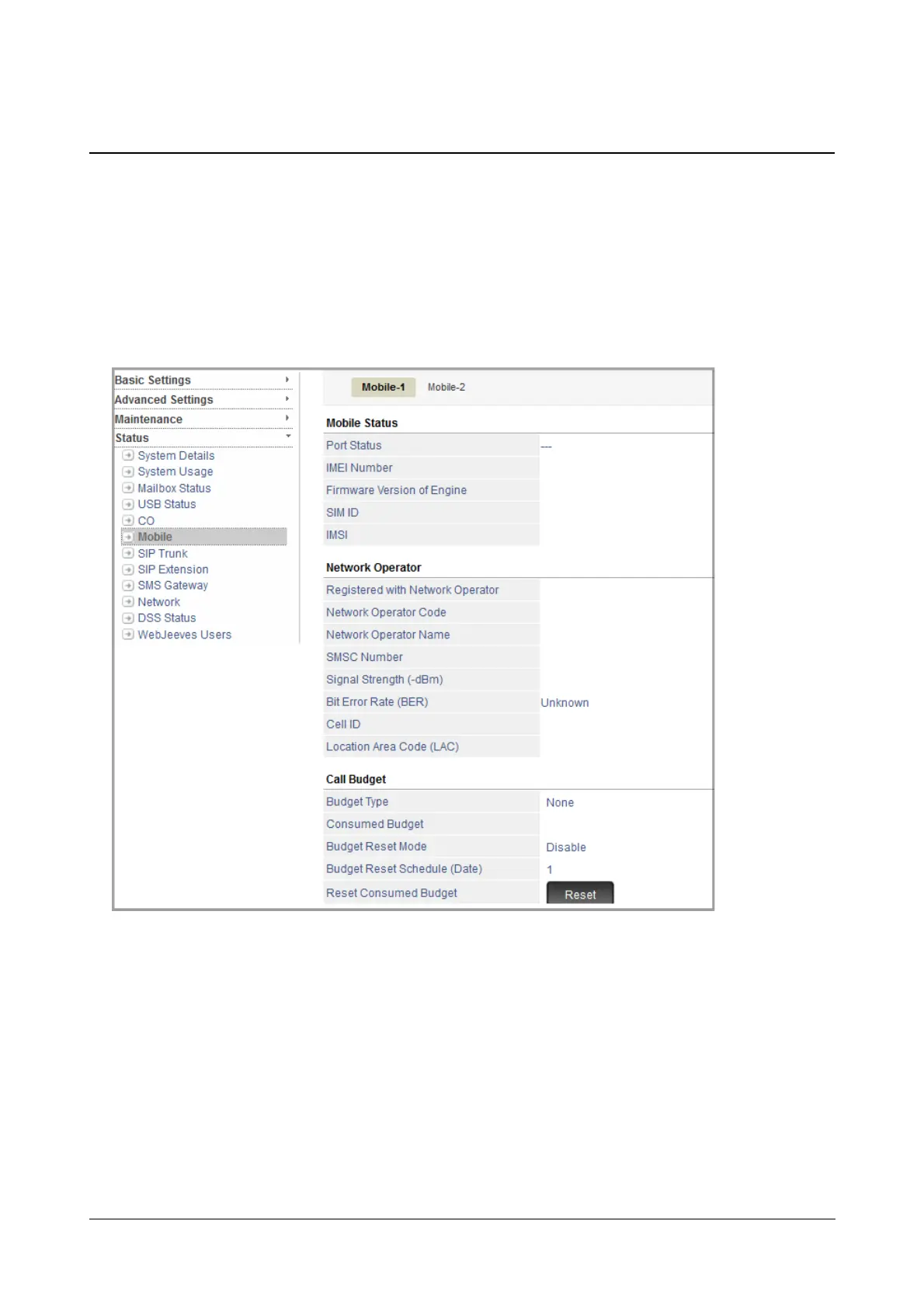
Mobile Status
The Mobile Status Page displays the status of the Mobile trunks connected to the system. It also displays various
details related to the Mobile trunks.
To view Mobile Port Status,
• Login as System Engineer.
• Under Status, click Mobile.
For each Mobile Trunk, the following details will be displayed:
Mobile Status
• Port Status: This is the status of the connection - showing Initialization with the Network, Registering
with the Network, Idle or Busy state of the network. It also shows errors and alerts when SIM is absent,
the wrong SIM PIN has been entered, SIM PUK is required.
• IMEI Number: This is the unique identification number of each Mobile port.
• Firmware Version of Engine: This shows the firmware version of the Mobile Engine.



 To Next Page