Matrix ETERNITY NE System Manual 109
Trunks
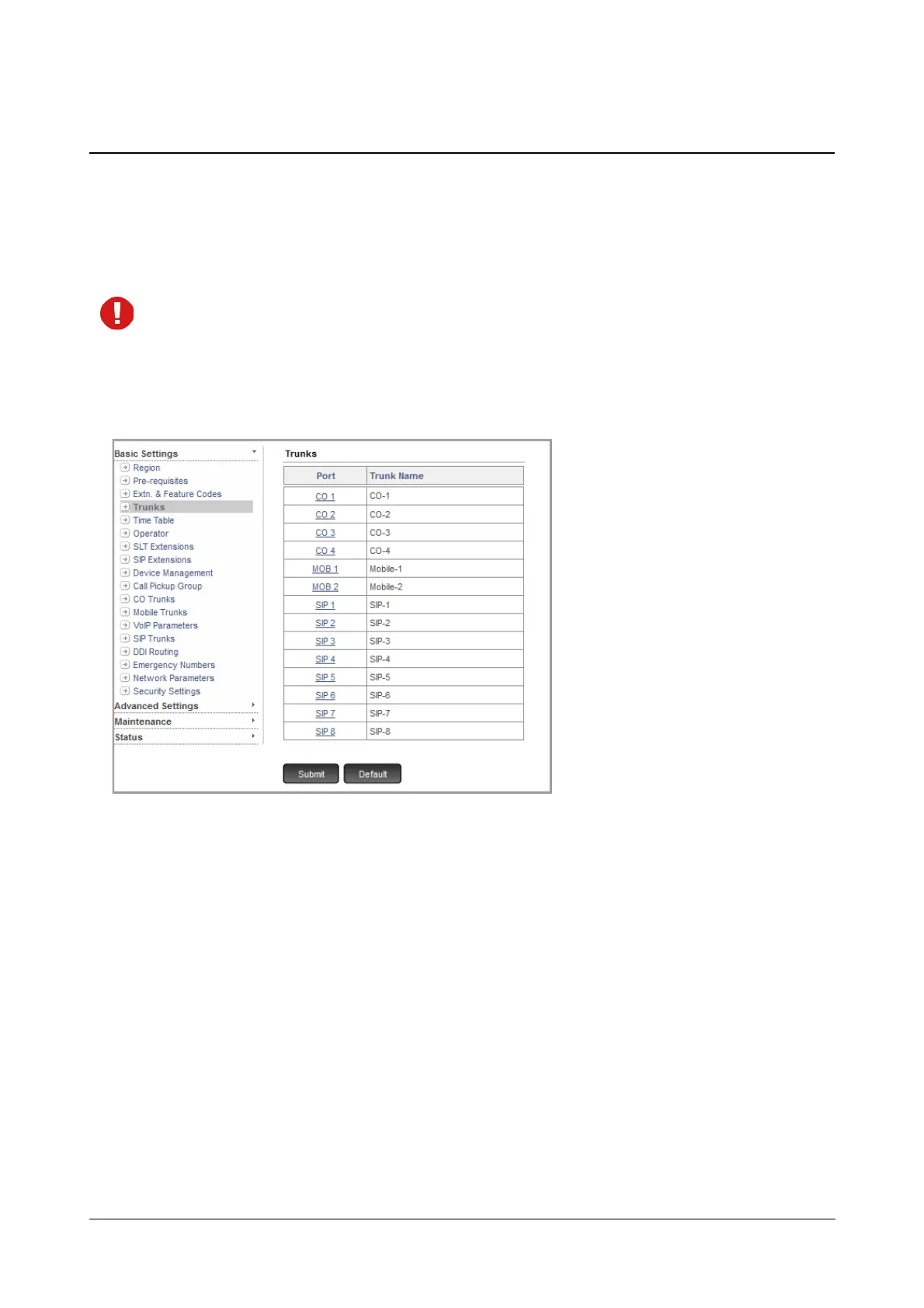
You can assign names to trunk ports for easy identification of the trunks. On this page, trunk ports appear with their
default names and port numbers, in ascending order of the port number.
The default trunk name consist of the trunk type (CO, MOBILE, SIP) and port number. For example, the name of
the Two-wire Trunk connected to port number 1 is displayed as CO 1.
The Wizard will display only those Trunk port types available in the system and the number of Trunk ports
you have defined for each trunk port type earlier on the Pre-requisites page.
To configure,
• Click Trunks.
• You may assign names to each trunk port type for easy identification. The name can be derived from the
name of the Service Provider.
The name may consist of a maximum of 18 alphanumeric characters.
• Configure the desired trunk by clicking the respective link on this page. For instructions, see “CO Trunks”,
“Mobile Trunks”, “SIP Trunks”.
• Click Submit.



 To Next Page