316 Matrix ETERNITY NE System Manual
VoIP Parameters
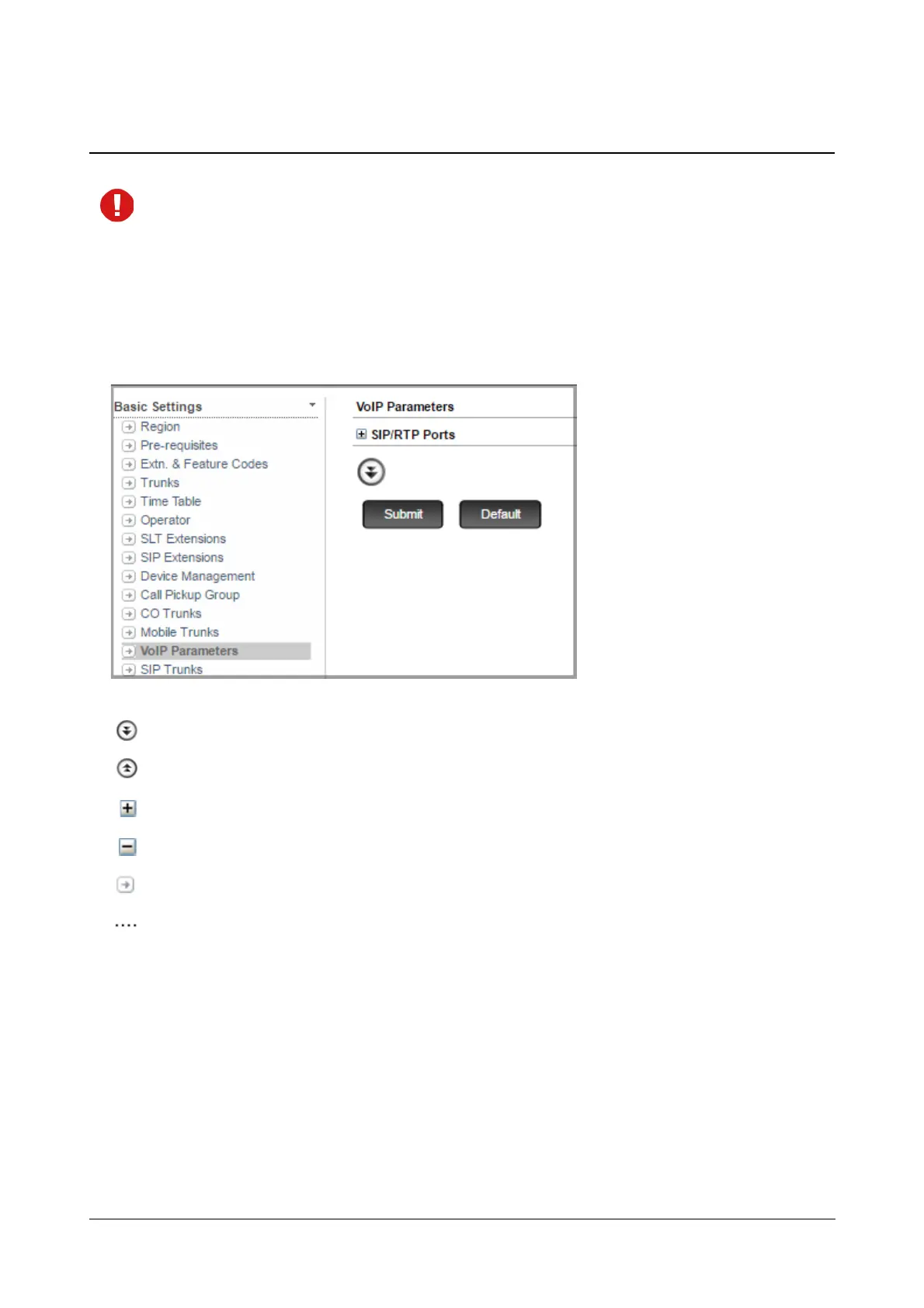
You will reach this page if you have set 'Is VoIP used?’ to ‘Yes’ on the “Pre-requisites” page.
To configure,
• Click VoIP Parameters.
On this page,
More: Click this button to view all parameter links on the page.
Less: Click this button to view only the essential parameter links on the page.
Expand: Click to expand a link to display all parameters under the link.
Collapse: Click to collapse a link. Hides all parameters under the link.
Settings: Click to configure the settings of a parameter further.
More link: Click to view all additional parameters on the page.
To save the settings, click Submit.
To assign default values to all the parameters of the VoIP Port, click Default.



 To Next Page