530 Matrix ETERNITY NE System Manual
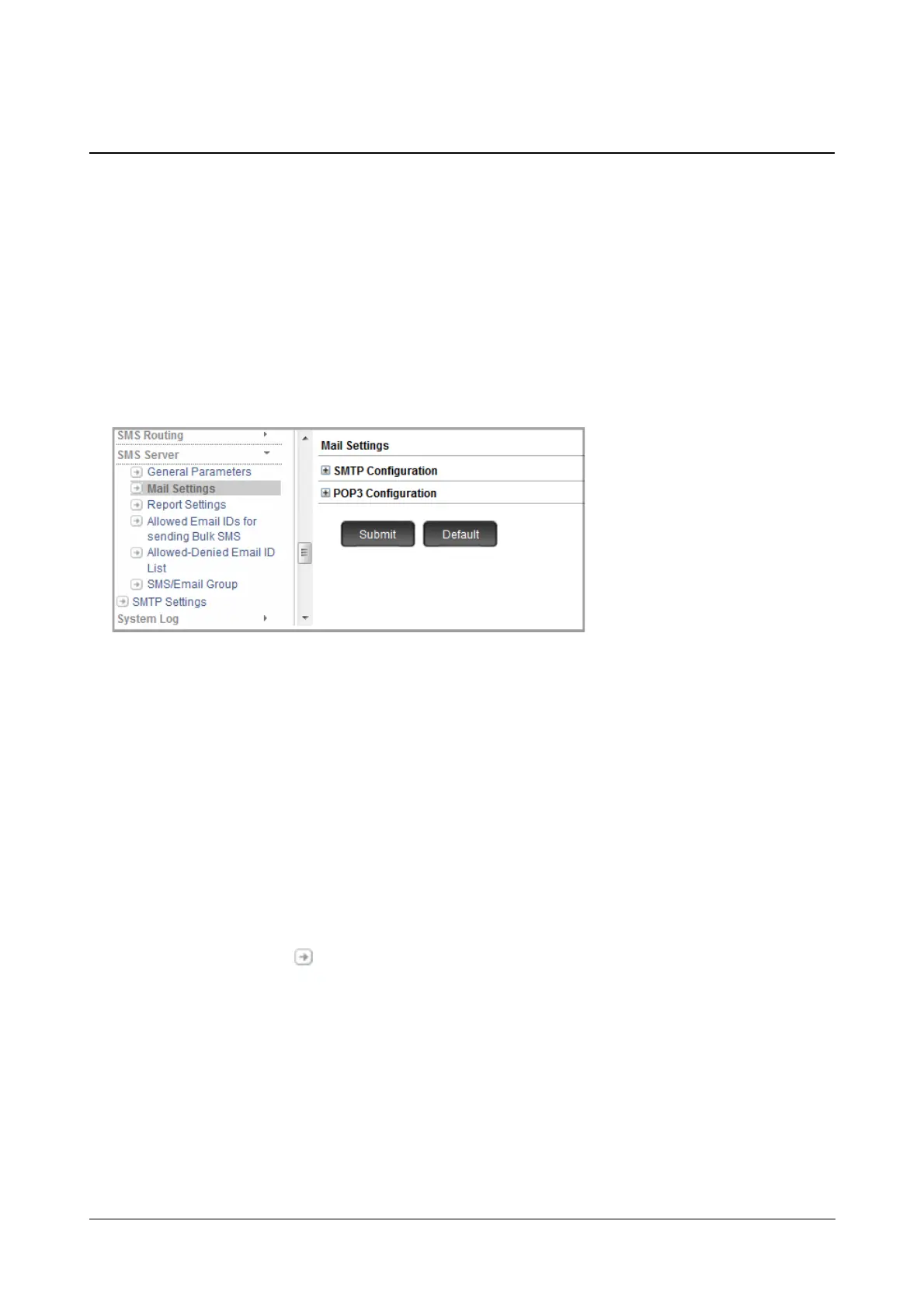
SMS Server - Mail Settings
The Server functions as an SMTP Client to send emails and as a POP3 Client to receive emails. The SMS Server
will be able to send/receive emails only after you have configured the relevant SMTP and POP3 parameters in the
SMS Server.
How to configure
• Login as System Engineer.
• Under Advanced Settings, click SMS Server.
• Click Mail Settings.
SMTP Configuration
Contact your Network Administrator for the following information and configure the parameters as per the
configurations done in the Email Server to register the SMS Server as an SMTP Client.
• Click SMTP Configuration to expand.
•In Use SMTP Account select the account you want the SMS Server application to use.
• You may add a new SMTP Account. To do so,
• Select Add New option for Use SMTP Account.
• Click Settings to configure the parameters of the New SMTP Account you created. For more
information, see “SMTP Settings”.
• Click Submit.



 To Next Page