Matrix ETERNITY NE System Manual 1129
System Parameters
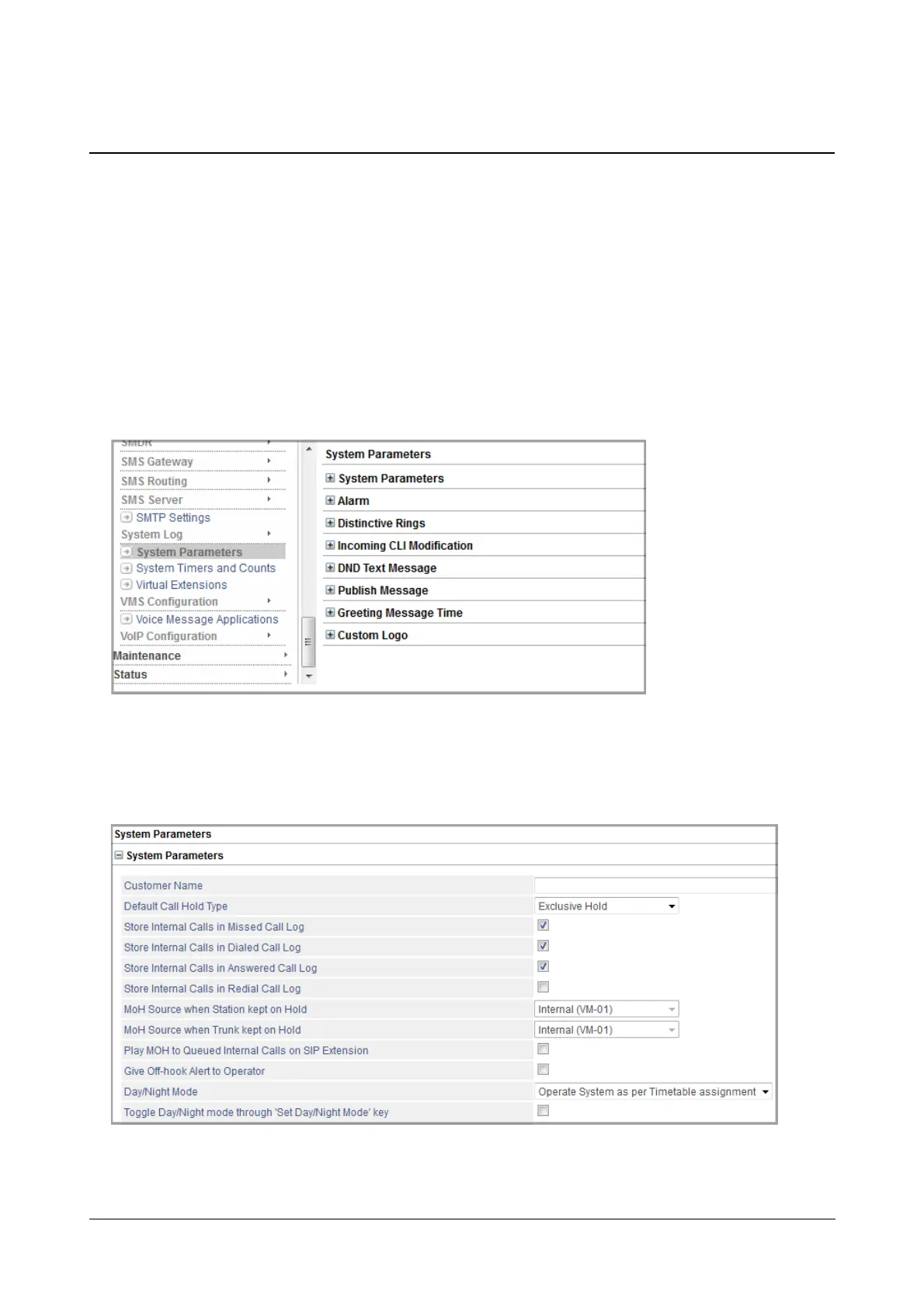
System Parameters are general parameters, related to features and facilities that are applied system-wide, such as
Customer Name, Day-Night mode, Storage of call logs, Alarms, Built-In Auto Attendant call disconnect options,
Presence, and DND messages. Each of these is described briefly here along with the instructions for configuring
them using Jeeves.
How to configure
To configure System Parameters,
• Login as System Engineer.
• Under Advanced Settings, click System Parameters.
System Parameters
• Click System Parameters to expand. To view more parameters, use the vertical scroll bar on your right.



 To Next Page