408 Matrix ETERNITY NE System Manual
Voice Mail Auto Attendant Menu
Voice Mail Auto-Attendant Menu is applicable when trunk call is directly routed to VMS.
Each trunk can be assigned a VMAA Menu. For details, refer to Incoming Call Routing in “CO Trunks”, “Mobile
Trunks” and “SIP Trunks”.
If VMAA Menu assigned to any action/trunk is deleted, the system will consider the first VMAA Menu for that action/
trunk by default.
VMS supports a maximum of 64 VMAA Menu.
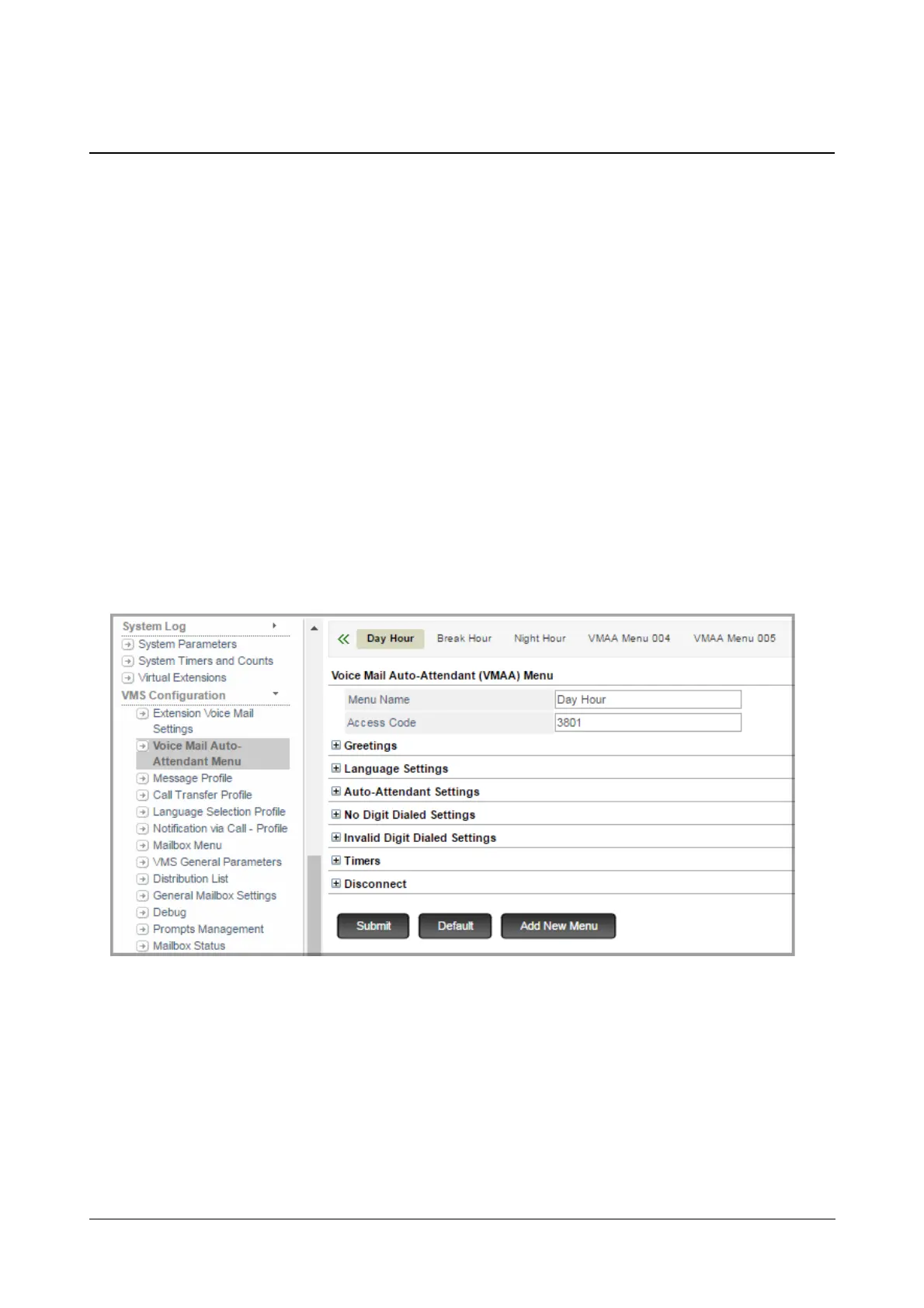
By default, three VMAA Menus — Day Hour, Break Hour and Night Hour— are provided to you. These three VMAA
menus cannot be deleted but you may edit their settings as per your requirement.
How to configure
• Login as System Engineer.
• Under Advanced Settings, click VMS Configuration.
• Click Voice Mail Auto-Attendant Menu.
You may add a new menu, edit the default menus or delete a VMAA menu.
To add a new VMAA Menu,
• Click Add New Menu. A new VMAA Menu xxx will be created. You may now configure this as per your
requirement.



 To Next Page