Matrix ETERNITY NE System Manual 1061
Station Message Detail Recording–Storage
SARVAM UCS stores SMDR of Incoming calls, Outgoing Calls and Internal Calls. The call records are stored in the
SMDR buffer. For this, SMDR storage for these types of calls must be enable, and if required further filters can be
set.
SARVAM UCS can store 6000 outgoing calls, 5000 incoming calls, and 1000 internal calls in the SMDR buffer.
Once the SMDR buffer is full, the next call is stored in place of the oldest call in the SMDR buffer, using the First In
First Out (FIFO) logic.
The buffer can be cleared at any time from the System Administrator mode.
The SMDR buffer data is maintained even during power failures. However it is advisable to take frequent printouts
of the calls to avoid accidental loss of the data.
How to configure
To enable storage of SMDR of Outgoing, Incoming and Internal Calls, you must enable this feature in the system
and set the storage filters as per your requirement. To do this,
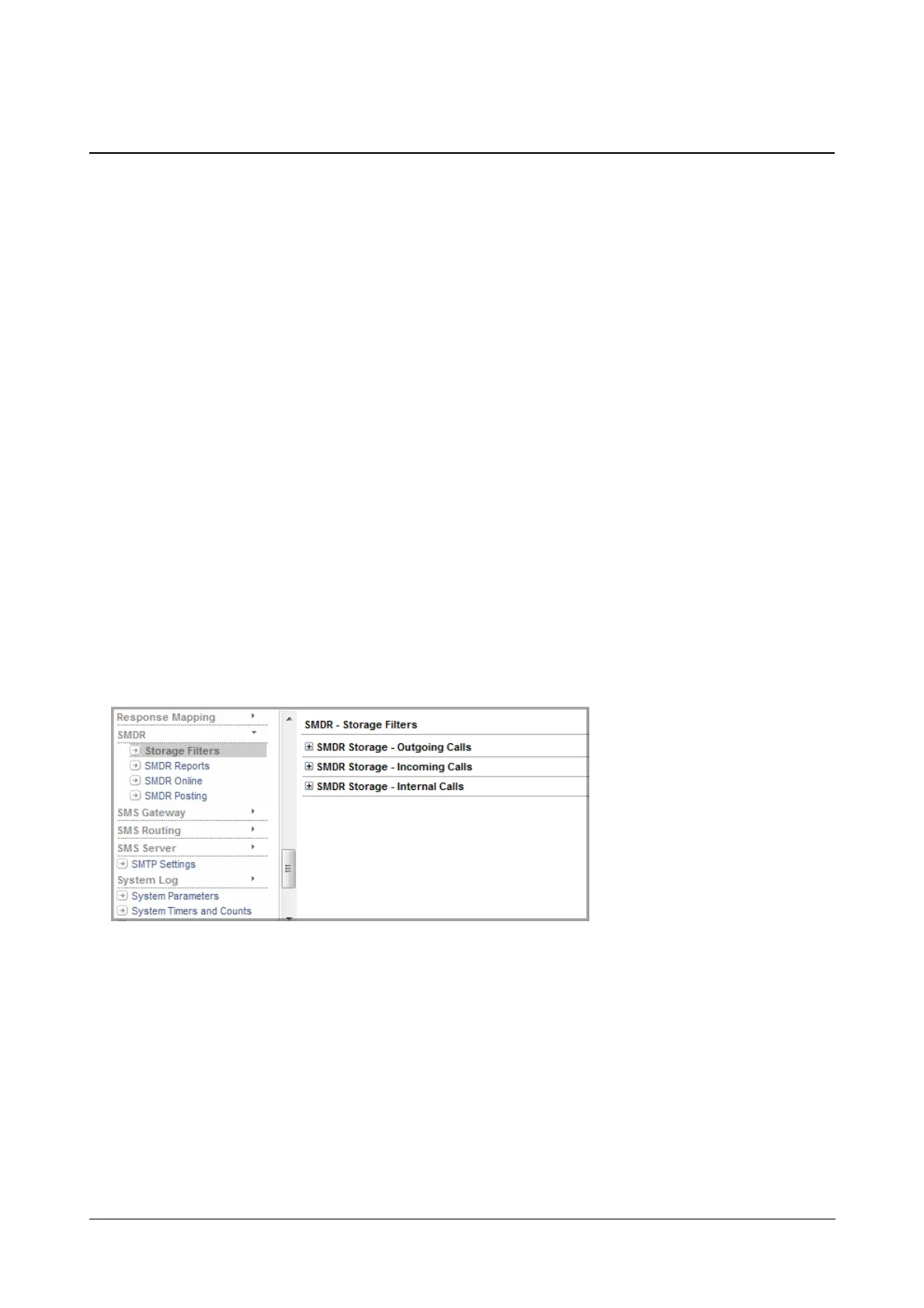
To configure SMDR-Storage,
• Login as System Engineer
• Under Advanced Settings, click SMDR.
• Click Storage Filters.



 To Next Page