Matrix ETERNITY NE System Manual 1277
SIP Trunk Status
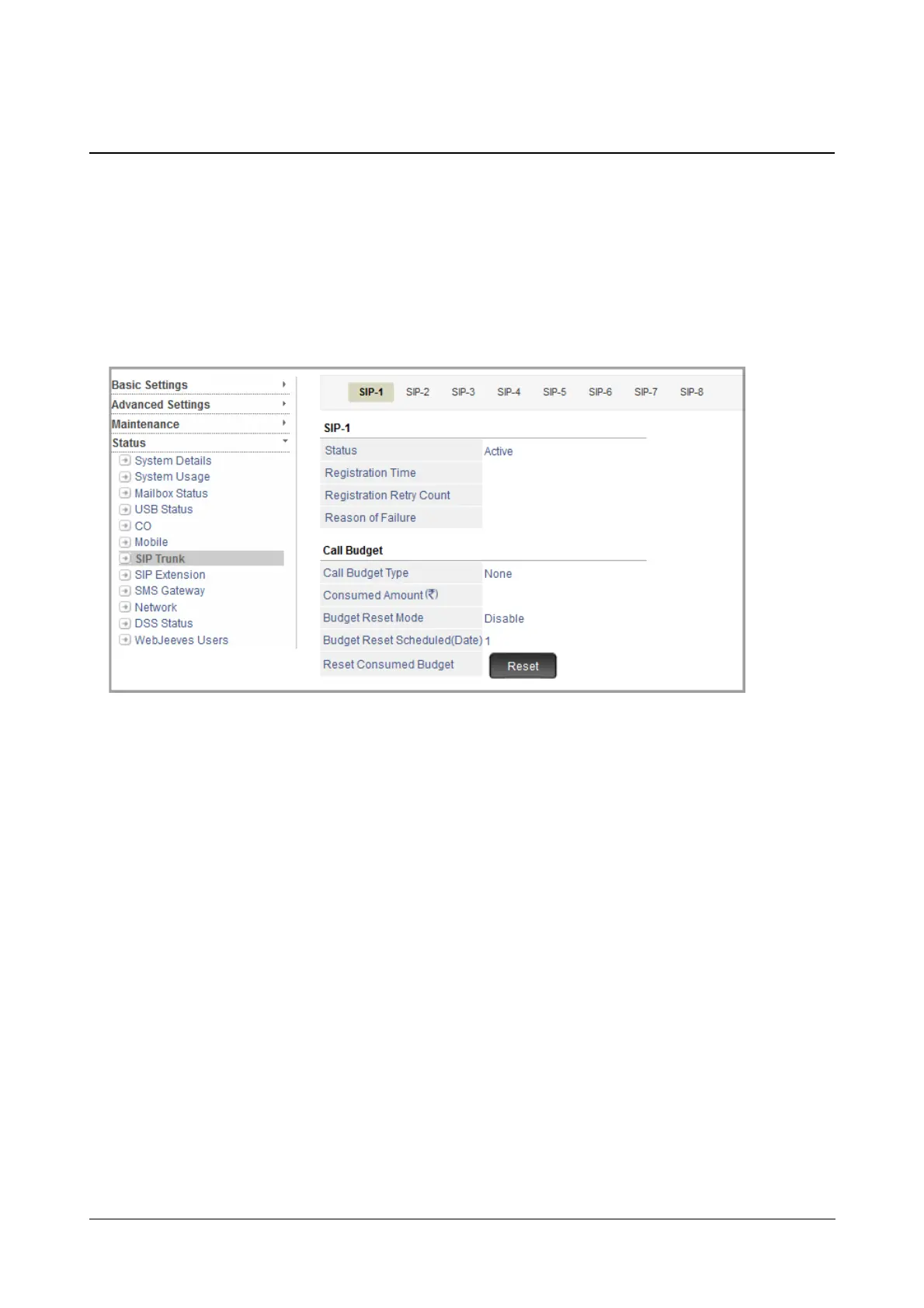
The SIP Trunk Status Page displays the status of the SIP trunks connected to the system. It also displays various
details related to the SIP trunks.
To view SIP Trunk Status,
• Login as System Engineer.
• Under Status, click SIP Trunk.
• For each SIP trunk (number), the following details will be displayed:
• Status
• Registration Time
• Registration Retry Count
• Reason for Failure
• Call Budget Type
• Allotted Budget Amount/Minutes/Calls
• Consumed Amount/Minutes/Calls
• Budget Reset Mode
• Budget Reset Scheduled (Date)
• Reset Consumed Budget (this is not a status indicator. It is for resetting the Consumed Call Budget
manually)
Similarly, to view the status of other SIP trunks, click the respective SIP Trunk tab.



 To Next Page