1282 Matrix ETERNITY NE System Manual
DSS Status
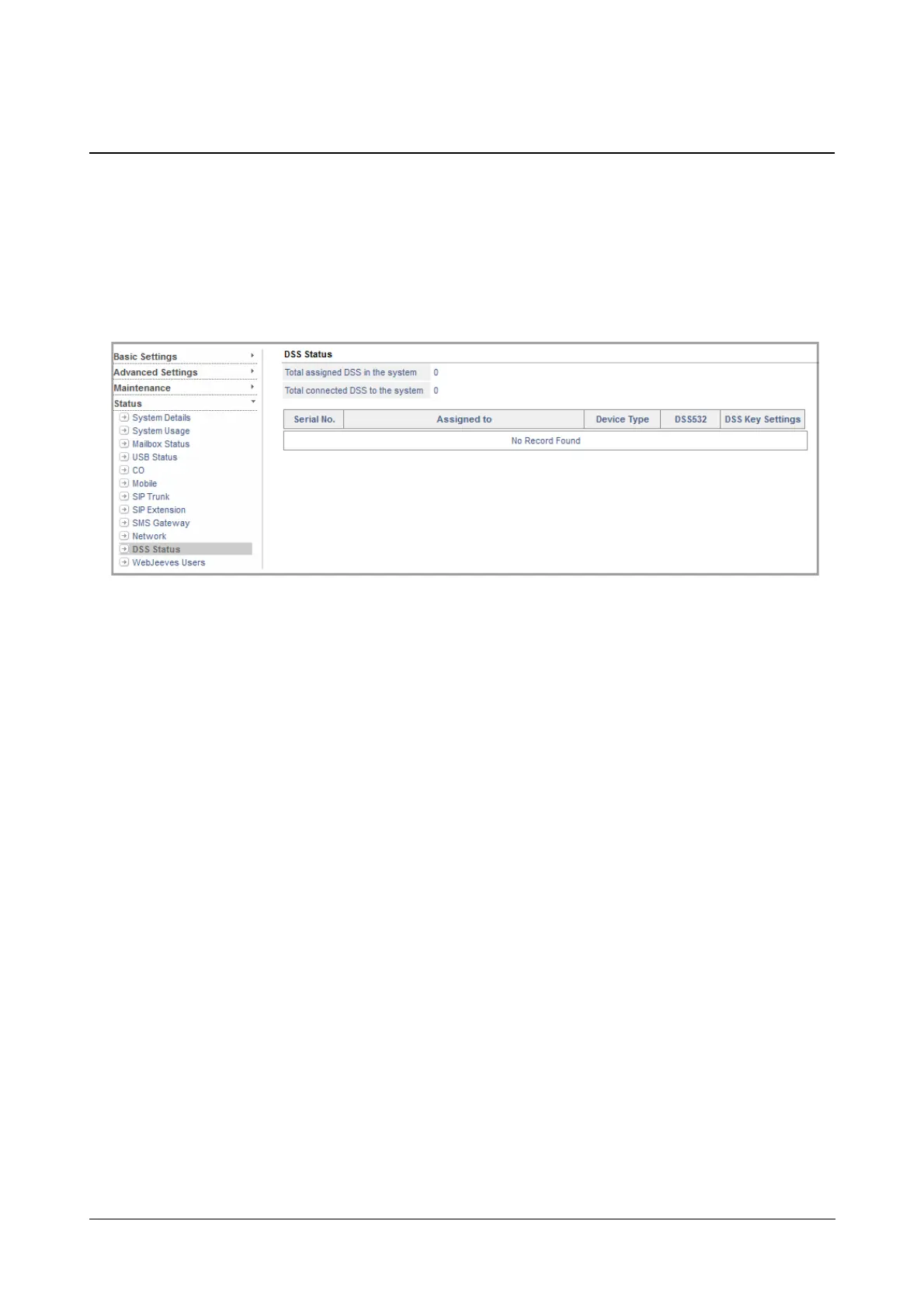
The DSS Status Page displays the status of the various DSS Consoles connected to the system.
To view the status of the DSS Console,
• Login as System Engineer.
• Under Status, click DSS Status.
The DSS Status Page will display the following,
• Total assigned DSS in the system
• Total connected DSS to the system
It also displays the following for each connected DSS Console,
• Serial Number
• Assigned to displays the extension number to which the DSS Console is connected.
• Device Type displays the model of Extended IP Phone —SPARSH VP510— to which the DSS
Console is connected.
• DSS532 displays the status of the console, that is Assigned or Connected.
• DSS Key Settings provides the link to Key Settings. Click this link, if you wish to configure the DSS
Keys.



 To Next Page