1262 Matrix ETERNITY NE System Manual
Restart System
To restart the System,
• Login as System Engineer.
• Under Maintenance, click Restart System.
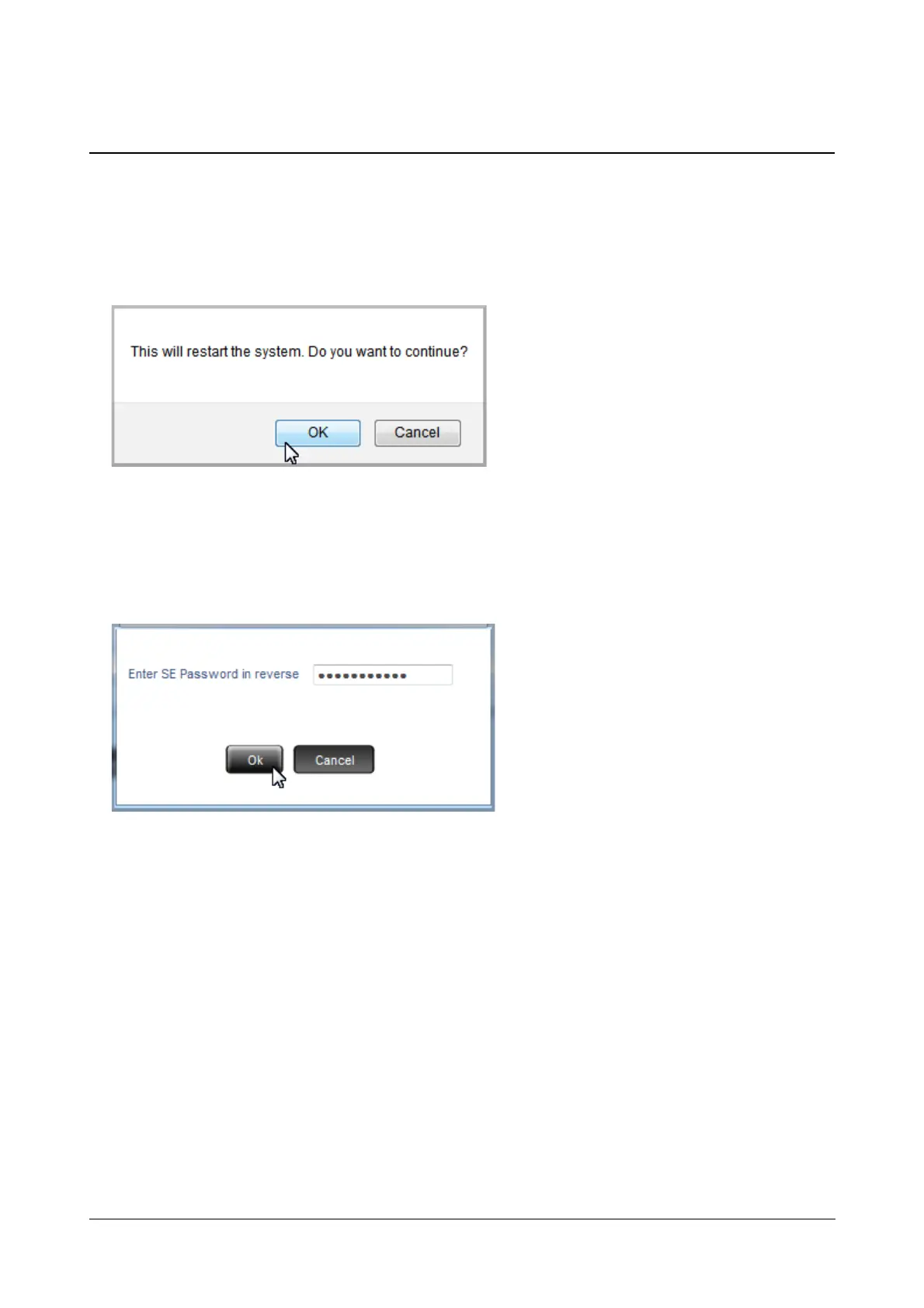
• You will get an alert message, “This will restart the system. Do you want to continue?”.
• Click OK.
• Enter Reverse SE Password.
• The SE password you enter must be the current password. For Example: if it is 1234, enter 4321 and click
OK.
• The system will restart.



 To Next Page