Matrix ETERNITY NE System Manual 293
Mobile Trunks
SARVAM UCS supports 2 Mobile Trunks.
The number of Mobile Ports detected by the system on the “Pre-requisites” page will be displayed on this
page.
To configure,
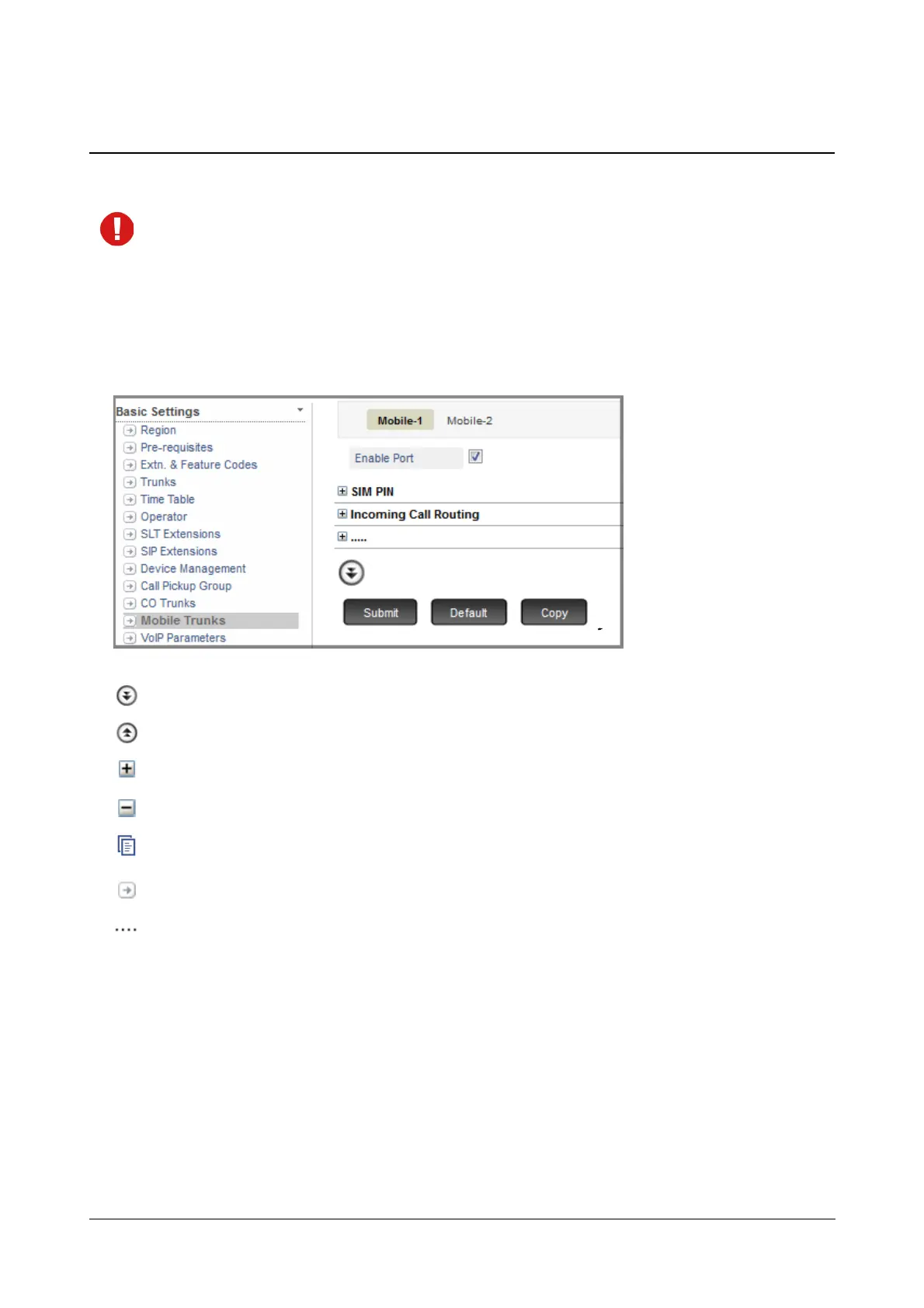
• Click Mobile Trunks.
On this page,
More: Click this button to view all parameter links on the page.
Less: Click this button to view only the essential parameter links on the page.
Expand: Click to expand a link to display all parameters under the link.
Collapse: Click to collapse a link. Hides all parameters under the link.
Copy: Click to copy the parameters under a specific link of a page to the same link under any other trunk page.
Settings: Click to configure the settings of a parameter further.
More link: Click to view all additional parameters on the page.
To configure another Mobile Trunk, click the respective Mobile Trunk number (name) tab.
To save the settings, click Submit.
To assign default values to all the parameters of the Mobile Trunk, click Default.
To copy all Mobile Trunk parameter values to another Mobile Trunk, click Copy.
If you have assigned names to the Mobile Trunks on the “Trunks” page, it will appear on the tabs. For example, if
you have named Mobile Trunk 1 as Vodafone, Mobile Trunk 2 as Airtel, these names will appear in place of Mobile
1 and Mobile 2. If you want to change the name of the Mobile Trunk, you must go back to the “Trunks” page.



 To Next Page