514 Matrix ETERNITY NE System Manual
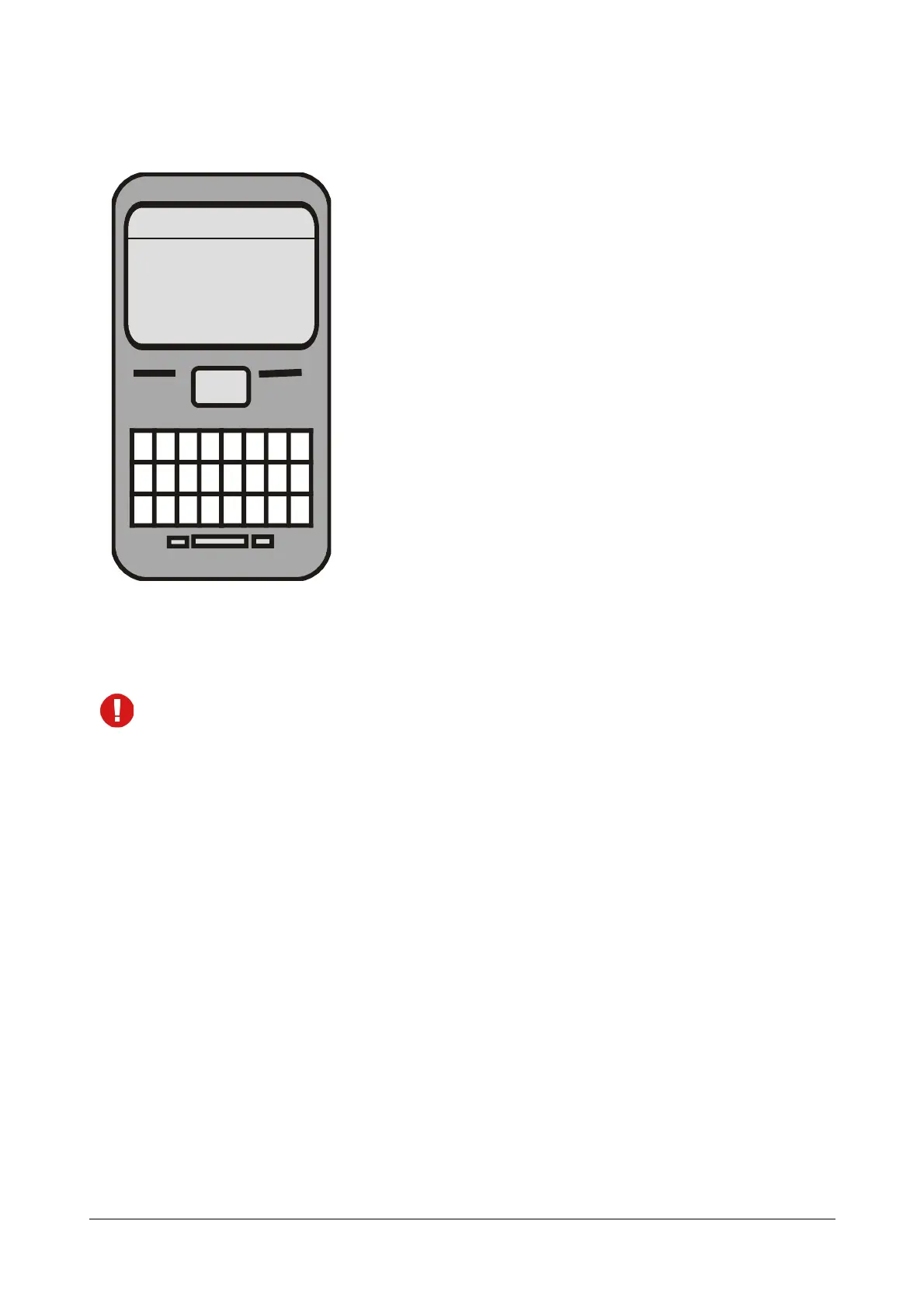
The SMS Server converts the Email to a SMS. In this case the SMS delivered to each recipient, will appear
as given below.
In the SMS sent to the recipients, the From field contains the SIM Number through which the SMS Server sent the
SMS. The Body of the message contains the message for the recipients and the Footer/Signature that is, the Email
ID/Name of the sender (if the Signature has been added).
It is recommended that you configure the parameter Send Footer/Signature in SMS, so that the recipient
knows the sender of the message. If this parameter is not configured, only the mobile port SIM number will
be displayed to the recipient.
Bulk SMS
The SMS Server supports Bulk SMS, that is a single message can be sent to multiple numbers. The message can
be sent using the email client by specific users.
How it works
For this feature to work,
• make sure you have enabled Email to SMS Forwarding. See “Email to SMS Forwarding”.
• Minimum time delay between sending two consecutive SMS. See “SMS Configuration”.
• configure the Bulk SMS parameters and the Email IDs of the users allowed to send Bulk SMS. See “Bulk
SMS”.
• you must define the Mobile port through which the messages are to be sent (Fixed or LCR). See “SMS
Routing”.
• make sure your Email Server uses SMTP to send messages and POP3 to receive messages.
• you must configure the SMTP Client and POP3 Client parameters in the SMS Server of SARVAM UCS,
see “SMS Server - Mail Settings”.
• users must have valid Email IDs.
From:9898012345
Due to an urgent task tomorrows
meeting is postponed.
From:John@matrixrd.org
Options Cancel



 To Next Page