Matrix ETERNITY NE System Manual 801
Dial Plan for SIP Extension
SARVAM UCS supports 8 Dial Plans with total 32 entries in each table. The Dial Plan contains a series of digits
and/or wild card characters.
When a user dials a number, it is compared with the Rule configured in the Dial Plan. If a match is found, the IP
Phone routes the call immediately without waiting for End of Dialing and if a match is not found, the IP Phone will
wait for the End of Dialing and then routes the call.
How to configure
Configuring the Dial Plan involves the following steps:
• Selecting a Dial Plan and configuring the rules in the Dial Plan.
• Assigning the Dial Plan to the desired SIP Extensions.
Configuring Dial Plan
• Login as System Engineer.
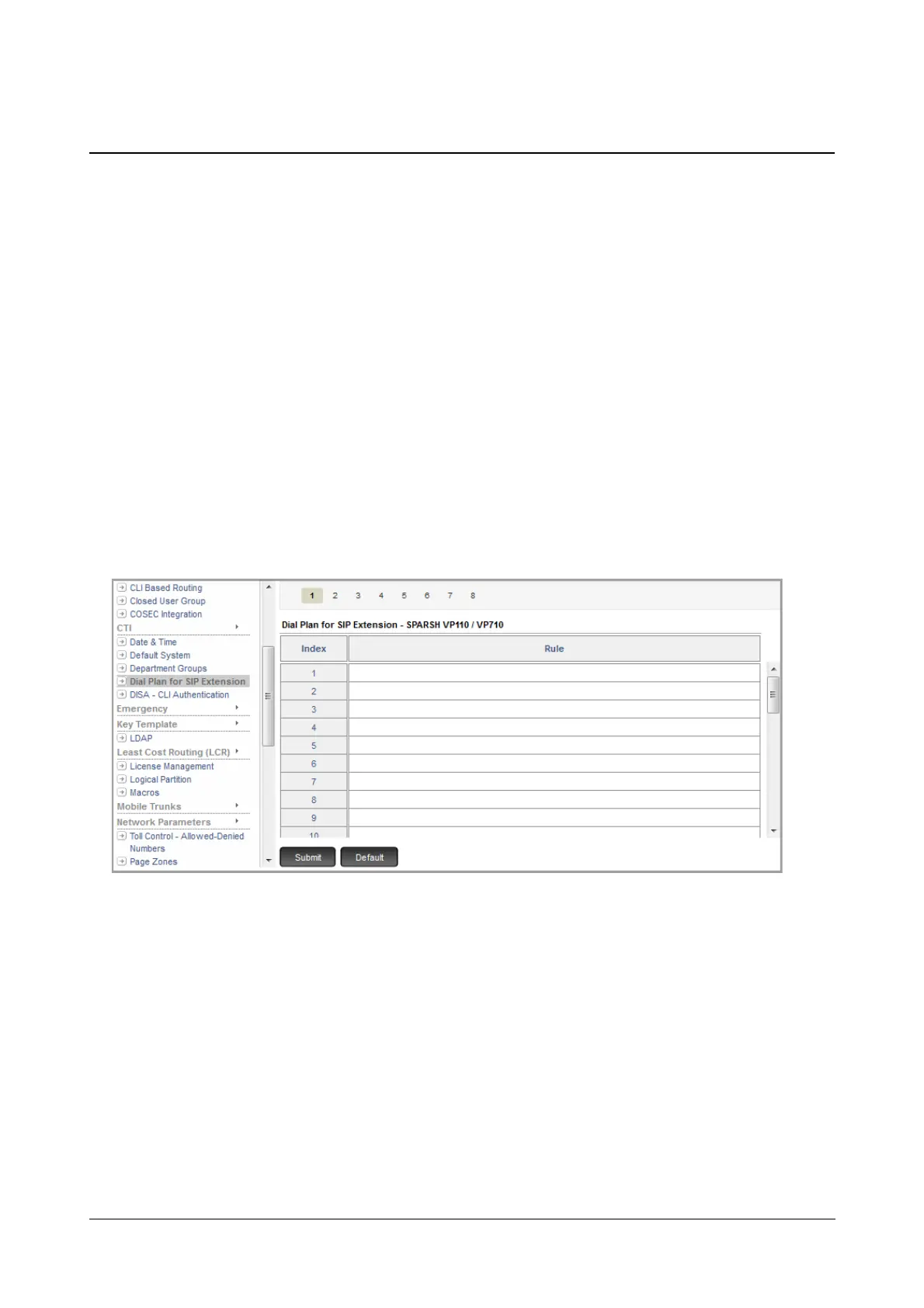
• Under Advanced Settings, click Dial Plan for SIP Extension.
• Click the desired Dial Plan number. The Dial Plan for SIP Extension - VP110/VP710 page opens.
• Against each Index configure the Rule according to which you want the system to process the call. You
can configure a maximum of 32 Rules in each Dial Plan.
For example, if you want that users should be able to dial extension numbers from 3000 to 3999 without
any delay, configure the Rule as 3XXX.
For more details to configure the rules, refer to the topic Dial Plan in the SPARSH VP110 User Guide.
• Click Submit.



 To Next Page