1278 Matrix ETERNITY NE System Manual
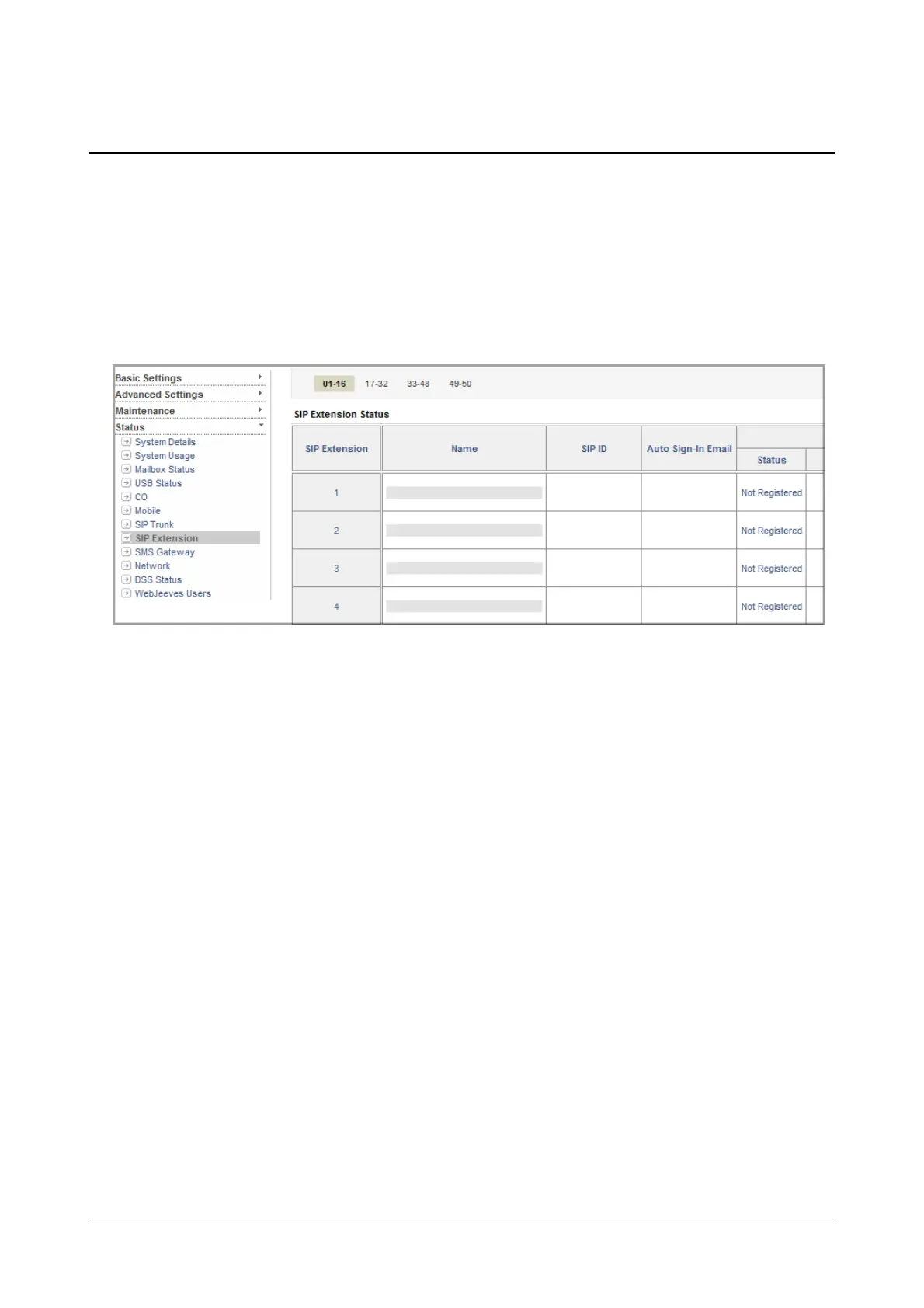
SIP Extension Status
The SIP Extension Status Page displays the status of the SIP Extensions connected to the system. It also displays
various details related to the SIP Extensions.
To view SIP Extension Status,
• Login as System Engineer.
• Under Status, click SIP Extension.
• The SIP Extension Status page will display the following for each SIP Extension,
• SIP Extension number
• SIP Extension name
• SIP ID assigned to the SIP Extension
• Auto Sign-In Email; whether the mail is sent, failed or sending.
• REGISTRATION status; whether the SIP Extension is registered or not.
• Contact 1 (for MATRIX VARTA AMP100/ADR100)
When the device is Registered - It will display the SIP ID, IP Address and the Registration Expiry
Timer.
When the device is in the Background - It will display Registered and the time remaining for the
expiry of the Device Inactivity Timer
When Unregistered - The existing details will be cleared and it will be blank.
To know more, refer to “Apple Push Notification Service Support” or “Firebase Cloud Messaging
(FCM) Support”.
• Contact 2 - same as above.



 To Next Page