498 Matrix ETERNITY NE System Manual
Mailbox Status
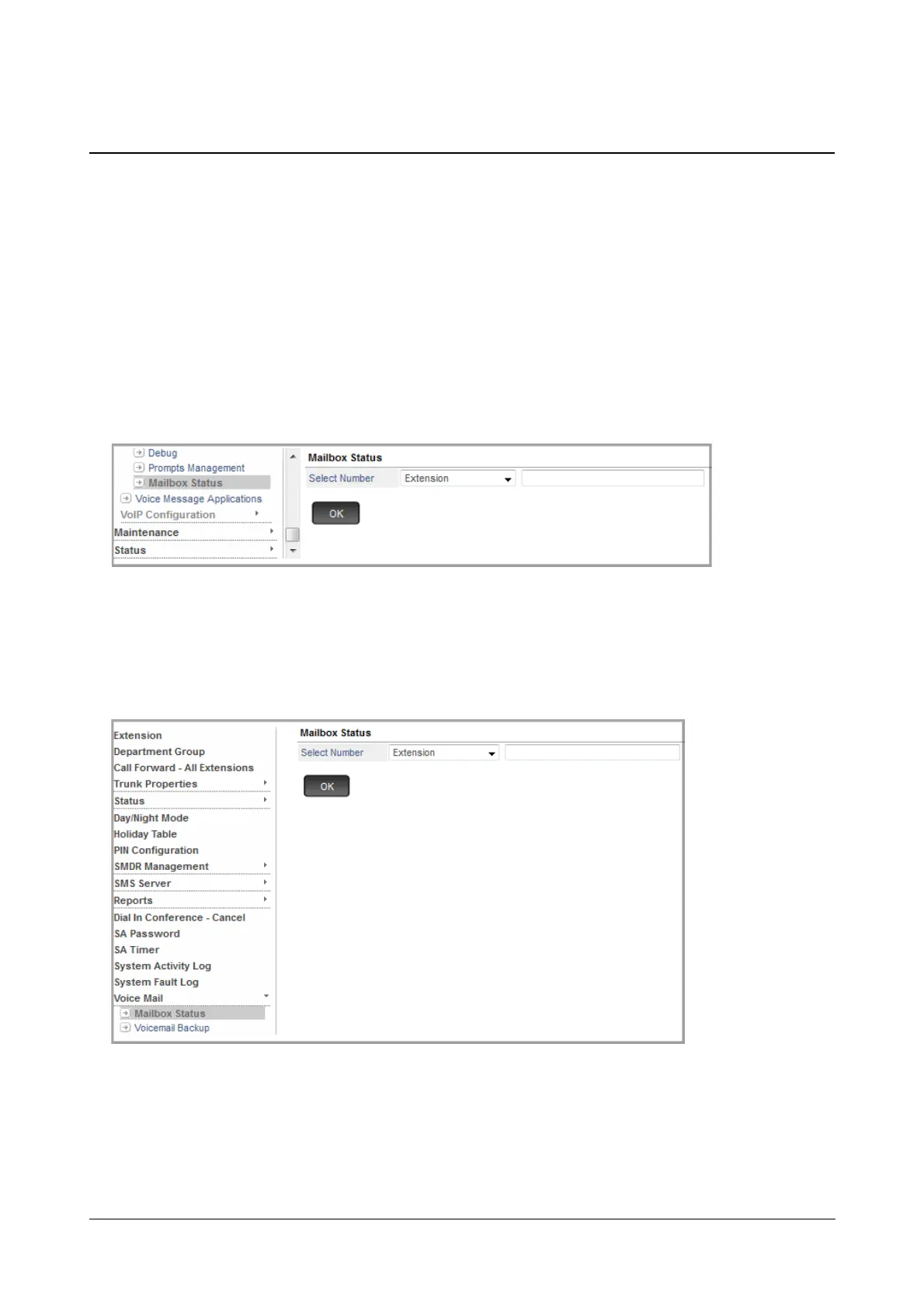
The Mailbox Status Page displays the mailbox details of the respective Extension, Department Group or General
Mailbox. It also allows you to delete the voice messages from the mailbox assigned to these Extensions,
Department Groups or General Mailbox.
How to configure
• Login as System Engineer.
• Under Advanced Settings, click VMS Configuration.
• Click Mailbox Status.
OR
• Login as System Administrator.
• Under Voice mail, click Mailbox Status.
• Select Number: You may select — Extension, Department Group or General Mailbox — whose
mailbox status you wish to view.
•For Extension,
enter the Extension Number/Name and then select the same from the drop
down list.



 To Next Page