Matrix ETERNITY NE System Manual 499
•For Department Group, select the desired Department Group Number from the drop down list.
• Click OK.
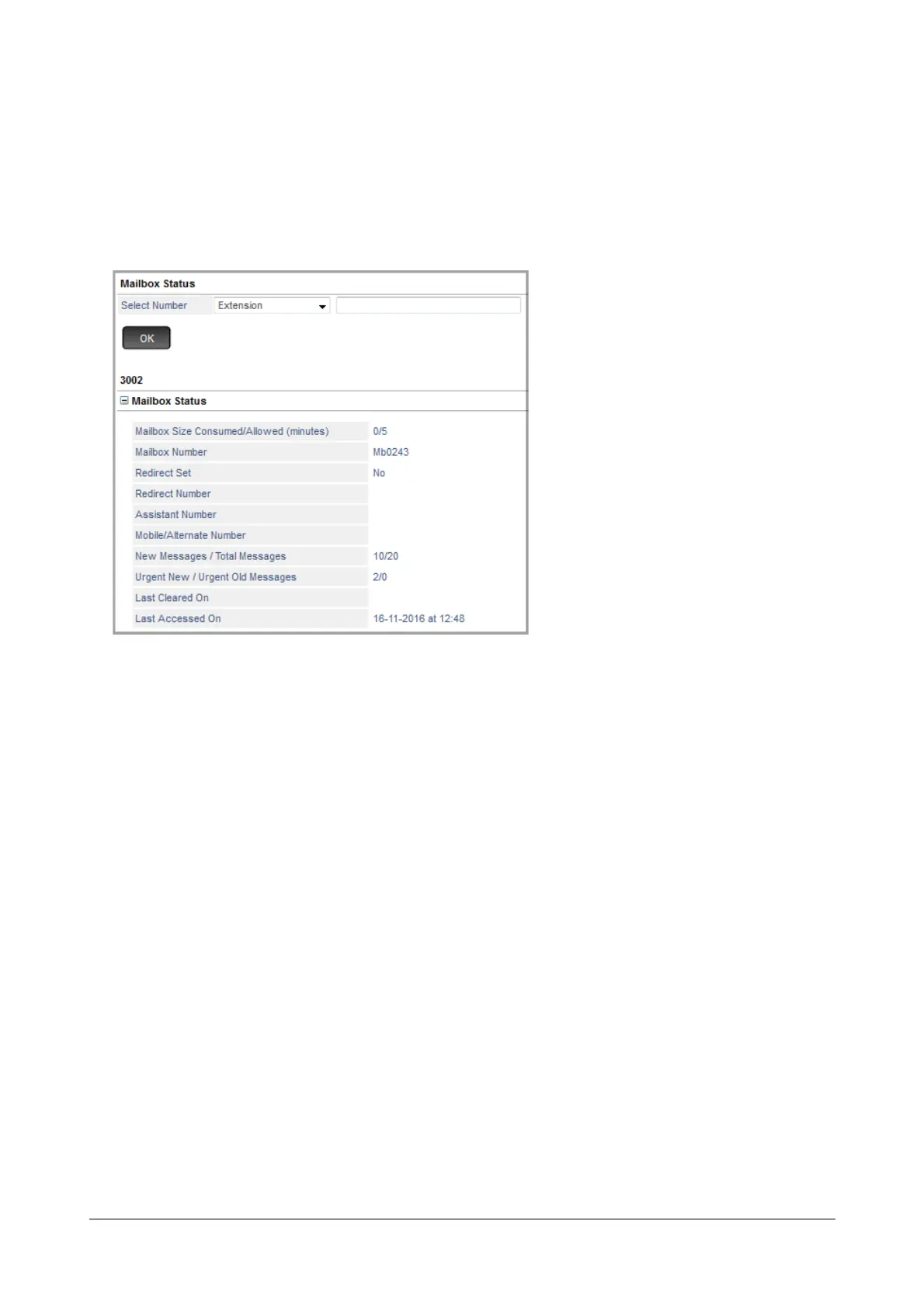
Mailbox Status
• Click Mailbox Status to expand.
The respective mailbox parameters along with their status will be displayed.
• Mailbox Size Consumed / Allowed (minutes): It displays the minutes consumed by the Mailbox
messages out of the maximum minutes allowed for the Mailbox.
• Mailbox Number: It displays the mailbox number assigned to the respective Extension or Department
Group or the General Mailbox.
• Redirect Set: It displays ’Yes’ if the Redirect is set and ‘No’ if the Redirect is not set for the respective
mailbox user.
• Redirect Number: It displays the Redirect number, if configured, for the mailbox user.
• Assistant Number: It displays the Assistant number, if configured, for the mailbox user.
• Mobile/Alternate Number: It displays the Mobile/Alternate number, if configured, for the mailbox user.
• New Messages / Total Messages: It displays the number of New Messages out of the Total
Messages available in the respective mailbox.
• Urgent New / Urgent Old Messages: It displays the number of New Urgent Messages as well as the
Old Urgent Messages available in the respective mailbox.
• Last Cleared On: It displays the date and time when all the Mailbox Messages (old and new) were last
cleared by the user or SE.



 To Next Page