1260 Matrix ETERNITY NE System Manual
SIP Extension
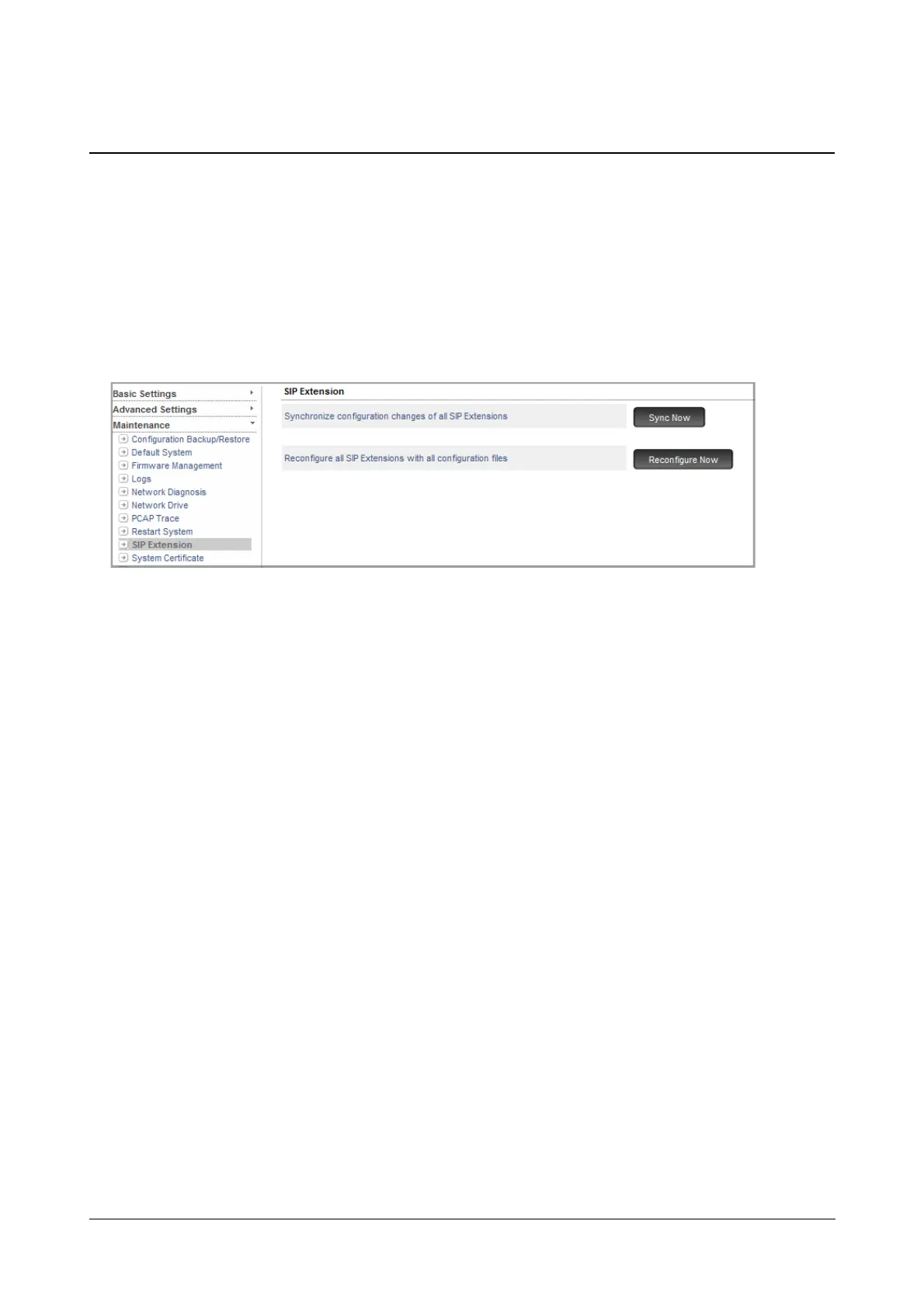
SARVAM UCS provides you an option to synchronize configuration changes of all SIP Extensions and reconfigure
all SIP Extensions with all configuration files with a click of a button.
How to configure
• Login as System Engineer.
• Under Maintenance, click SIP Extension.
• Click Sync Now to synchronize configuration changes of all SIP Extensions, that is, all Extended Clients,
SPARSH VP110, SPARSH VP710 and Third Party IP-Phones.
Only those configuration files in which there are changes will be synchronized.
• Click Reconfigure Now to reconfigure all SIP Extensions with all configuration files.



 To Next Page