Matrix ETERNITY NE System Manual 1281
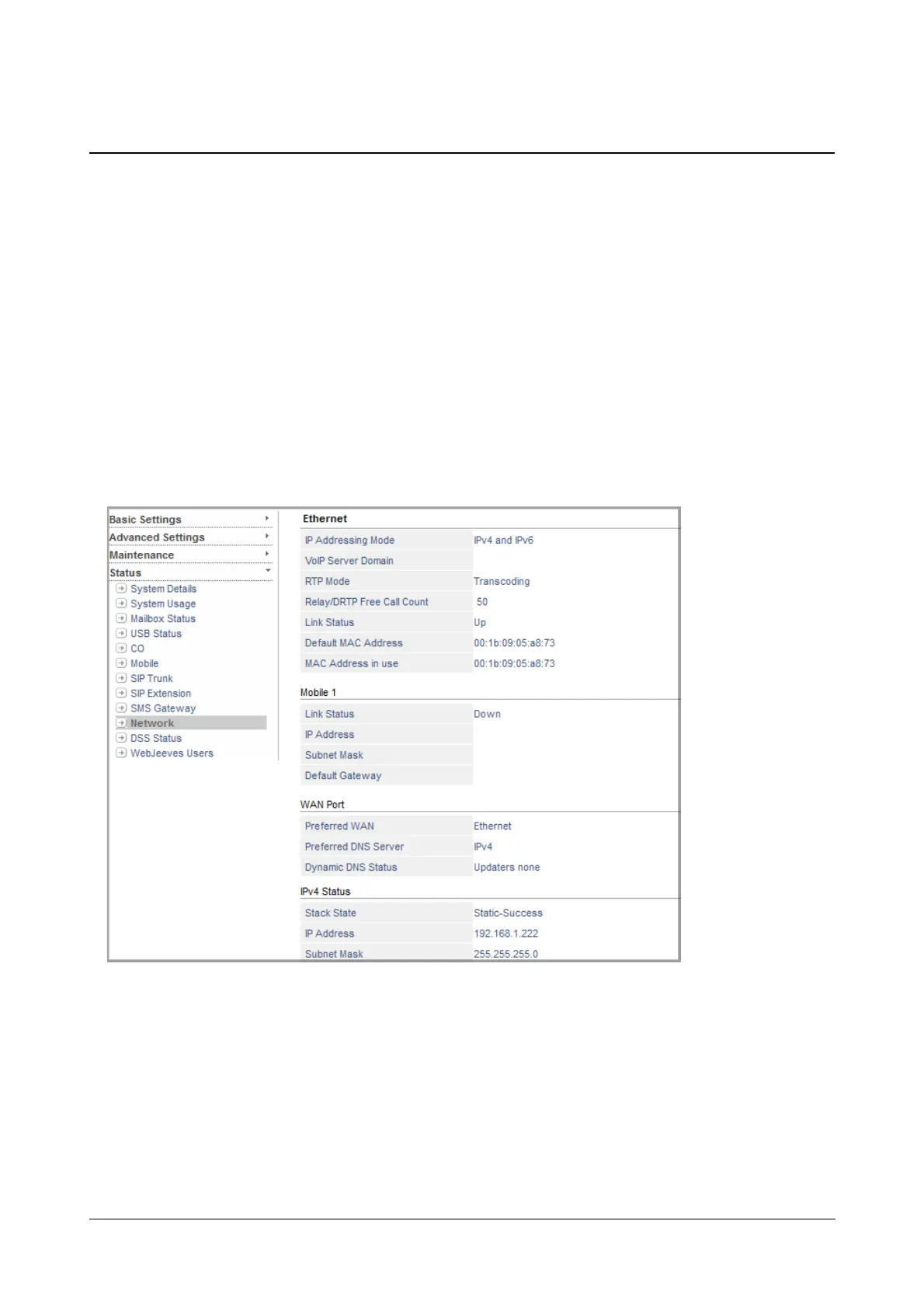
Network Status
The Network Status Page displays the various network related details such as statuses of Ethernet Port, Mobile
Port and WAN Port. It also displays the IPv6 and IPv4 related parameters along with other DHCP related details.
When the system receives the IP Address from the DHCP/ PPPoE Server, the system performs DAD (Duplicate
Address Detection). If DAD fails due to conflict in IP Address, the respective network parameters need to be re-
initialized.
To re-initialize the WAN parameters, click the IPv4 Network Reinitialization or IPv6 Network Reinitialization
button under WAN.
To view Network (Ethernet) port Status,
• Login as System Engineer.
• Under Status, click Network.



 To Next Page