1246 Matrix ETERNITY NE System Manual
Firmware Management
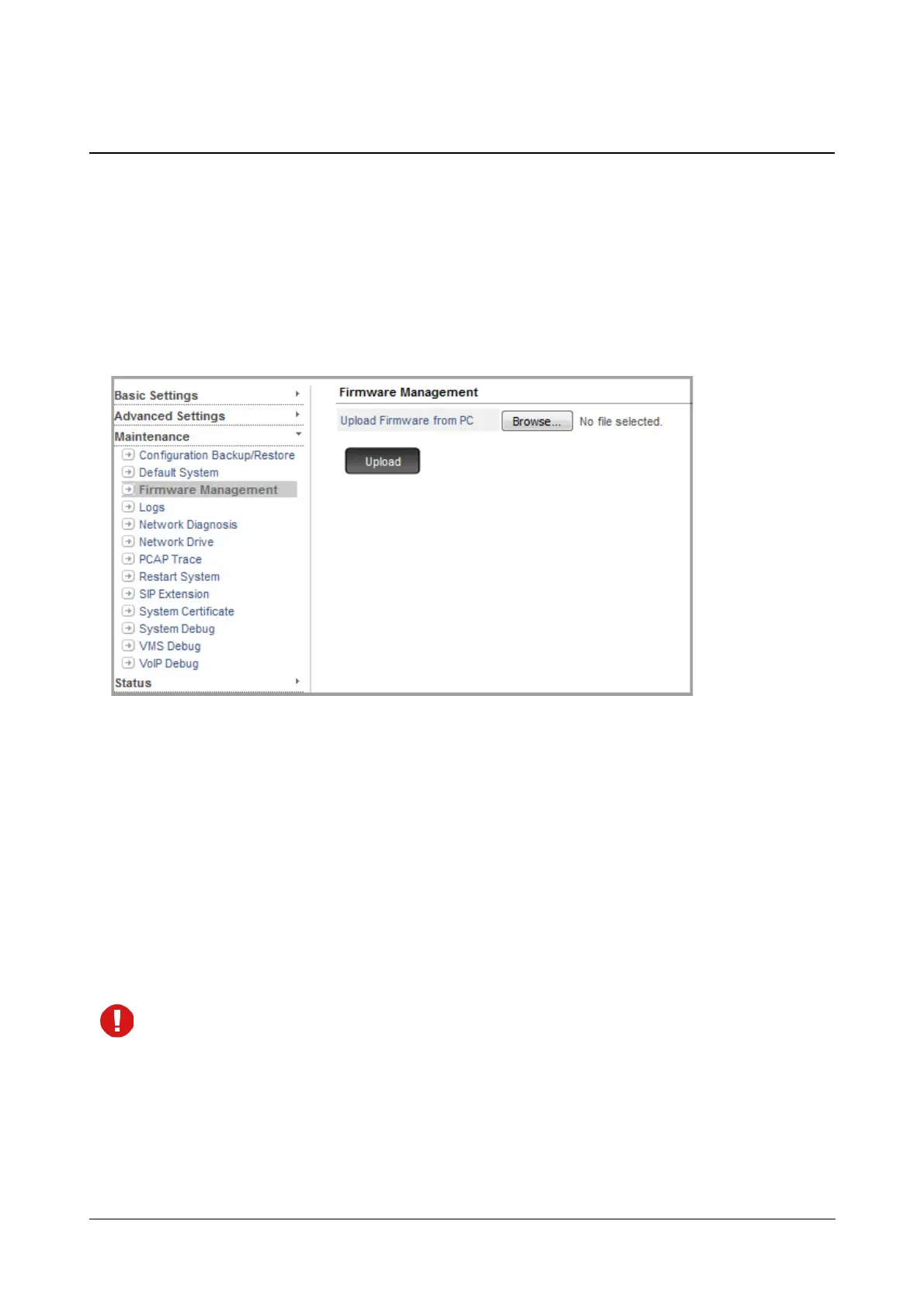
SARVAM UCS enables you to manage the upgradation of the system firmware from a personal Computer. You can
upgrade the system firmware stored on your local computer with a click of a button.
How to configure
• Login as System Engineer.
• Under Maintenance, click Firmware Management.
To upgrade the firmware,
• Upload Firmware from PC: Click the Browse button to select the firmware file from the local disk on the
computer. Make sure that it is a zip file.
• After selecting the required firmware file from the PC, click the Upload button.
• After successfully uploading the file, you can select any of the following options:
• Restart: Click this button, if you want to finally update the firmware.Once you click this button, the
system restarts and the new firmware is uploaded.
• Discard: Click this option if you do not want to upload the selected firmware.
• If you select a file other than .zip file, an error message is displayed when you click on the Upload
button.
• For upgradation, make sure the internal USB is connected.
• The Firmware upgrade package contains — System Firmware as well as the Extended Firmware.



 To Next Page