968 Matrix ETERNITY NE System Manual
Meet Me Paging
While a Paging announcement is being made, any extension user of SARVAM UCS can get connected to the
Paging extension, by dialing the Meet Me Paging feature code and the number of the Paging extension.
This feature is useful to Operators. Using this feature they can locate extension users who are away from their
desks and get connected to them at their current location.
How it works
• A calls B’s extension, but B is away from the desk.
• A uses Paging and makes an announcement asking B to call A’s extension.
• To get connected to A’s extension, B may use Meet Me Paging from any extension, while the
announcement is being made.
• B dials Meet Me Paging code and A’s number during the announcement.
• B gets connected to A.
• Paging is an announcement made to a group of extensions within a Page zone. Extension users,
(including those who are outside the Page zone) who want to use Meet Me Paging to answer the
Paging call, will need to know the extension number they must call. Therefore, extension users who are
paging are advised to announce their extension number.
• Meet Me Paging can be used only if the Paging call is active. Therefore, extension users who are
paging must keep their call active, if they want their call to be answered using Meet Me Paging.
How to configure
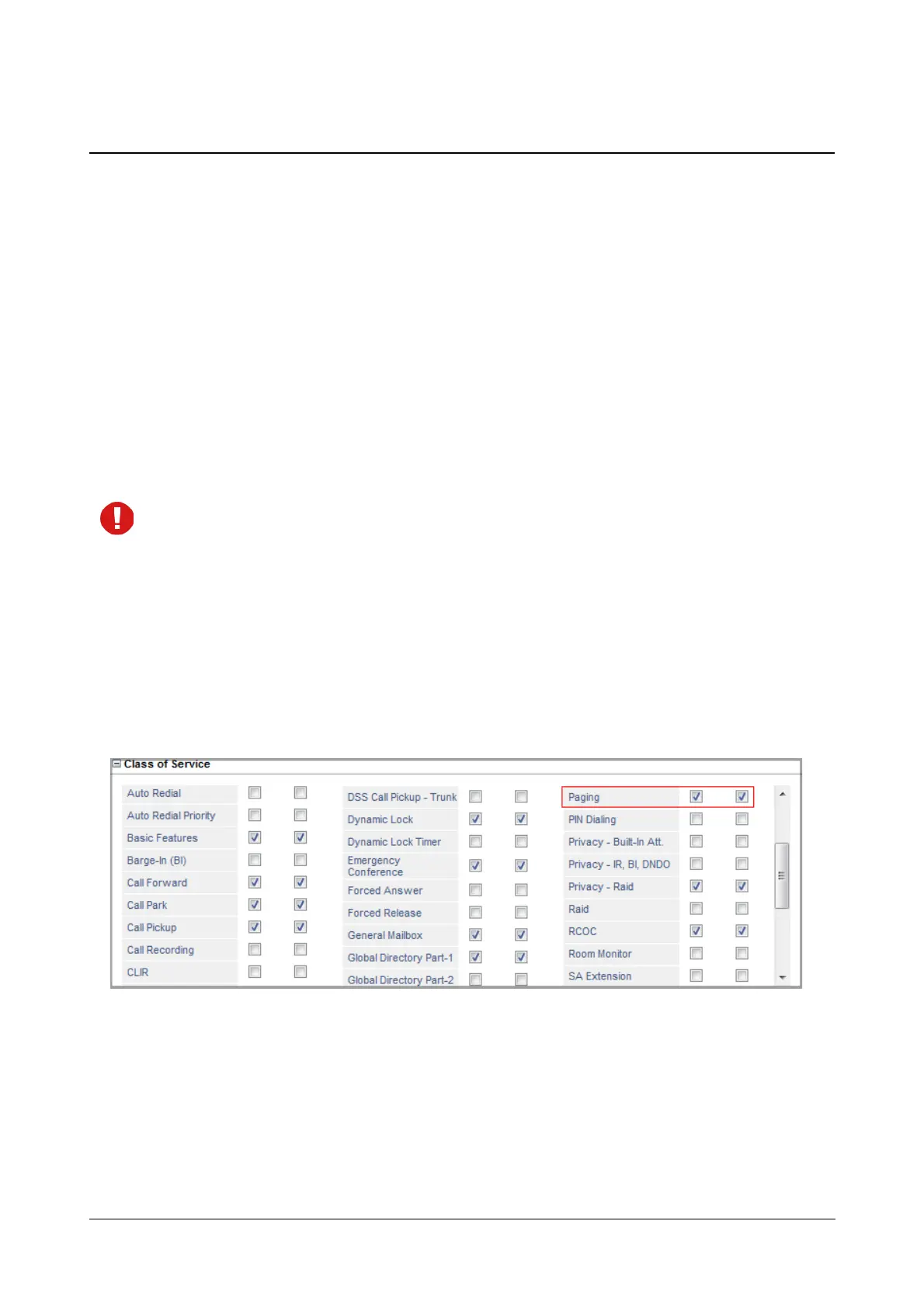
No configuration is required for Meet Me Paging. However, extension users who are using Paging to make their
announcement, must have the “Paging” feature allowed in their Class of Service.



 To Next Page