476 Matrix ETERNITY NE System Manual
Mailbox Menu
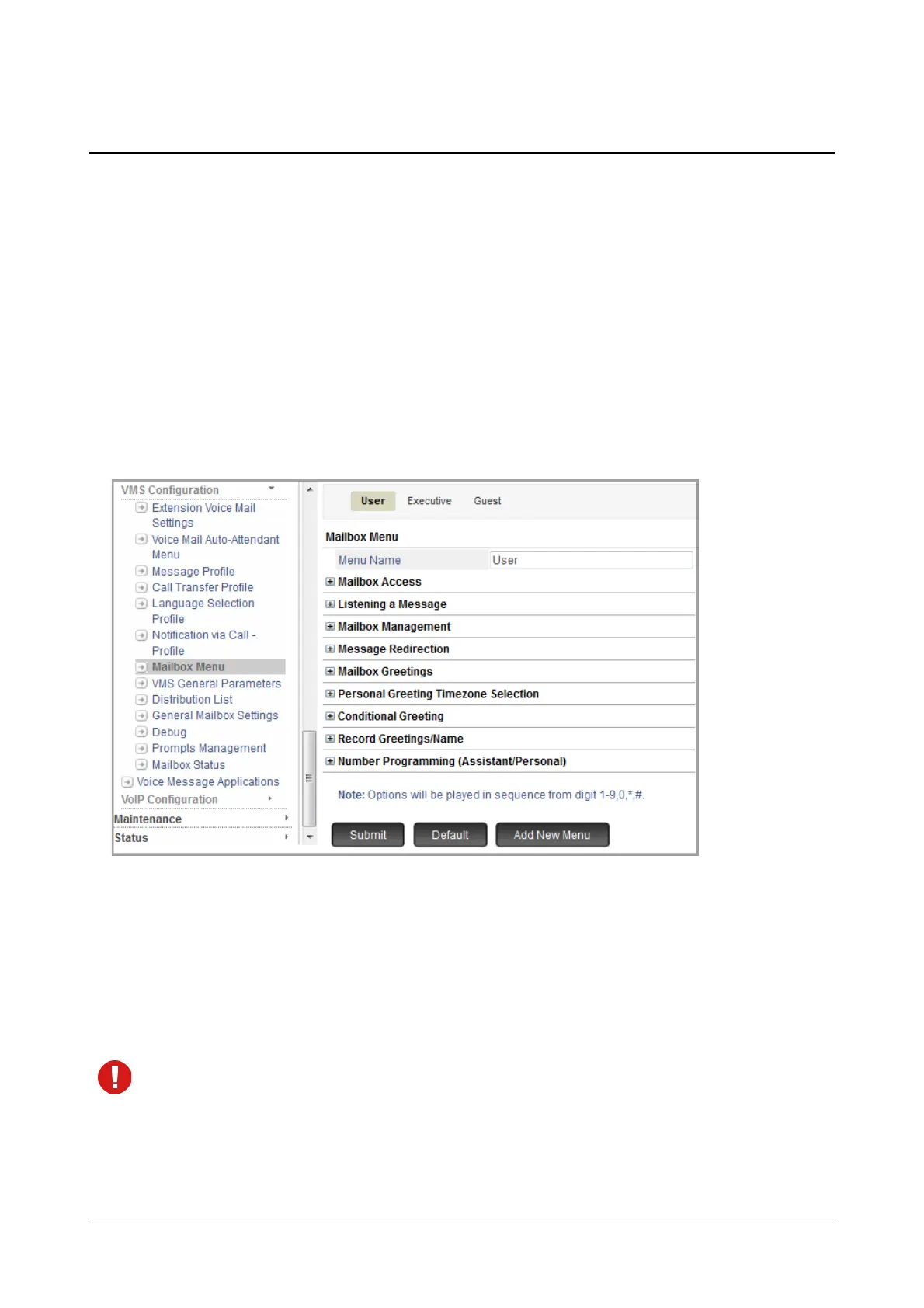
Mailbox Menu offers you a group of parameters that will be used when the caller accesses his/her personal
mailbox. VMS supports a maximum of 12 Mailbox Menus.
By default, three mailbox Menus — User, Executive and Guest— are provided to you. These three mailbox menus
cannot be deleted but you can edit their settings as per your requirement.
How to configure
• Login as System Engineer.
• Under Advanced Settings, click VMS Configuration.
• Click Mailbox Menu.
You may add a new menu, edit the default menus or delete a Mailbox menu.
To add a new Mailbox Menu,
• Click Add New Menu. A new Mailbox Menu xx will be created. You may now configure this as per your
requirement.
To delete a menu, click Delete.
The default Mailbox Menus cannot be deleted.



 To Next Page