432 Matrix ETERNITY NE System Manual
Message Profile
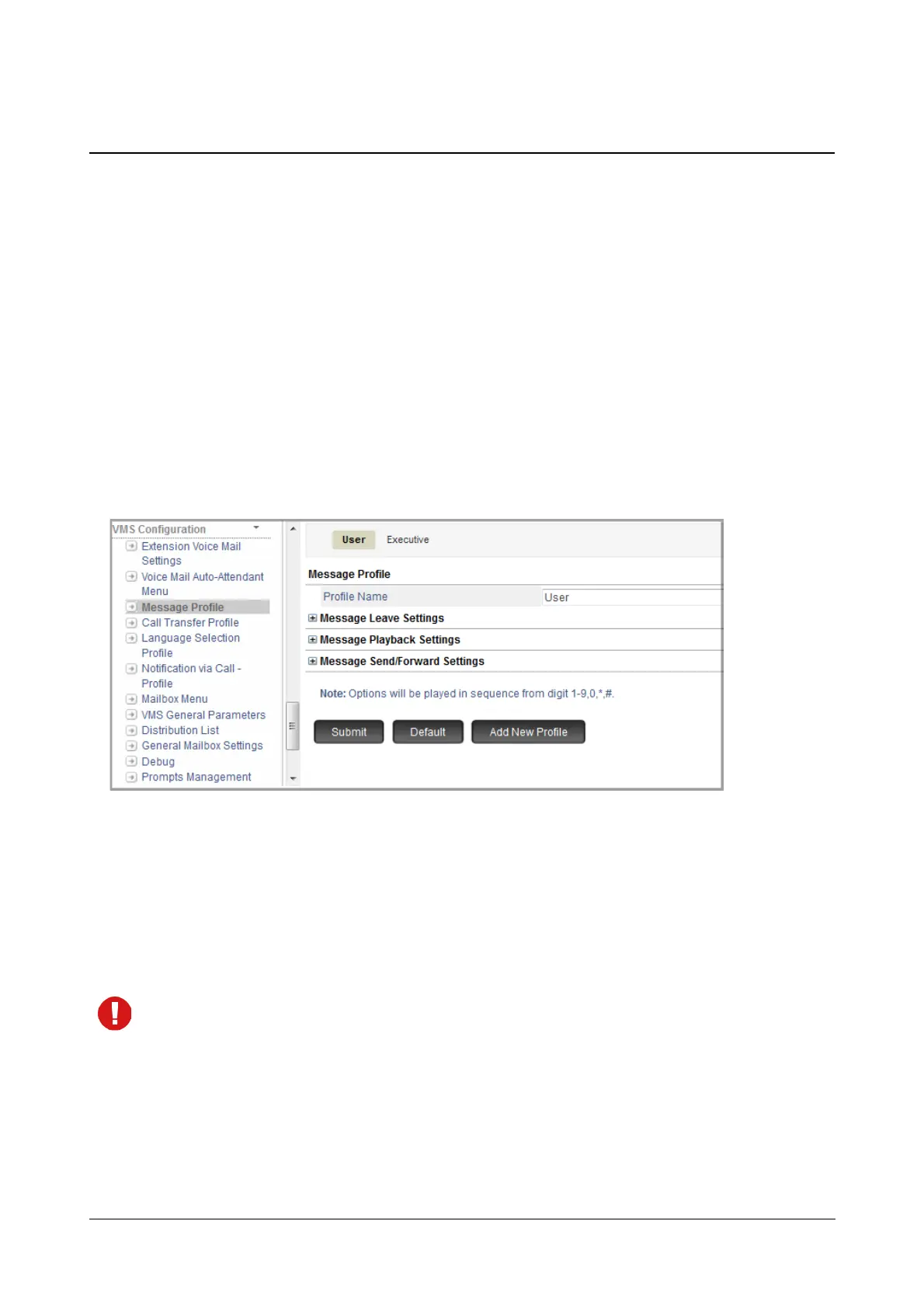
Message Profile allows you to customize the Message Leave Settings, Message Playback Settings and Message
Sent/Forward Settings.
VMS supports a maximum of 12 Message Profiles.
By default, two Message Profiles — User and Executive — are provided to you. These two profiles cannot be
deleted but you may edit their settings as per your requirement.
How to configure
• Login as System Engineer.
• Under Advanced Settings, click VMS Configuration.
• Click Message Profile.
You may add a new profile, edit the default profile or delete a message profile.
To add a new Message Profile,
• Click Add New Profile. A new Message Profile xx will be created. You may now configure this as per your
requirement.
To delete a profile, click Delete.
The default Message Profiles cannot be deleted.
To edit a Message Profile,
•In Profile Name, you may configure the name of the Message profile you want. By default, it is Message
Profile xx where xx is the Message Profile Number from 01 to 12.



 To Next Page