Matrix ETERNITY NE System Manual 525
SMS Routing
The SMS Server can send SMS using any of the following methods:
• Fixed Port Routing - through a single/fixed group of Mobile Ports.
• Least Cost Routing - through selective preferred Mobile Ports grouped together in order to utilize the
benefits offered by the service providers, such as 1000 free SMS in a month, reduced rates to send
messages etc.
The system allows you to configure different Fixed Port Routing Tables for the SMS Server application and SMS
over IP application. But, the Least Cost Routing table is common for both these applications.
How to configure
Fixed Port Routing (SMS Server)
You can route the SMS through a fixed mobile port. To do this, you must determine the port through which you
want to send the SMS and then configure the SMS Routing-Fixed Port table.
To configure Fixed Port Routing,
• Login as System Engineer.
• Under Advanced Settings, click SMS Server.
• Click General Parameters.
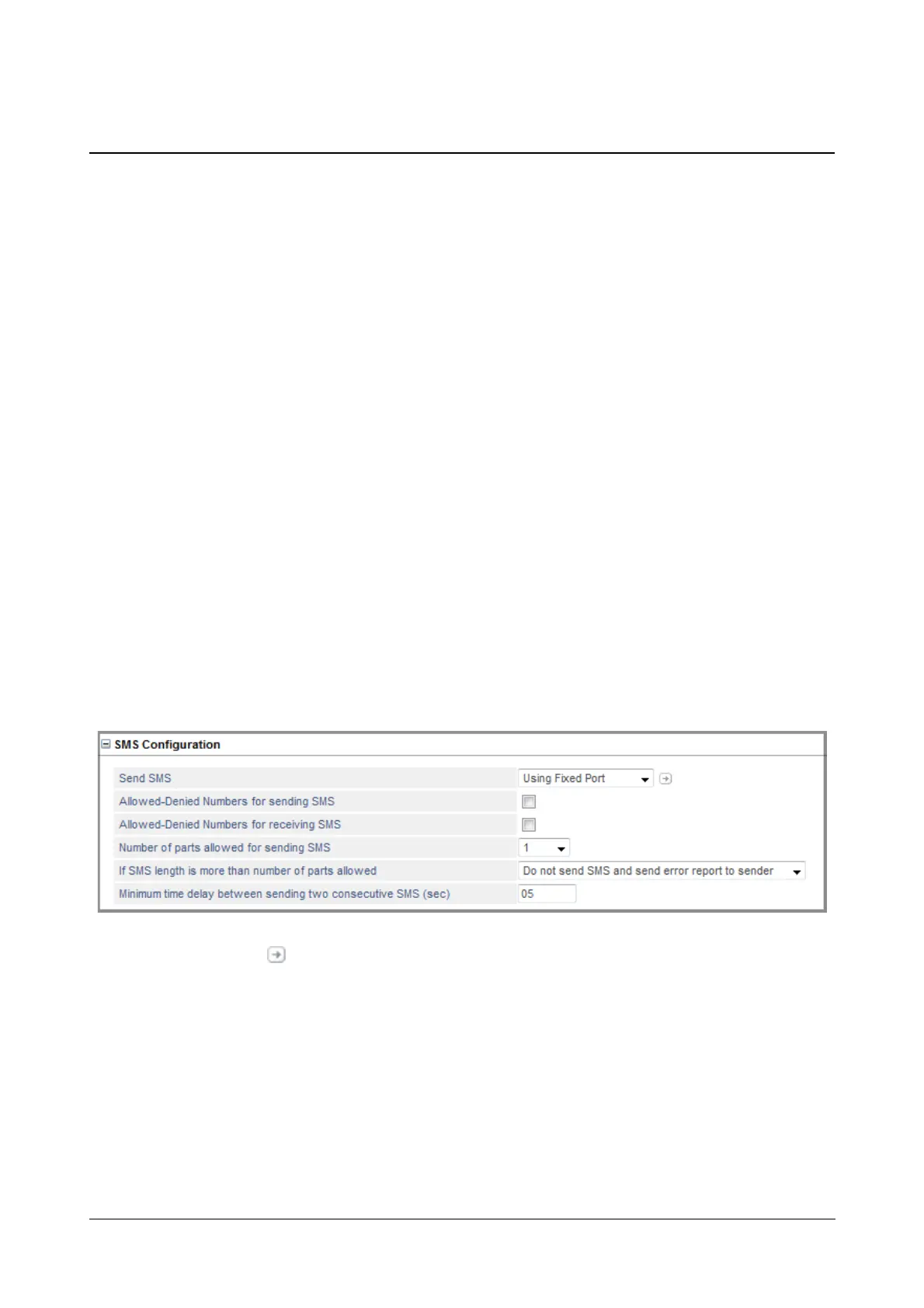
• Click SMS Configuration to expand.
•In Send SMS, select Using Fixed Port.
• Click Settings , the SMS Routing-Fixed Port table opens.



 To Next Page