1170 Matrix ETERNITY NE System Manual
Trunk Call Waiting
The Trunk Call Waiting feature gives indication to the extension user about another waiting call on a Trunk.
This is a “Class of Service (CoS)” dependent feature. Only those extensions which have this feature enabled in the
CoS allowed to them, will be given indication of the incoming call waiting on the trunk.
How it works
This feature is not supported on SIP Extensions.
• A and B are extensions.
• Trunk Call Waiting feature is enabled in the Class of Service of B but not on A.
• There is an incoming call on a trunk for B.
• B is busy on a call with A.
• SARVAM UCS plays beeps to B to indicate the call waiting.
• To answer the waiting call, B may dial Flash or press the HOLD key.
• B will be connected to the caller.
• A will be put on hold.
• When there is an incoming call on a trunk for A, but A is busy on another call, A will not be provided any
indication of the waiting call.
How to configure
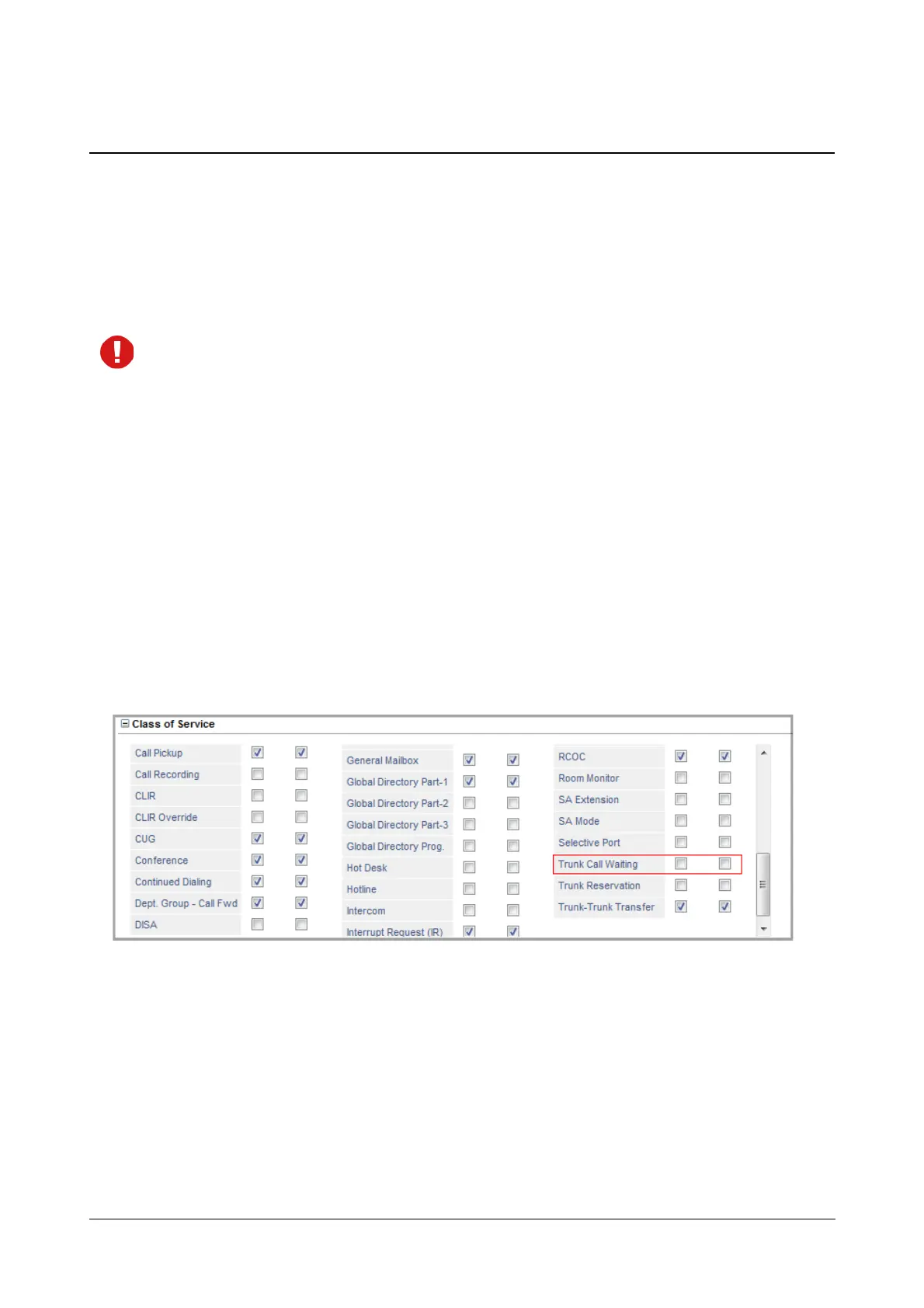
For Trunk Call Waiting to work on an extension, it must be enabled in the Class of Service allowed to that
extension. By default, Trunk Call Waiting is disabled in the Class of Service of all Extension types: SLT, SIP. You
may enable this feature on extensions which you want to provide Trunk Call Waiting indication.
For instructions, see “Class of Service (CoS)”, and the description for configuring the different Extension types
under “Basic Settings”.
Keep this feature disabled, if you want to provide Privacy from Trunk Call intrusion beeps to an extension type. See
“Privacy” to know more.



 To Next Page