1280 Matrix ETERNITY NE System Manual
SMS Gateway
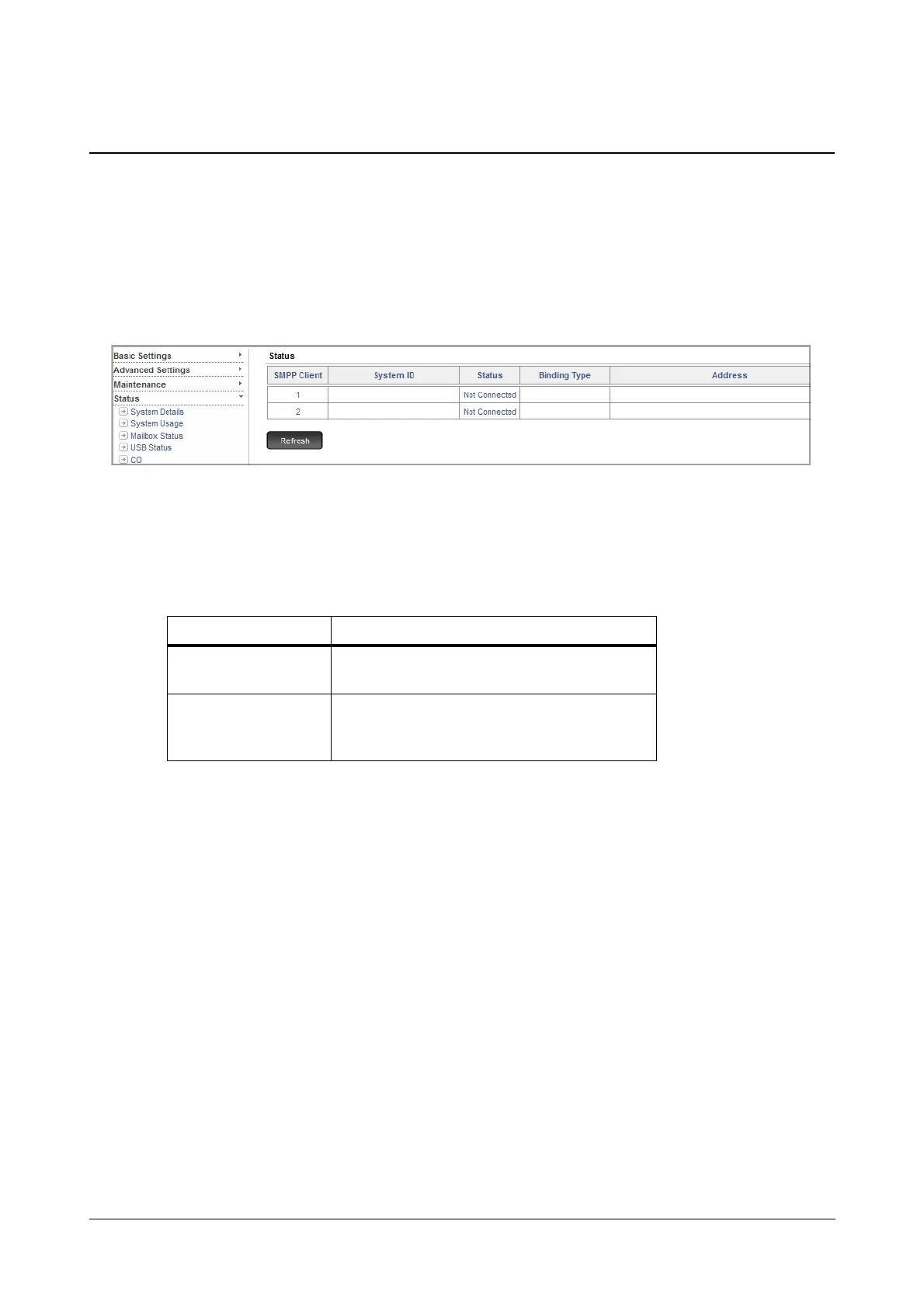
The SMS Gateway Status Page displays the status of the SMS Gateways.
To view the SMS Gateway Status,
• Login as System Engineer.
• Under Status, click SMS Gateway.
• The following parameters are displayed for each SMPP Client registered with SARVAM:
• System ID: This is the ID received in the SMPP Client’s connection request.
• Status: This displays any one of the following:
• Binding Type: This displays the type of SMPP Client Binding, that is Transmitter, Receiver or
Transceiver.
• Address: This displays the SMPP Client’s IP Address and Port.
Status Description
Not Connected
When the SMPP Server does not receive any
request from the SMPP Client.
Connected
When the SMPP Server receives a request from
the SMPP Client and it accepts it. A connection is
established between the Server and the Client.



 To Next Page