500 Matrix ETERNITY NE System Manual
• Last Accessed On: It displays the date and time when the Mailbox was last accessed.
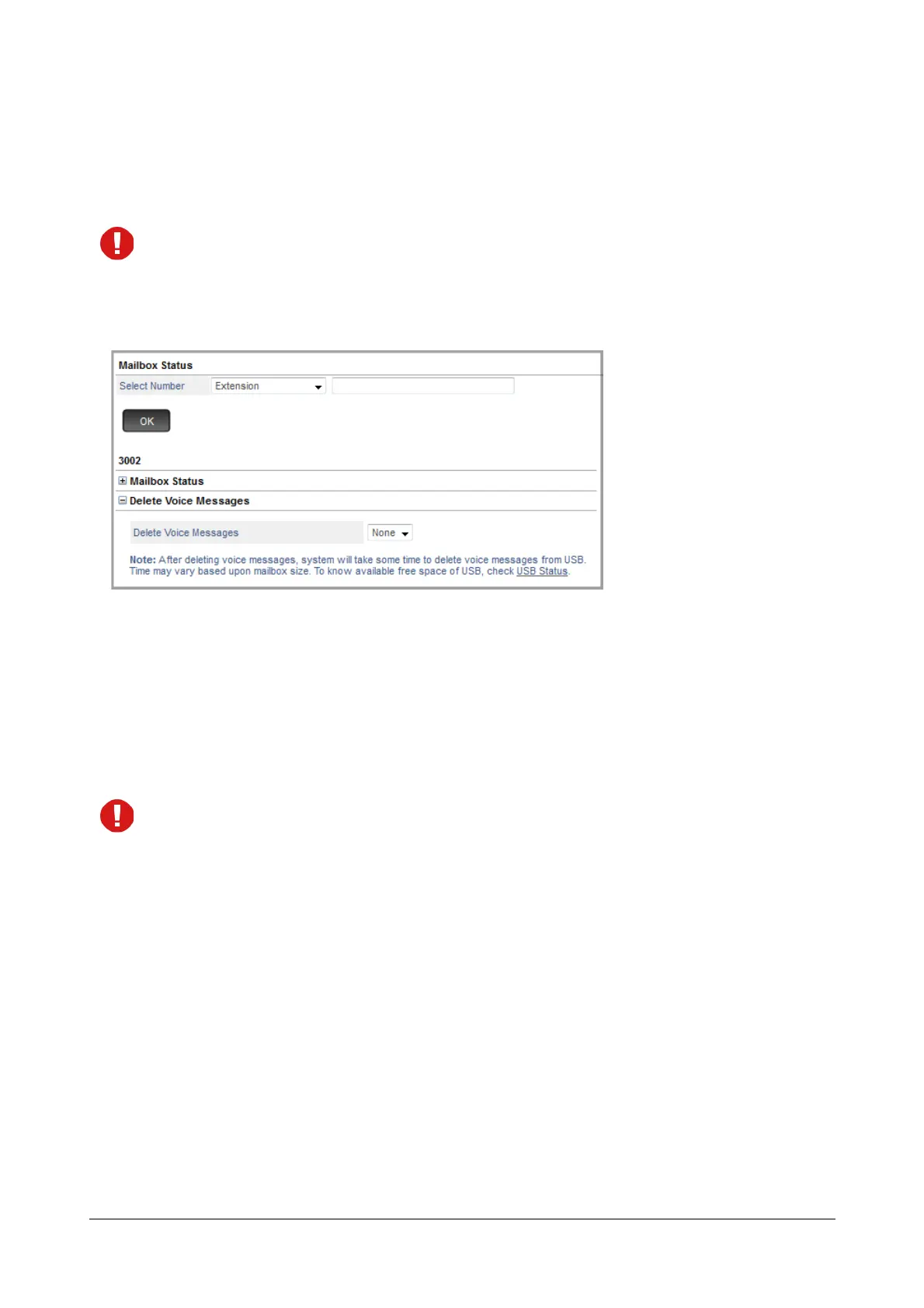
Delete Voice Messages
The option to delete the voice messages for Extension, Department Group or General Mailbox will appear
only when the mailbox assigned to these contains messages.
• Click Delete Voice Messages to expand.
• Delete Voice Messages: Select the type of voice message, you wish to delete — None, All, New, Old. By
default, None is selected.
• Click Delete.
A confirmation message appears. Click OK to delete the messages.
After deleting the voice messages, you can now click USB Status to check the space available.
• Depending upon the size of the mailbox you delete, the system may take some time to clear the
deleted messages from the USB. The USB Status will be updated only after these messages are
cleared.
• You can also view the Mailbox Status or delete the voice messages from the SE Mode. To do so, click
Mailbox Status under Status and following the steps described above.



 To Next Page