294 Matrix ETERNITY NE System Manual
Follow the instructions provided below to configure the Mobile Trunks.
Select the Enable Port check box, to use the Mobile Trunk port. When the Mobile Trunk port is disabled, neither
incoming nor outgoing calls can be made from that port. Default: Enabled.
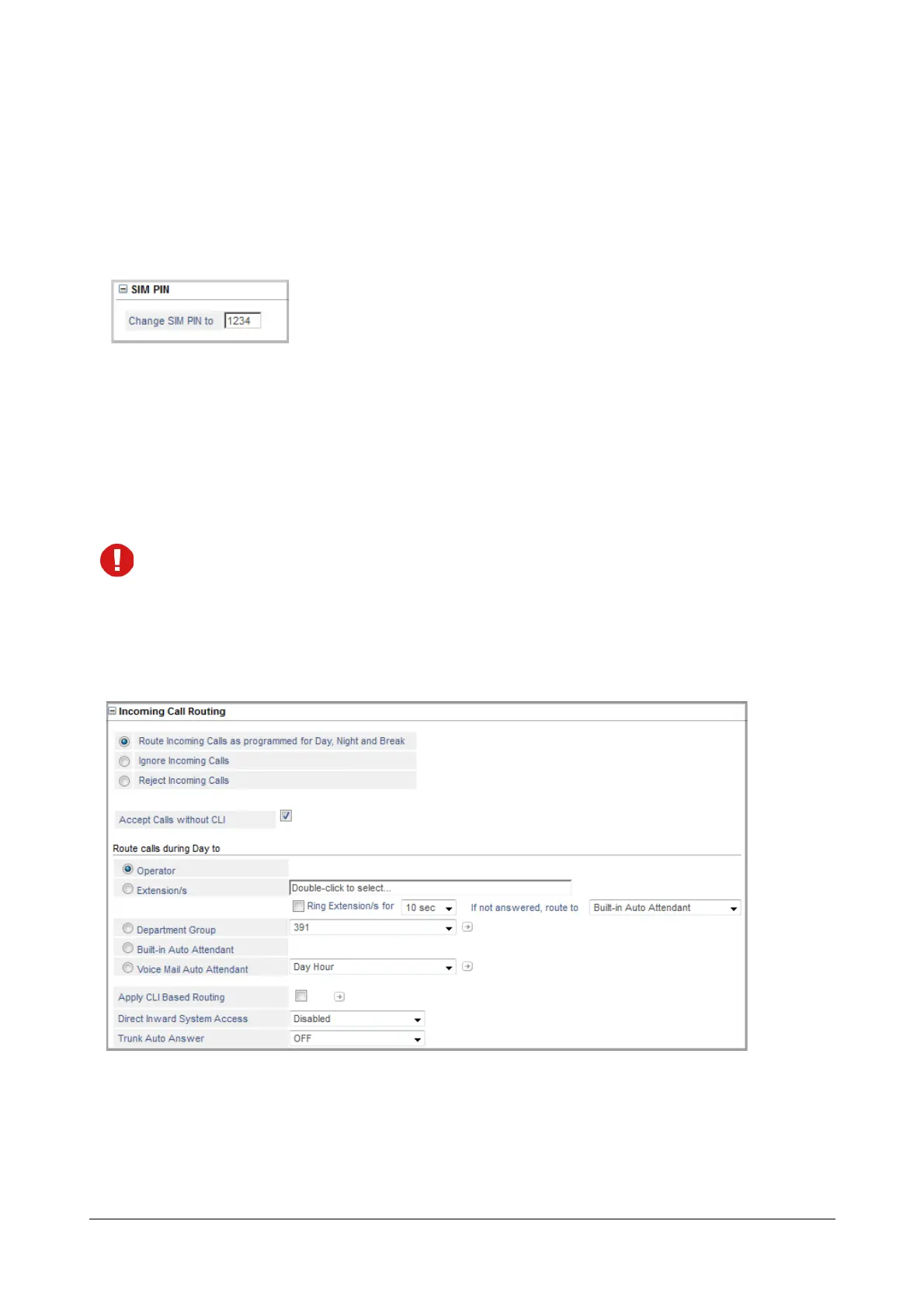
SIM PIN
• Click SIM PIN to expand.
• You may change the SIM PIN for the SIM Card inserted in the Mobile Port.
Recall that you have changed the SIM PIN of the SIM Card using a Handset before installing it in the
system to the default value '1234'. Now, you may change it.
The SIM PIN may be up to 8 digits long. Only the digits from 0 to 9 are allowed.
You must click Submit after you enter the new PIN. Wait for 5 seconds, and then refresh this page to view
the new SIM PIN.
Incoming Call Routing
• Click Incoming Call Routing to expand.
• Select to route the incoming calls from the following options:
• Route Incoming Calls as programmed for Day, Night and Break: Select this option, if you want
incoming calls to be routed to specific destinations during the day, night and break. If you select this
option, you must also configure the landing destinations for incoming calls during the day, night and
break.



 To Next Page