Matrix ETERNITY NE System Manual 295
• Ignore Incoming calls
63
• Reject Incoming calls
• To allow incoming calls without CLI to land on the Mobile Port, select the Accept Calls without CLI check
box.
• Select the landing destination to Route Calls during Day to. You may select:
• Operator
• Extensions
• Department Group
• Built-in Auto Attendant
• Voice Mail Auto Attendant (if available)
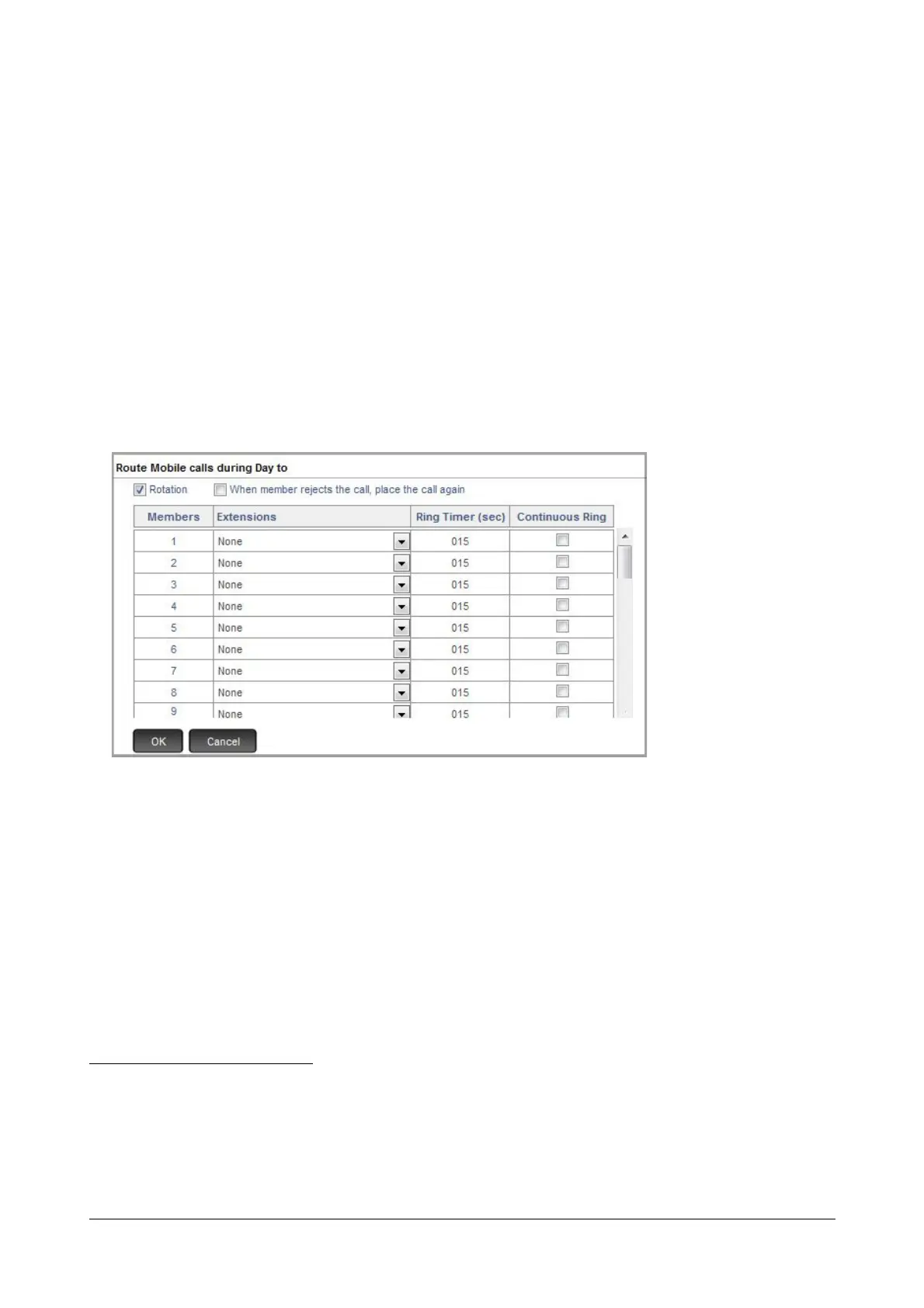
• If you select Extensions as the landing destination,
• Double click the Extensions field. A new window opens.
• Select the extensions you want to assign as landing destination. The landing destination may be a
SLT, SIP extension, Virtual extension or Voice Mail Auto Attendant Menu. If you select landing
destination as Voice Mail Auto Attendant Menu, make sure you have configured the desired “Voice
Mail Auto Attendant Menu”.
• Set the Ring Timer for the extensions. This timer defines the time for which the extension, on which
the call lands, should ring. Default: 15 seconds.
•Set Continuous Ring
64
for the extensions, if you want the extensions to ring till the incoming call is
answered. Default: Disabled.
• Enable Rotation
65
, if you have selected more than one extension. Default: Enabled.
63. In this case, the caller will continue to get ring back tone until the call is timed out by the network. No outgoing call can be made
from the mobile trunk until the port is released.
64. When Continuous Ring is selected, the first extension in the group you have created will continue to ring, even when the system
hunts for other extensions in the group to land the call. If the call still remains unanswered, the system will return the call to the first
extension once again. This parameter has no relevance, if you select only one landing extension.
65. When Rotation is enabled, each new call lands on the extension next to the one that received the last call. This ensures equal dis-
tribution of incoming calls to all the destination extensions in this group.



 To Next Page