1238 Matrix ETERNITY NE System Manual
Backup Configuration
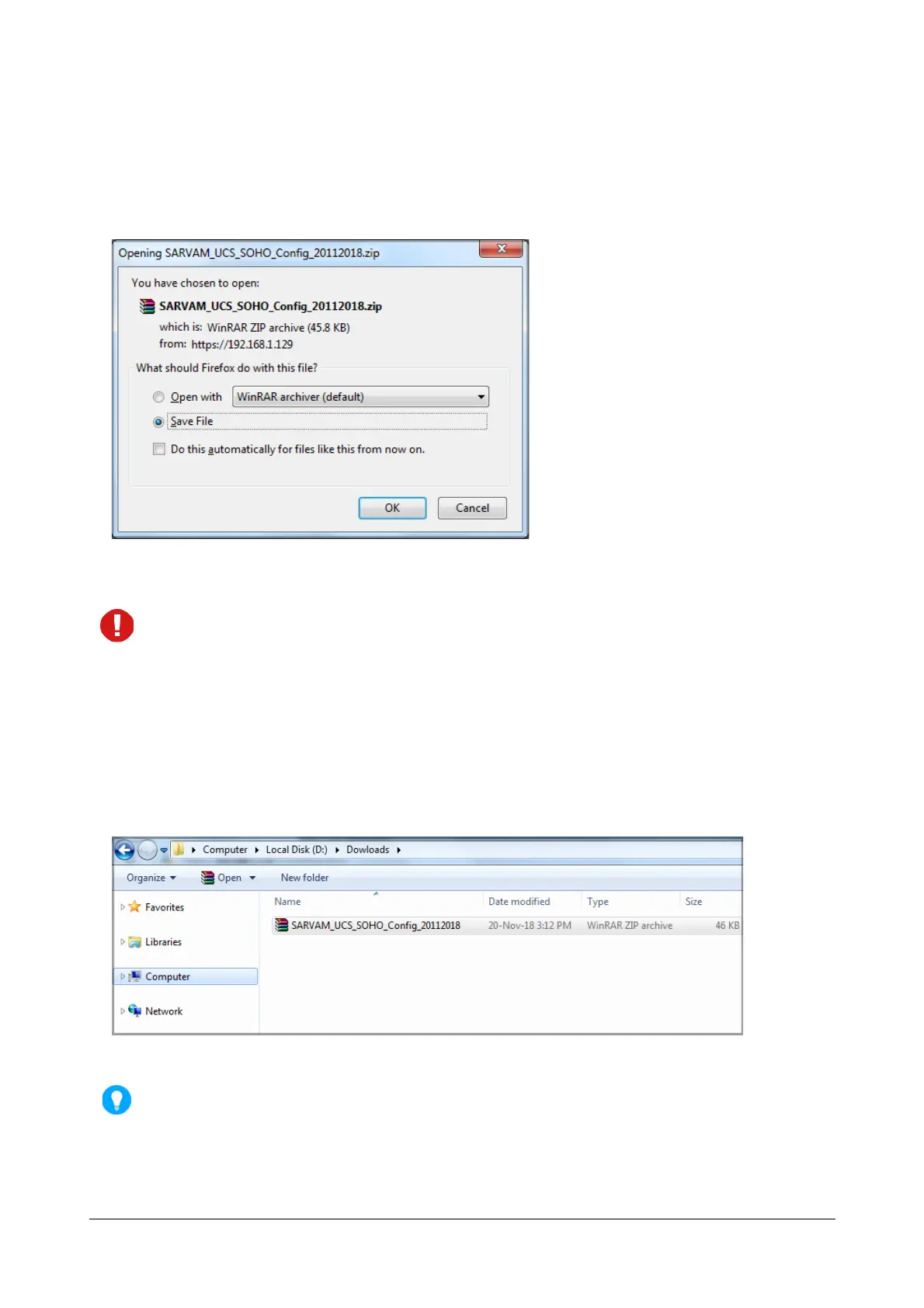
• To save the existing configuration files as backup, click the Backup Configuration button. The
SARVAM_UCS_SOHO_Config_ddmmyyyy.zip window will open; where ddmmyyyy signifies the current
date.
• You can either open the zip file or save the file to a location.
• The above window display depends upon the browser you are using. Check the Download Settings of
your browser and set the Download path accordingly.
OR
If your browser does not ask you for the location you want to save your file, it saves it in the default
location according to the download path specified for that browser.
• If you are using Mozilla Firefox (version 3.5.1 recommended), before you save the configuration files,
set the Downloads option of your browser as Always ask me where to save files.
• Save the file on the local disk.
Save the back up configuration files by tagging the file name with the Version-Revision of the Firmware
and tag the name of the backup folder on your computer with the date. This will help you at the time of
restoring the back up configuration files.



 To Next Page