100 Matrix ETERNITY NE System Manual
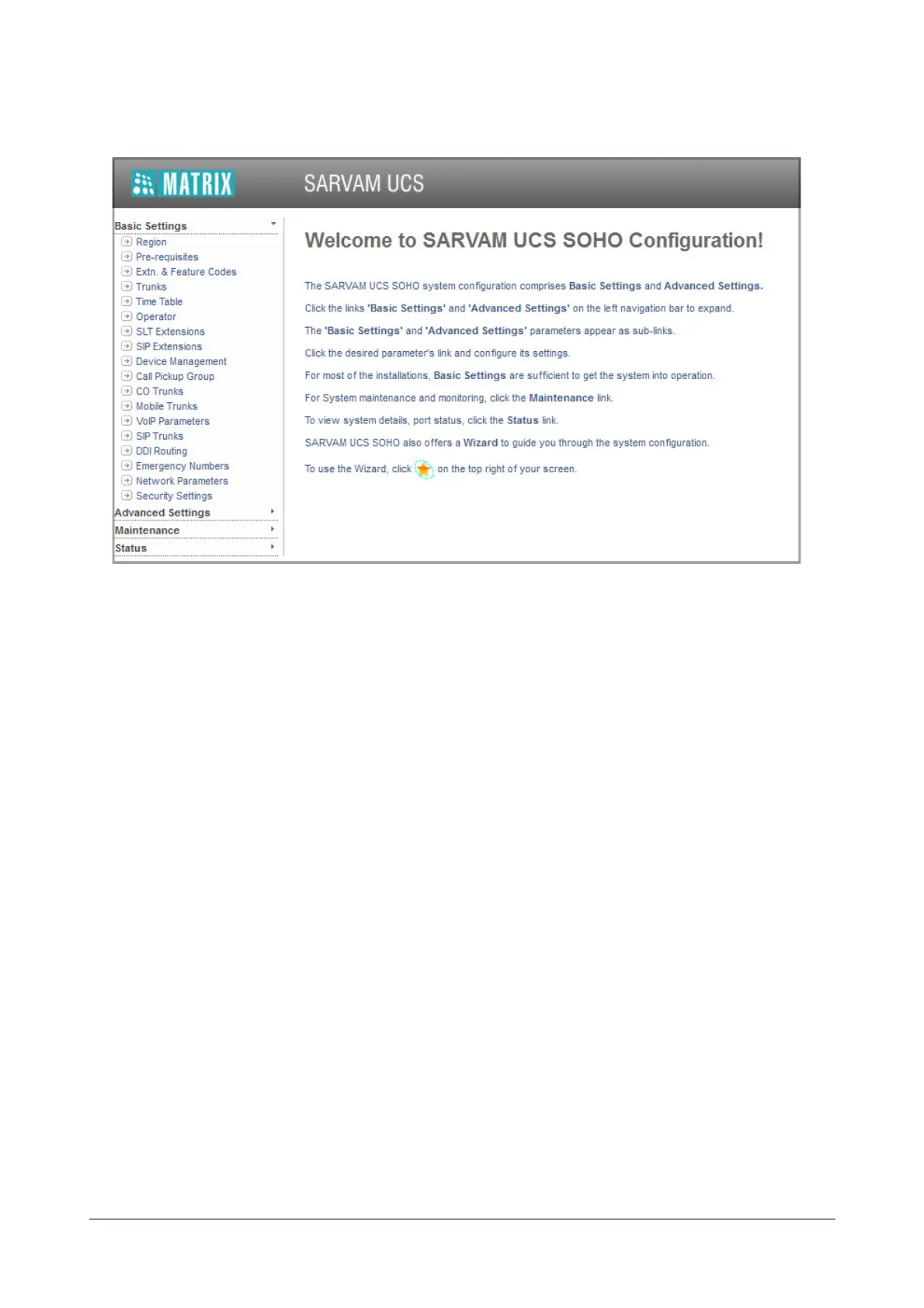
• Click Basic Settings on the left pane.
The sub-links to these basic parameters appear:
• Region
• Pre-requisites
• Extension & Feature Codes
• Trunks
• Time Table
• Operator
• SLT Extensions
• SIP Extensions
• Device Management
• Call Pickup Group
• CO Trunks
• Mobile Trunks
• VoIP Parameters
• SIP Trunks
• DDI Routing
• Emergency Numbers
• Network Parameters
• Security Settings
There are two ways to do the basic system configuration:
• using the Wizard. A special configuration Wizard will lead you logically, step-by-step through the
configuration of the parameters listed above.
Or



 To Next Page