102 Matrix ETERNITY NE System Manual
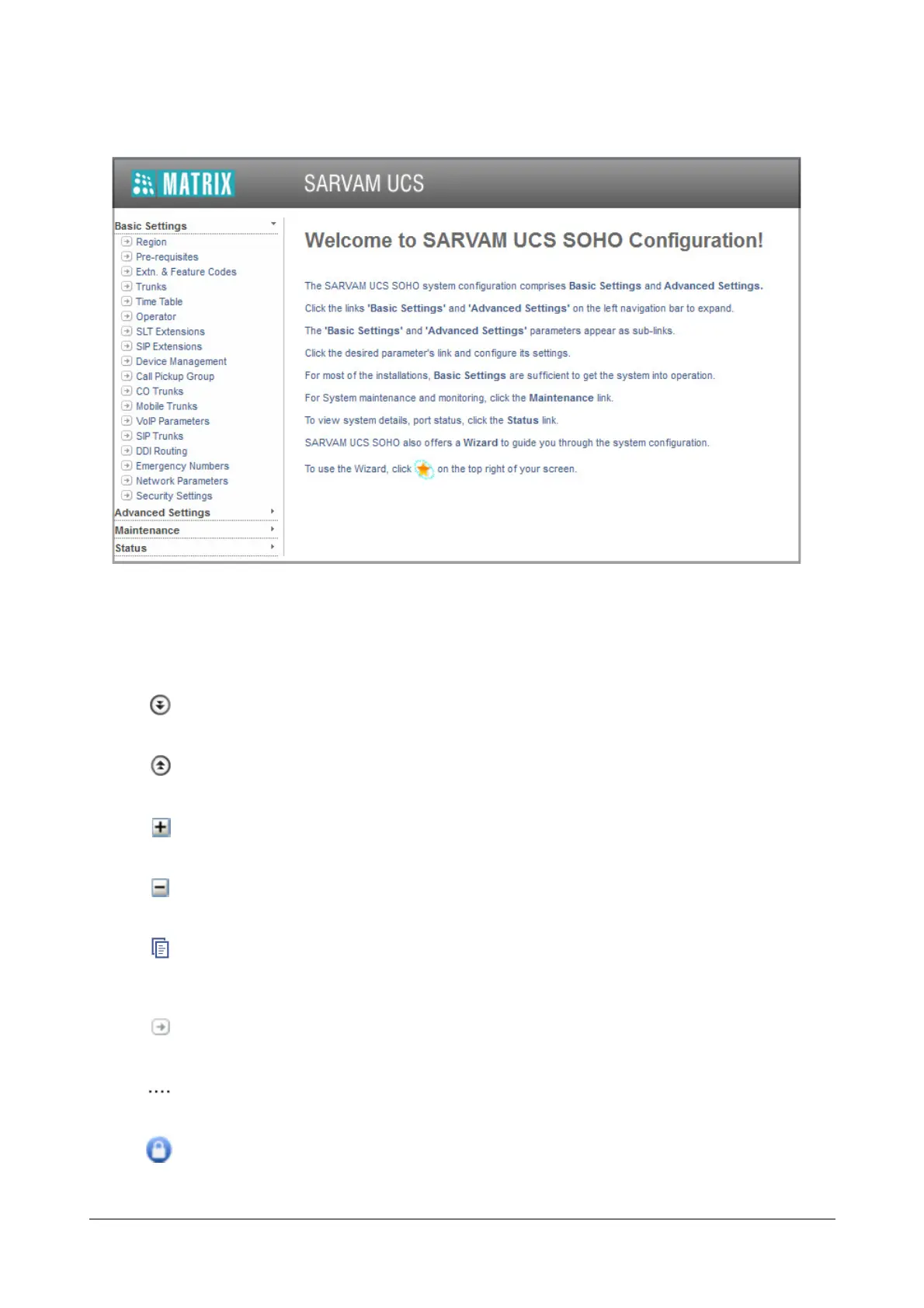
• Click the Basic Settings. The parameter sub-links appear on the left pane.
• Click the parameter sub-link you wish to configure. The respective parameter page opens.
• Get familiar with the buttons and icons listed below before you begin to change the settings of the
parameters on each page.
More: displays all the parameter links on the page.
Less: displays the essential parameter links on the page.
Expand: expands a link to display all parameters under the link.
Collapse: collapses a link. Hides all parameters under the link.
Copy: Click to copy the parameters under a specific link of a page to the same link under any other
page.
Settings: allows you to configure the settings of a parameter further.
More link: displays all additional parameters on the page.
Logout: allows you to exit Jeeves.



 To Next Page