Matrix ETERNITY NE System Manual 1163
• Login as System Engineer.
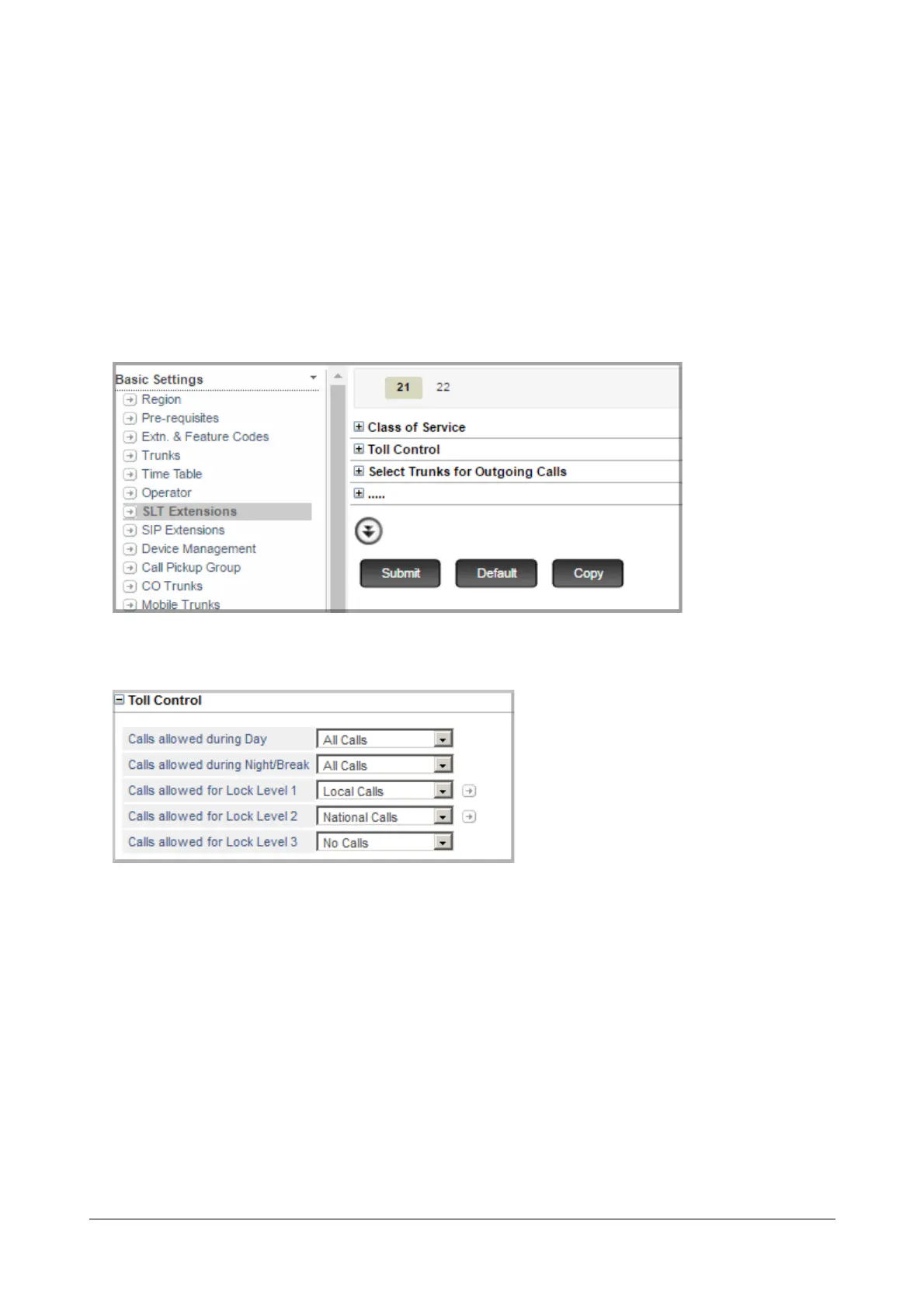
• Click Basic Settings.
• Click the link of the extension type, it may be:
• “SLT Extensions”
• “SIP Extensions”
The page of the selected extension type opens.
For example, if you select SLT Extensions, the SLT Extensions page opens.
• Click Toll Control to expand.
• Click More to expand all Toll Control parameters.
• In the Calls allowed during Day box, select the call privilege type for the Day time:
•No Calls
• Local Calls
• Regional Calls
• National Calls
• International Calls
• All Calls
• Limited Calls 1
• Limited Calls 2
• Limited Calls 3



 To Next Page