1180 Matrix ETERNITY NE System Manual
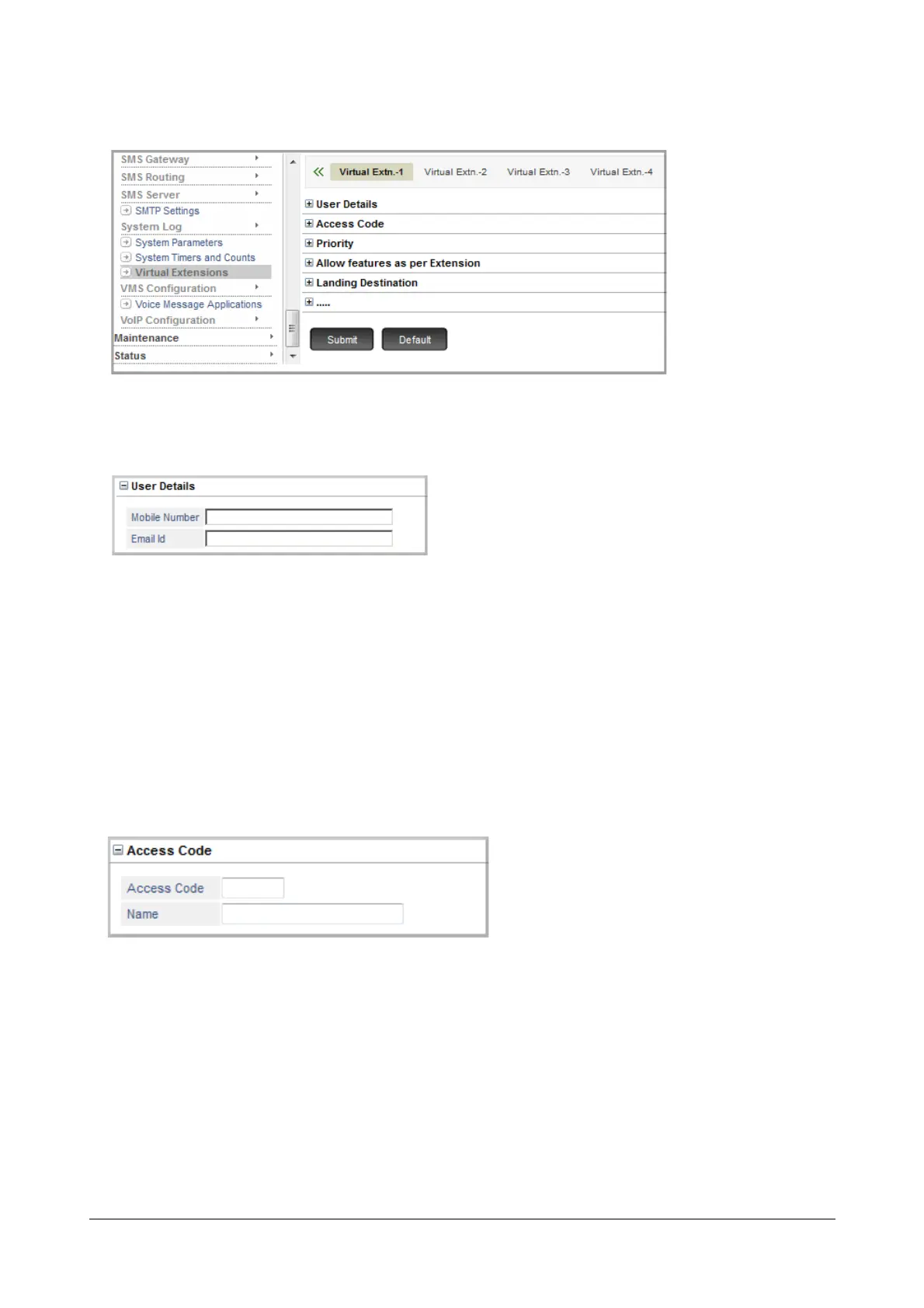
The Virtual Extensions page opens.
• Configure Virtual Extension 1.
• Click User Details to expand.
• Enter the Mobile Number of the extension user. The Number can be a maximum of 16 digits. Default:
Blank.
• Enter the Email ID of the extension user. The Email ID can be a maximum of 64 characters. Default:
Blank.
• Click Submit.
These parameters are used by the SMS Server application. To know more about this feature, see
“SMS Server”.
• Click Access Code to expand.
•In Access Code, assign a number to the Extension.
•In Name, assign a name to the Extension for identification.



 To Next Page