1198 Matrix ETERNITY NE System Manual
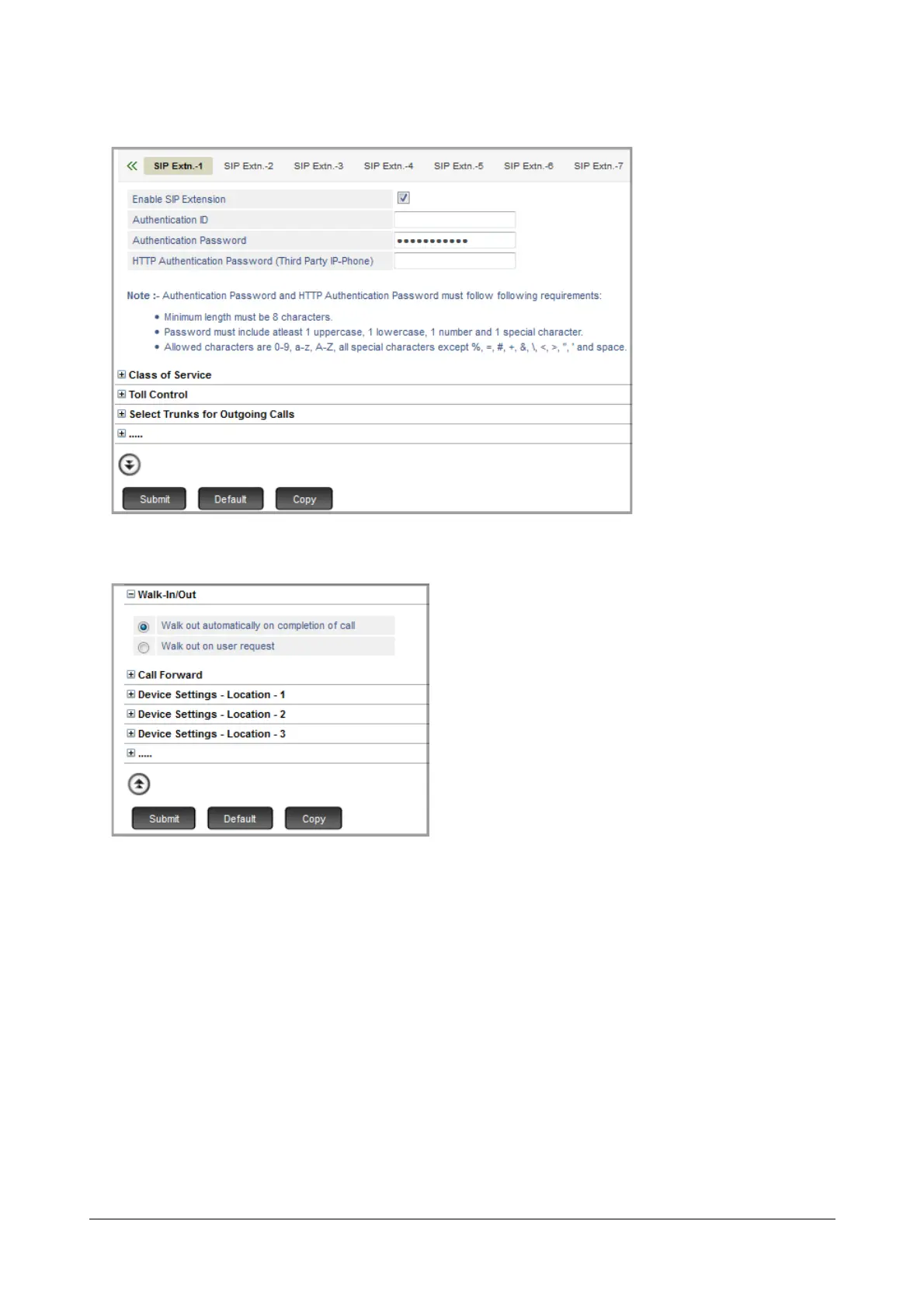
• Click More to expand parameter options for the selected Extension number.
• Click Walk-In/Out to expand.
• Select the walk-out mode, as required:
• Walk out automatically on completion of call
• Walk out on user request
• Click Submit.
How to use
For Extended IP Phone Users
To perform a Walk-In, on the Destination Extension
• Press DSS Key assigned to Walk-In Class of Service (if programmed).
OR



 To Next Page