1226 Matrix ETERNITY NE System Manual
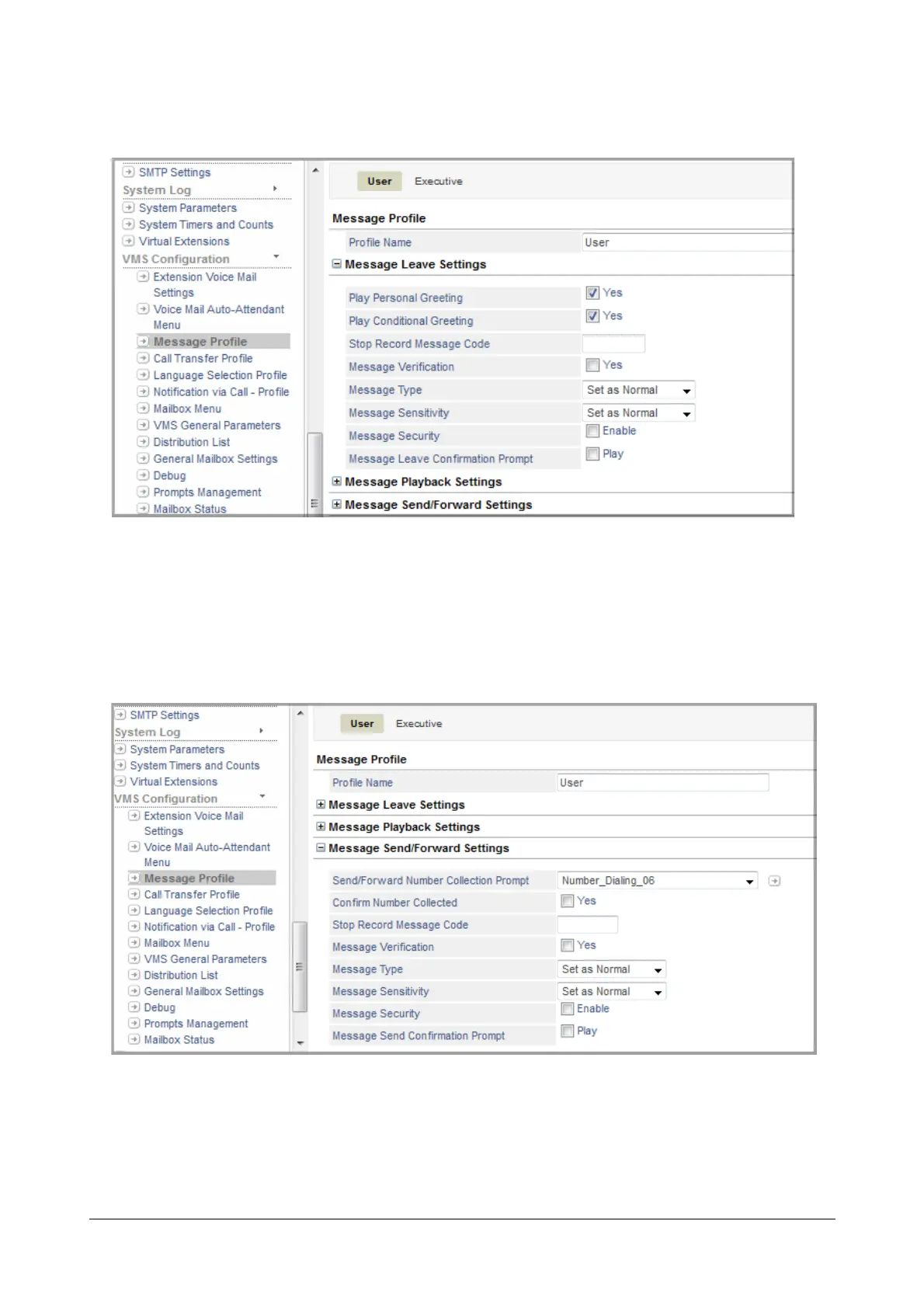
• Click Message Leave Settings to expand.
• Select the Message Verification check box, to enable.
• Click Submit.
• To allow extension users to check the message they have recorded before sending it to someone,
• Click Message Send/Forward Settings to expand.
• Select the Message Verification check box, to enable.
• Click Submit.



 To Next Page