Matrix ETERNITY NE System Manual 129
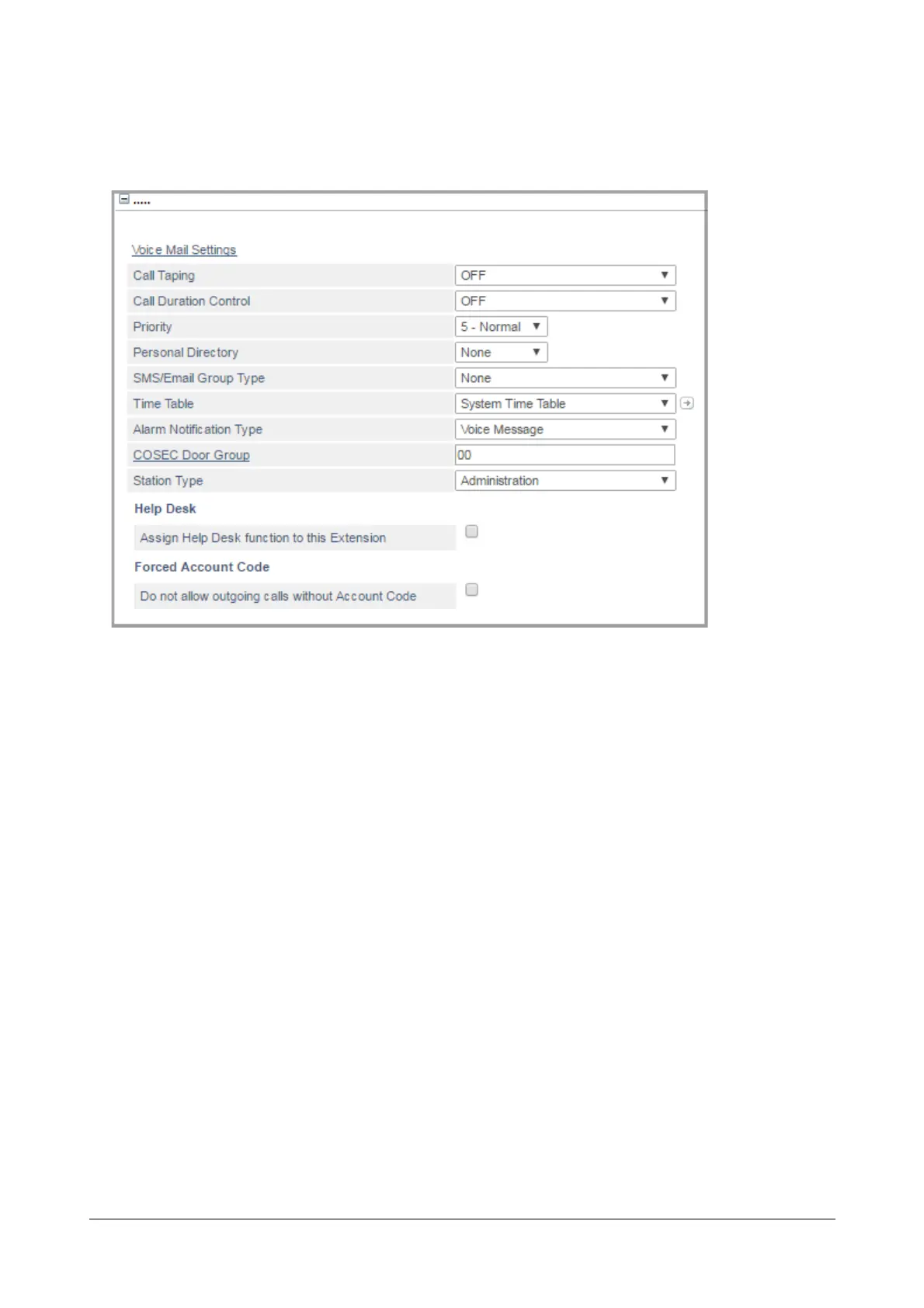
More Features
• Click More... link to expand.
Voice Mail Settings
• Click the Voice Mail Settings link. The respective Extension Voice Mail Settings window will open. You
may edit the parameters. For details, see “Extension Voice Mail Settings”.
Call Taping
To use the “Call Taping” feature on the extension,
• Click Call Taping to expand.
• Select the type of Call Taping to be applied from the options:
•OFF
• Apply as per profile 1
• Apply as per profile 2
• Apply as per profile 3
• Apply as per profile 4
If you do not want to apply Call Taping, select OFF. Default: OFF.
• You can configure the Call Taping Profile number you selected for the extension. To do this,
• Click the Settings icon. The page opens in a new window, displaying the parameters of the profile you
selected for the extension. This icon does not appear when Call Taping is OFF.
• In the new window,



 To Next Page