Matrix ETERNITY NE System Manual 179
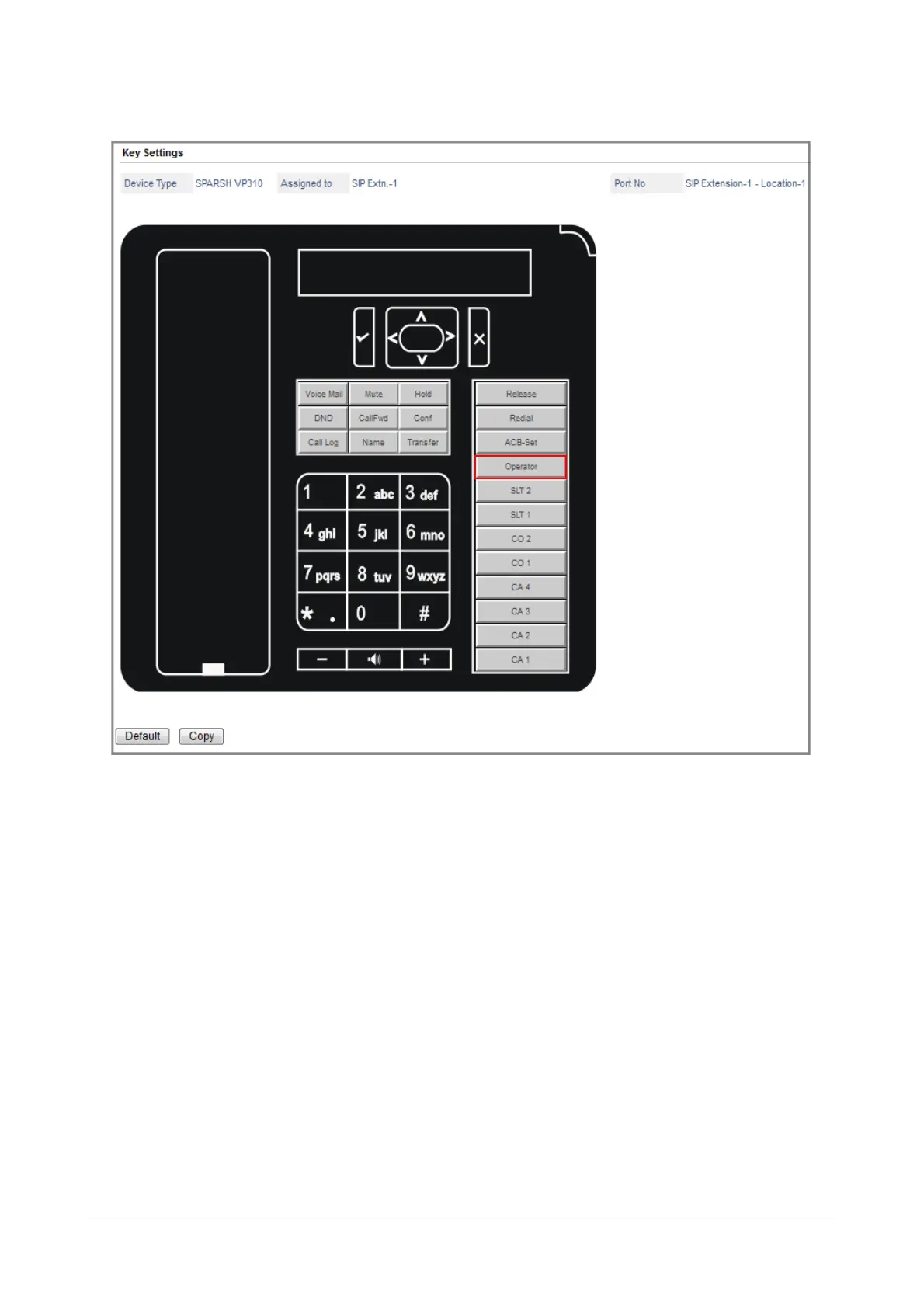
The Operator feature appears on the key label.
• Follow the same instructions to assign features to other DSS keys. Select the appropriate Function Type
and Offset for each feature/function.
If you want assign a feature, select Feature as function type, and select the desired feature as Offset.
If you want to use the key to call a SIP extension, select SIP Extension as Function Type and select the
number of the extension as Offset.
To assign direct access to a Mobile Trunk, select MOBILE as Function Type and the desired port number
as Offset.
To assign direct access to a SIP Trunk, select SIP Trunk as Function Type and the desired trunk number
as Offset.
Click OK, each time you select a Function Type and Offset in the dialog box.
You can reinstate default key assignment any time, by clicking the Default button at the bottom of the
window.
• When you complete assigning functions to keys, close the window.



 To Next Page