368 Matrix ETERNITY NE System Manual
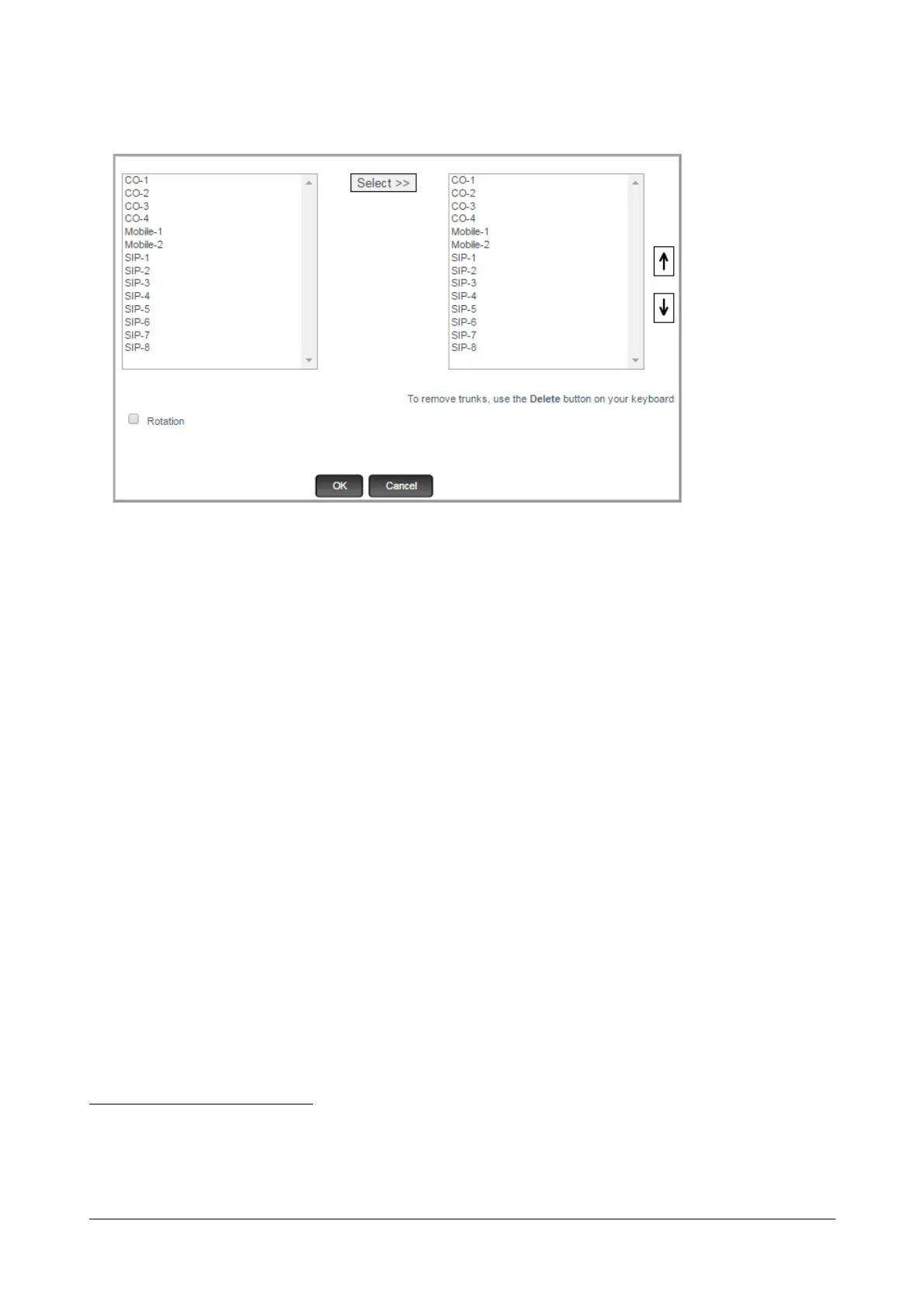
• To select Outgoing Trunks to route the emergency number, double click the Through field.
A multiple selection window opens.
• On the left pane of this multiple selection window, the trunks
79
with their names (if configured in “Trunks”)
and port numbers appear in a sequence.
• To select a trunk, place your cursor on the desired trunk, and click Select>>.
OR
Press the ctrl key and click the left mouse button to select multiple trunks.
Make sure that the trunks selected for each Emergency number route the Emergency call to the right
network.
To change the sequence of the trunks you selected, use the Up and Down arrow buttons on the right
display box.
To delete trunks from those you have selected, use Delete key on your keyboard.
• Select Rotation, if you have selected more than one trunk. Default: Disabled.
When you enable Rotation, each new outgoing call is routed through the subsequent trunk in the group,
80
ensuring equal distribution of outgoing call traffic on all the trunks.
When Rotation is OFF, calls are routed through the first trunk in the group. If this trunk is busy, the call is
routed to the next trunk in the group.
Rotation has no relevance if only one trunk is selected.
79. If you have not assigned names to the trunks, they will appear with their default names (CO, Mobile, SIP) and port numbers. If you
have enabled On-Site Configuration, only those trunks that are connected will appear in the box.
80. The first call through the first trunk, the second through the second, the third through the third trunk, and so forth. Thus each new
call is routed through the trunk next to the one that routed the previous outgoing call.



 To Next Page