Matrix ETERNITY NE System Manual 375
If you have selected PPPoE as your IPv6 connection type, and the PPPoE server provides DNS
Address, set the DNS Address Assignment as 'Auto'. If the PPPoE server does not provide DNS
Address, set the DNS Address Assignment as 'Static' and configure the DNS Server Address provided
by your ISP.
If you have selected Statefull DHCP or Stateless Auto-Configuration as your network Connection Type,
and the a server provides DNS Address, set the DNS Address Assignment as 'Auto'. If the server does
not provide DNS Address, set the DNS Address Assignment as 'Static' and configure the DNS Server
Address provided by your ISP
• DNS Address: This field will be editable only if you have selected DNS Address Assignment as 'Static'.
Enter the DNS Address here. The DNS Address can be a maximum of 39 characters.
If you selected DNS Address Assignment as 'Auto', the DNS Address will be assigned by the Server.
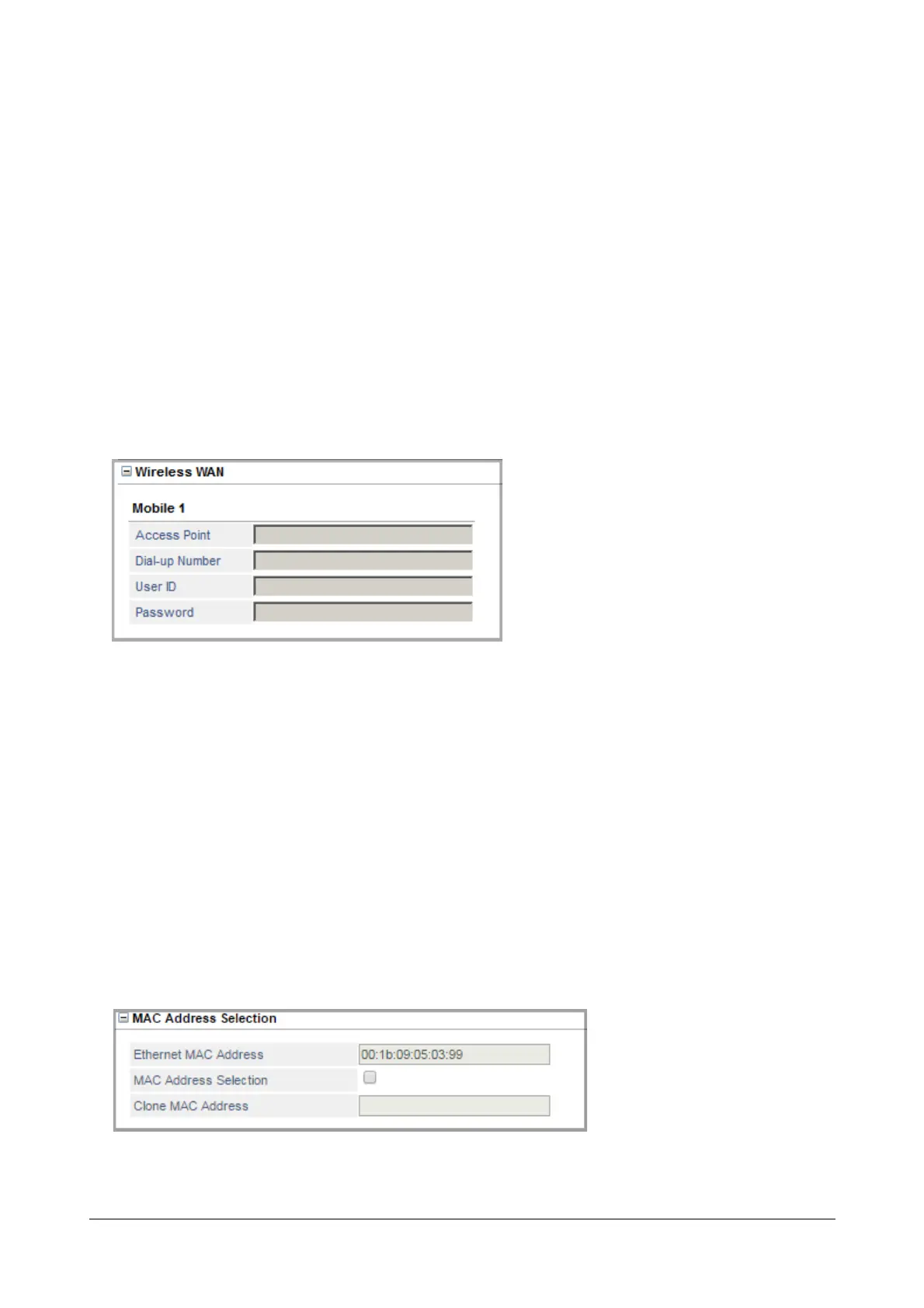
Wireless WAN
If you select Wireless WAN as your preferred WAN, configure the Wireless WAN for the Mobile Port1. Make sure
you have Internet Services enabled on the SIM present in the Mobile Port.
• Click Wireless WAN to expand.
•In Access Point, enter the access point provided by your Service Provider.
• Enter the Dial-up Number provided to you for the internet service by your Service Provider.
• Enter the User ID provided to you for accessing the internet service by your Service Provider.
•In Password, enter the authentication password for the User ID provided by your Service Provider.
MAC Address Selection
• Click MAC Address Selection to expand.



 To Next Page