440 Matrix ETERNITY NE System Manual
The digit you configure will be played as the digit to be dialed by the extension user to select the respective option.
The options will be played in the sequence — 1-9, 0, *, #. The option for which the Digit selected is None will not be
played.
After the digits have been assigned, the system will proceed further as per the options selected by you. Given
below is a brief description of each option:
• Confirm: The system will save the destination number/s collected considering they are valid.
• Re-enter: The system will clear all the destination numbers collected and ask the extension user to enter
the destination number/s again.
•In No Digit Dialed Action, select the option — Confirm or Re-enter. This is applicable when the extension
user has not dialed any digit for Destination Number Confirmation. The system will function as per the
option you select.
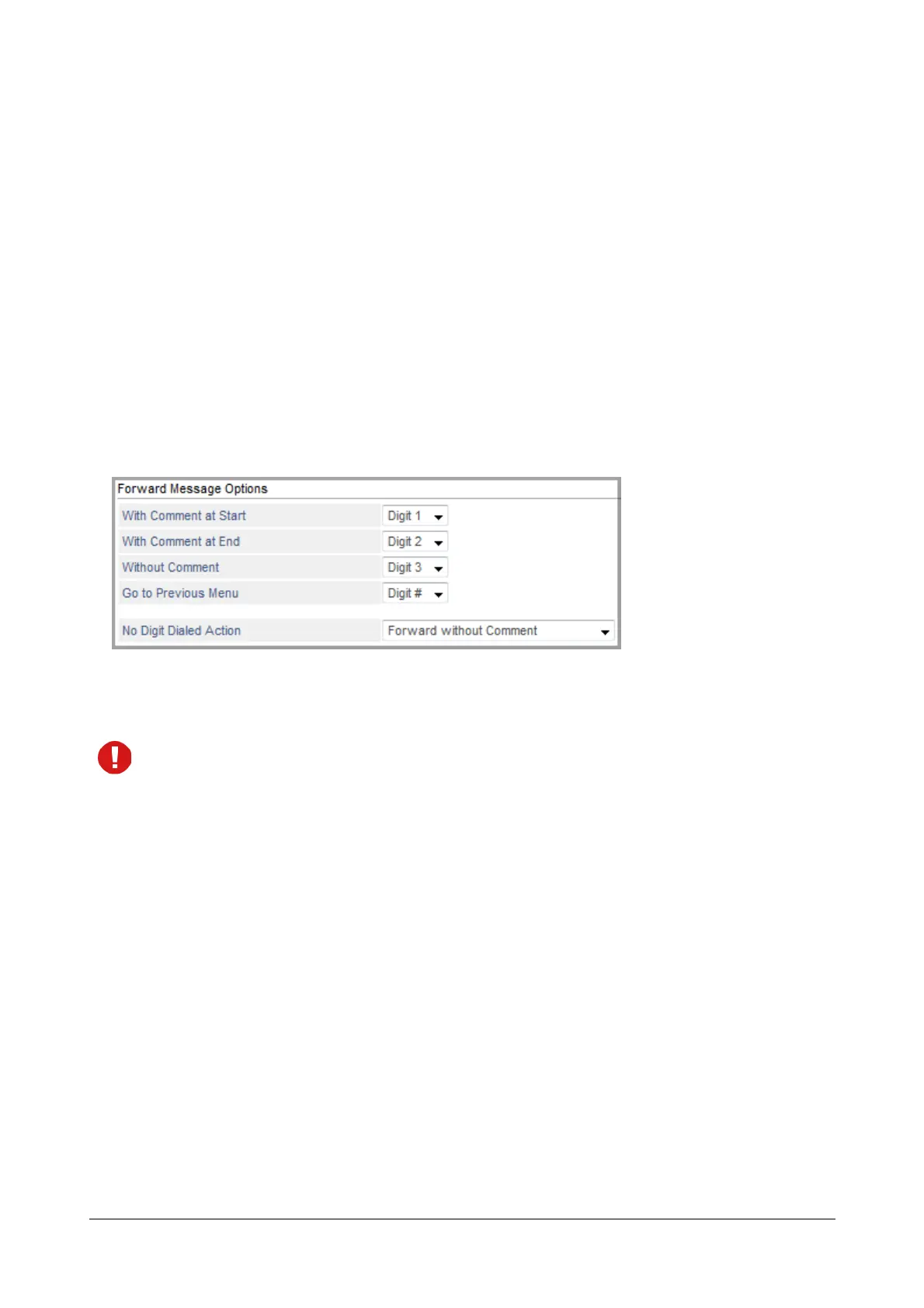
Forward Message Option
You can assign the Digits (0-9, *, # or None) to each of the options — With Comment at Start, With Comment at
End, Without Comment or Go to Previous Menu.
Make sure you do not assign the same digit to multiple options.
The digit you configure will be played as the digit to be dialed by the extension user to select the respective option.
The options will be played in the sequence — 1-9, 0, *, #. The option for which the Digit selected is None will not be
played.
After the digits have been assigned, the system will proceed further as per the options selected by you. Given
below is a brief description of each option:
• With Comment at Start: The system will provide an option to the extension user for recording a message
in addition to the existing recorded message before forwarding the message to the destination number/s.
The additional message will be added as the initial part of the message i.e. will be added at the beginning
of the message.
• With Comment at End: The system will provide an option to the extension user for recording a message
in addition to the existing recorded message before forwarding the message to the destination number/s.
The additional message will be added as the final part of the message i.e. will be added at the end of the
message.
• Without Comment: The system will provide an option to the extension user for sending the recorded
message to the destination number/s without adding any additional comment to it.



 To Next Page