Matrix ETERNITY NE System Manual 43
• When the phone is in idle state. You must press the DSS key assigned to ‘Local Menu’.
• When you press the Local Menu DSS Key (in idle state) or when you press the Enter key during any
process, the Local Menu appears on your phone display.
• You can configure Network Parameters and view Network status from the Local Menu.
Configuring Network Parameters
• In the Local Menu of the phone, select Network Parameters by pressing the Enter Key.
• The Network Parameters submenu appears.
• Use the Down/Up key to reach the desired network parameter and press Enter key to select and change
the settings.
• You can configure all network parameters described below, except the MAC Address.
• To enter a dot in the editable fields — IP Address, Subnet Mask, Gateway Address, DNS Address,
Server Address — press
* (Star) key.
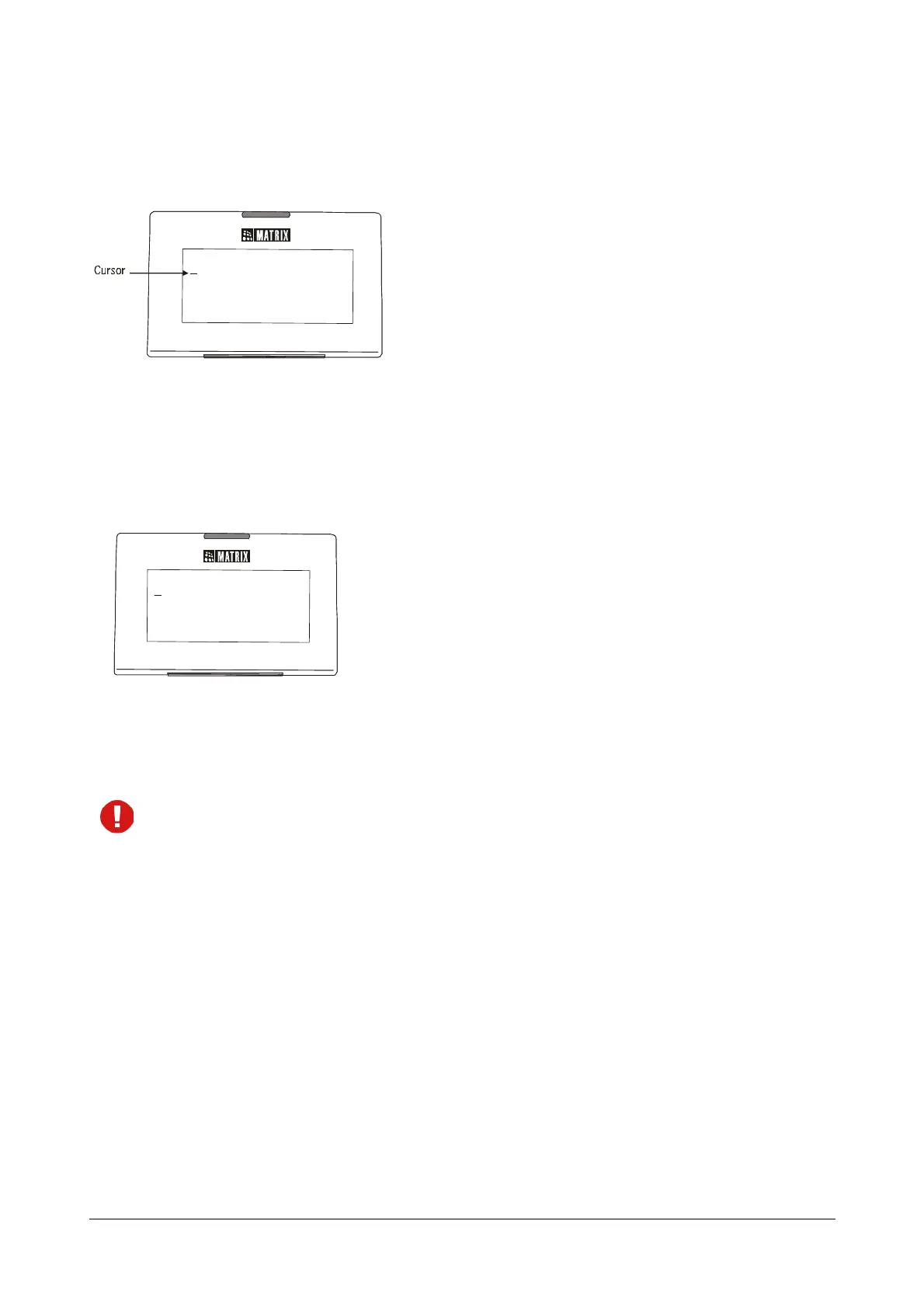
• If you want to clear a single digit/character, move the cursor to the right of the digit/character you wish
to clear and press the Cancel key. The digit to the left of the cursor will be deleted. If the cursor is to the
extreme left and you press the Cancel key, you will go to the previous menu.
Connection Type
• Select the Connection Type as DHCP, PPPoE or Static according to the IP Addressing scheme of your
network.
If you select DHCP or PPPoE, the phone will be assigned IP Address, Subnet Mask and Gateway
Address, DNS Address, Server Address, automatically by the DHCP/PPPoE server.
For PPPoE Connection Type, you must configure the PPPoE User ID and Password provided by the
Internet Service Provider.
If you select Static, you must assign the IP Address, Subnet Mask and Gateway Address to the phone.
etwork Parameters
NET WORK PARAMETERS
MAC:00:1b:09:00:9a:a7
Connection Type
IP Address
Subnet Mask
Gateway Address



 To Next Page